Break Tracker – Track your break.
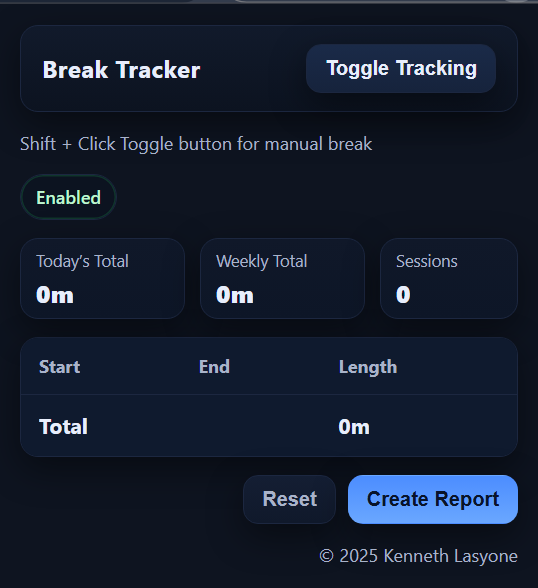
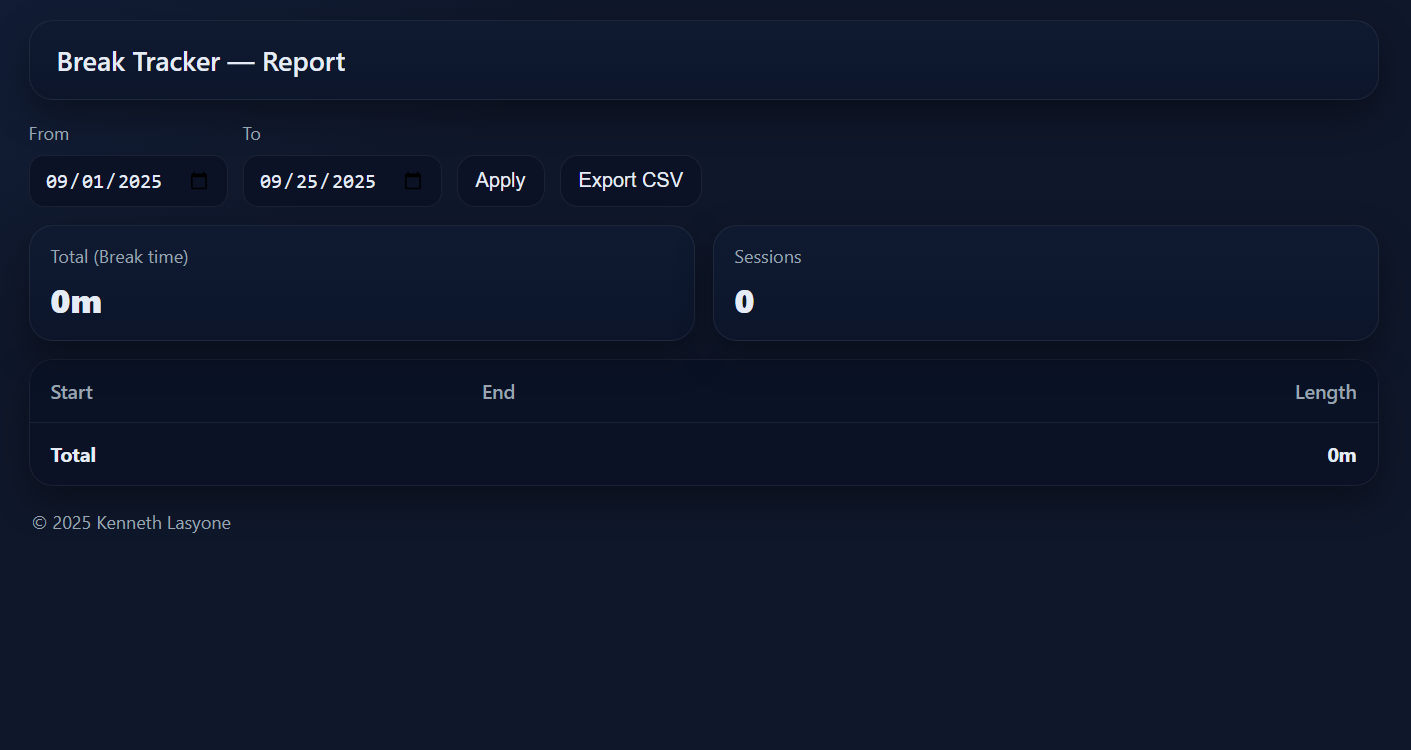
Track your break start/end times with a compact, dark-themed popup. Sessions are stored locally (no servers) and totals are shown for today and this week.
- Auto-detects break start/stop: Auto Tracks the break api of the ITSC agent site.
- Today and Weekly totals + session list: Get and print reporsts for break totals
- One-click Reset (with confirmation): Reset the extensions data within the extension.
- Manual break: Shift+Click the toggle to start/stop a break
Break Tracker – Track your break.
Ideal for anyone wanting full control over tracking their breaks.
Screenshots
IT Time Tracker – Simple, Time Logging for IT Pros

IT Time Tracker is a modern, time tracking Chrome extension for IT professionals and teams. Log, monitor, and edit work hours 100% offlineno integrations, no fuss. Designed for those who just want a clean, personal time tracker that works out of the box.
- Simple Time Entry: Log tasks with reference IDs and minutes spent, in seconds.
- Real-Time Totals: Instantly see daily, weekly, monthly, and year-to-date totals—always up to date.
- Editable Entries: Click any entry to modify and save, or right-click to delete.
- Persistent Storage: Your logs are saved automatically and reloaded each session.
- Sleek Dark Design: Dark UI with custom controls for a unique, pro look.
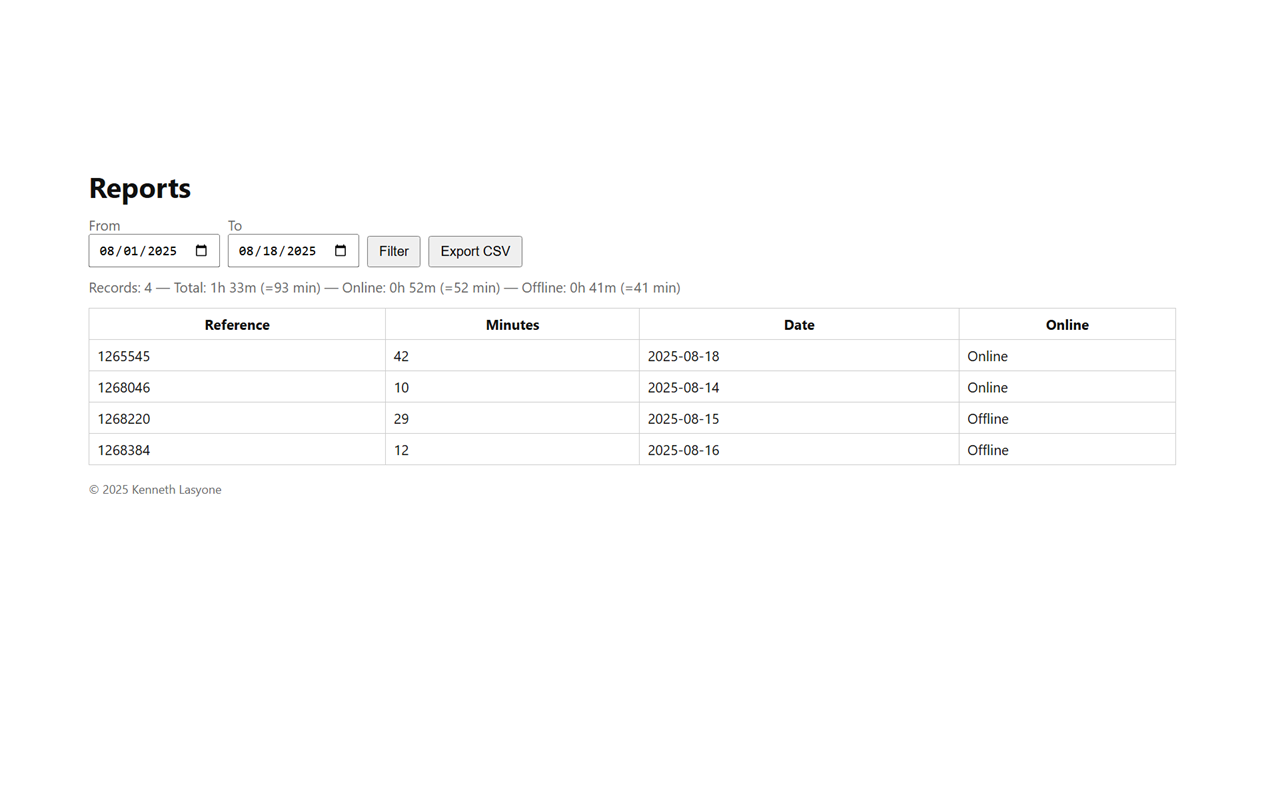
- Quick Reporting: Generate and export reports by date range or reference number, and save as .txt.
- Fully Offline: No internet connection required, no third-party data sync, fully standalone.
Free to use, no license required.
Perfect for sysadmins, tech teams, and anyone who wants a no-bs way to track time.
Screenshots
Plex Player Experience
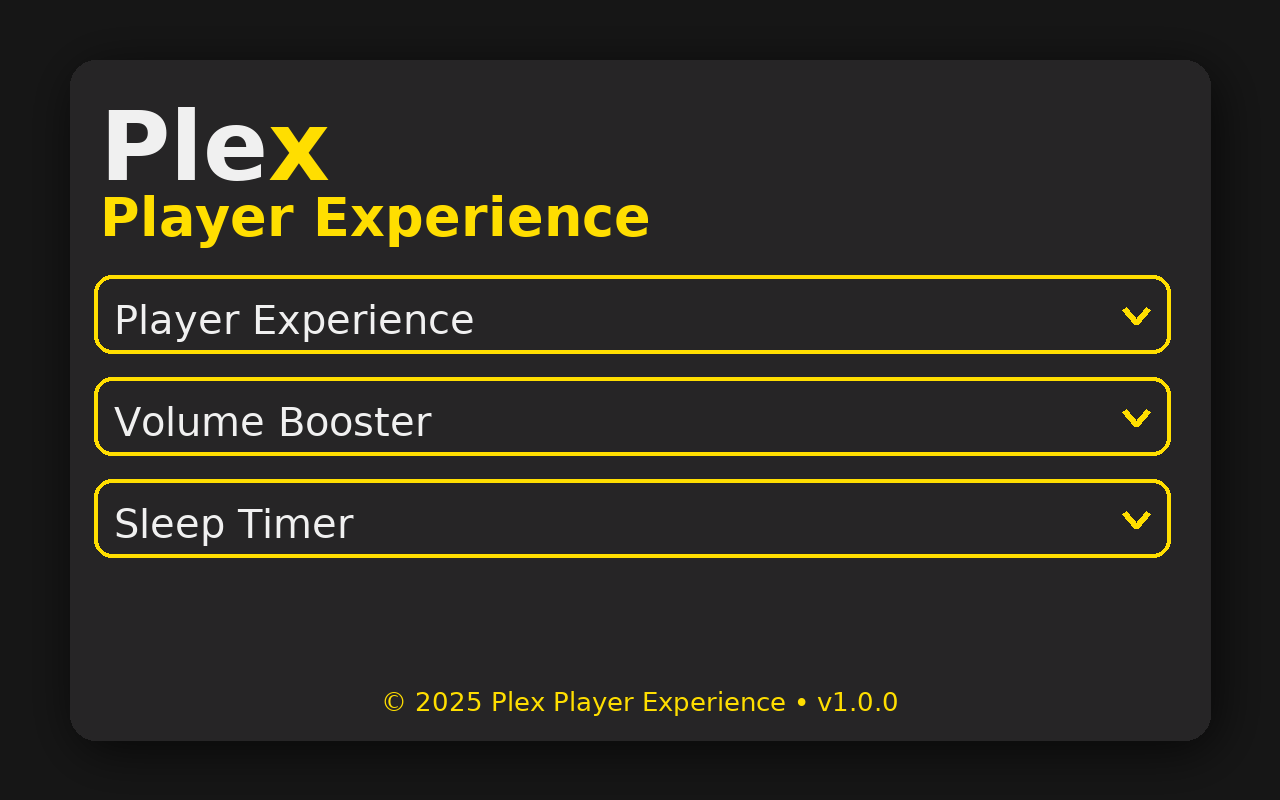
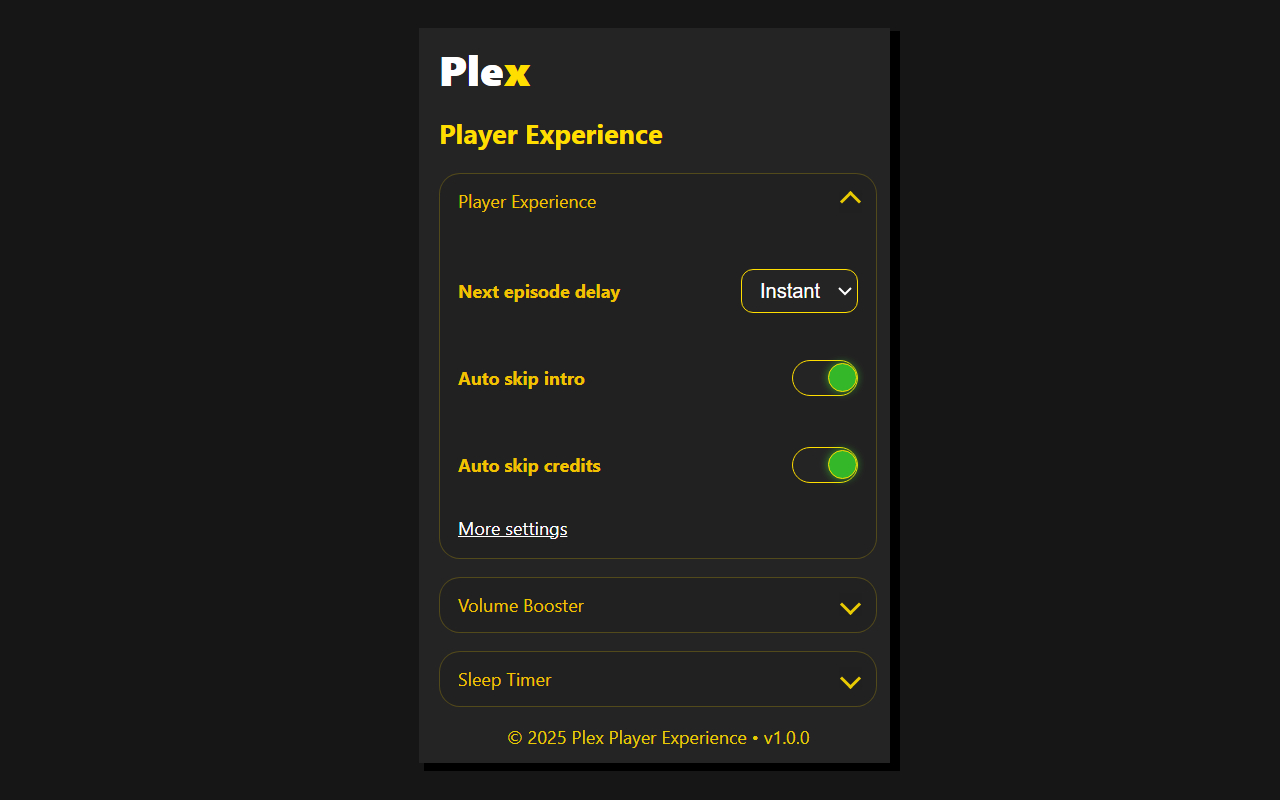
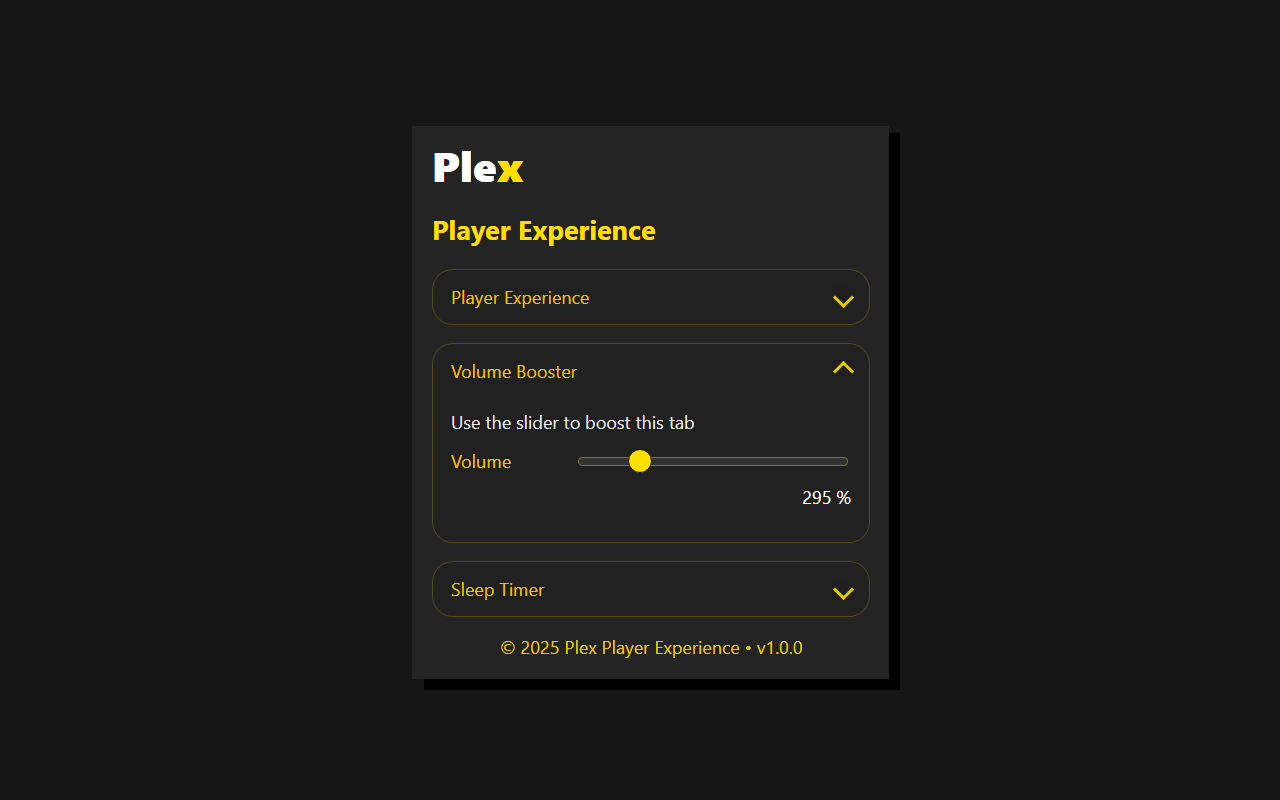
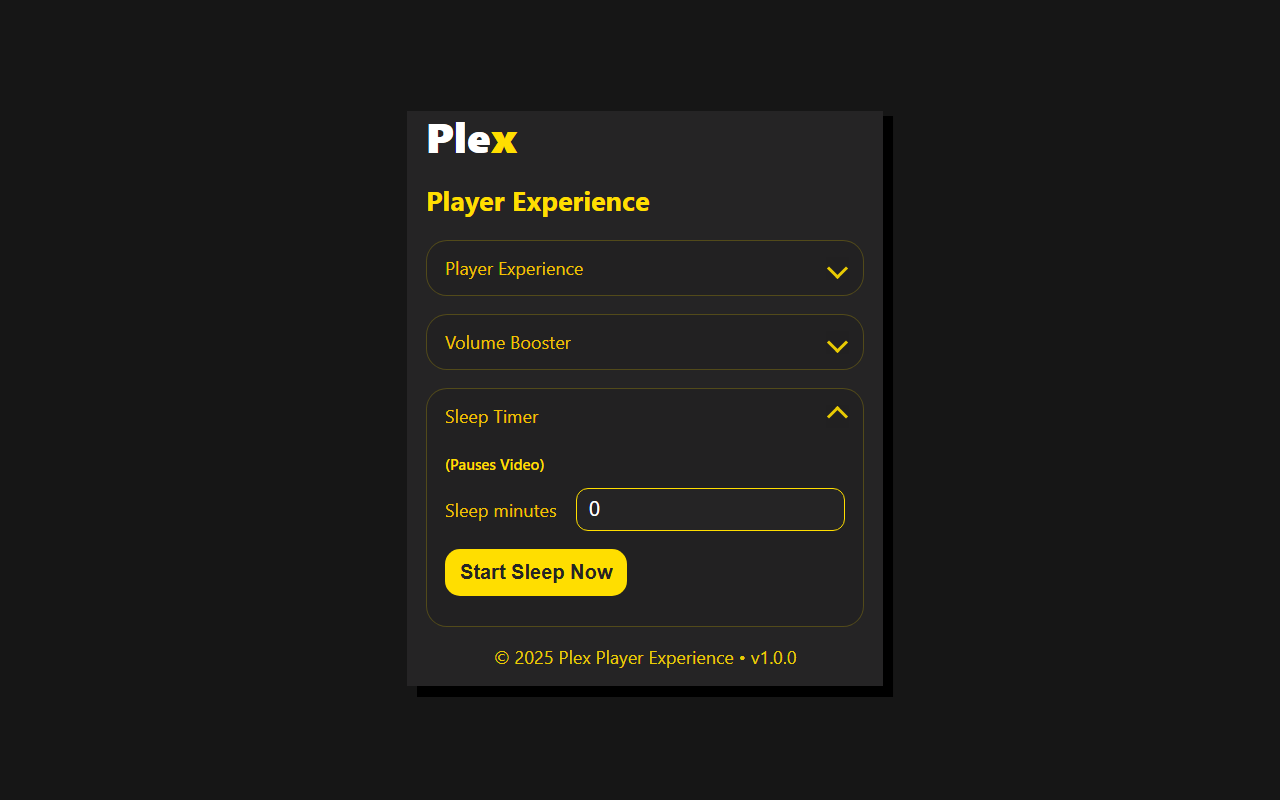
Make Plex Web feel smarter. Set your own delay between episodes, boost the volume, add a sleep timer that pauses the video, and auto-skip intros and credits. Simple, fast controls that match Plex’s look.
- Next episode delay: Choose Instant, 3 sec, 5 sec, or 10 sec.
- Auto skip intro: Skips show intros. (Toggle On/Off)
- Auto skip credits: Skips show credits. (Toggle On/Off)
- Volume booster: Boost Plex tab audio with a slider (about 100%–1000%)
Plex Player Experience.
Custom next episode delay, sleep timer, audio boost and auto skip for intros and credits on Plex Web.
Screenshots