SPHERE Network – Decentralized Web Framework
SPHERE is a next-gen decentralized internet stack that restores ownership, identity, and control to users—no corporate gatekeepers or blockchain baggage. It’s built on a peer-to-peer architecture featuring encrypted identity, hosting, messaging, and verifiable permissions .
- Decentralized Identity & Auth: Private keys are split into encrypted fragments and stored across a DHT. Users reconstruct their keys locally via chained decryption—no wallets, no servers.
- P2P Content Hosting: Publish static sites, assets, or profile data as ContentIDs in the DHT. Human-readable aliases (like a username or domain) are mapped and resolved with no need for DNS.
- Encrypted Messaging: Built-in ECC and AES-256 hybrid encryption ensures all communications are E2E—private and secure by default.
- Trustless Permission Control: Updates and sensitive actions require peer-issued cryptographic tokens. Earn them by being a good node (e.g., uptime, routing, validation).
- No Blockchain Overhead: SPHERE is lean and local. No mining, no global ledger—just efficient peer-to-peer protocols.
SphereSSL – Free, Open‑Source SSL Certificate Manager
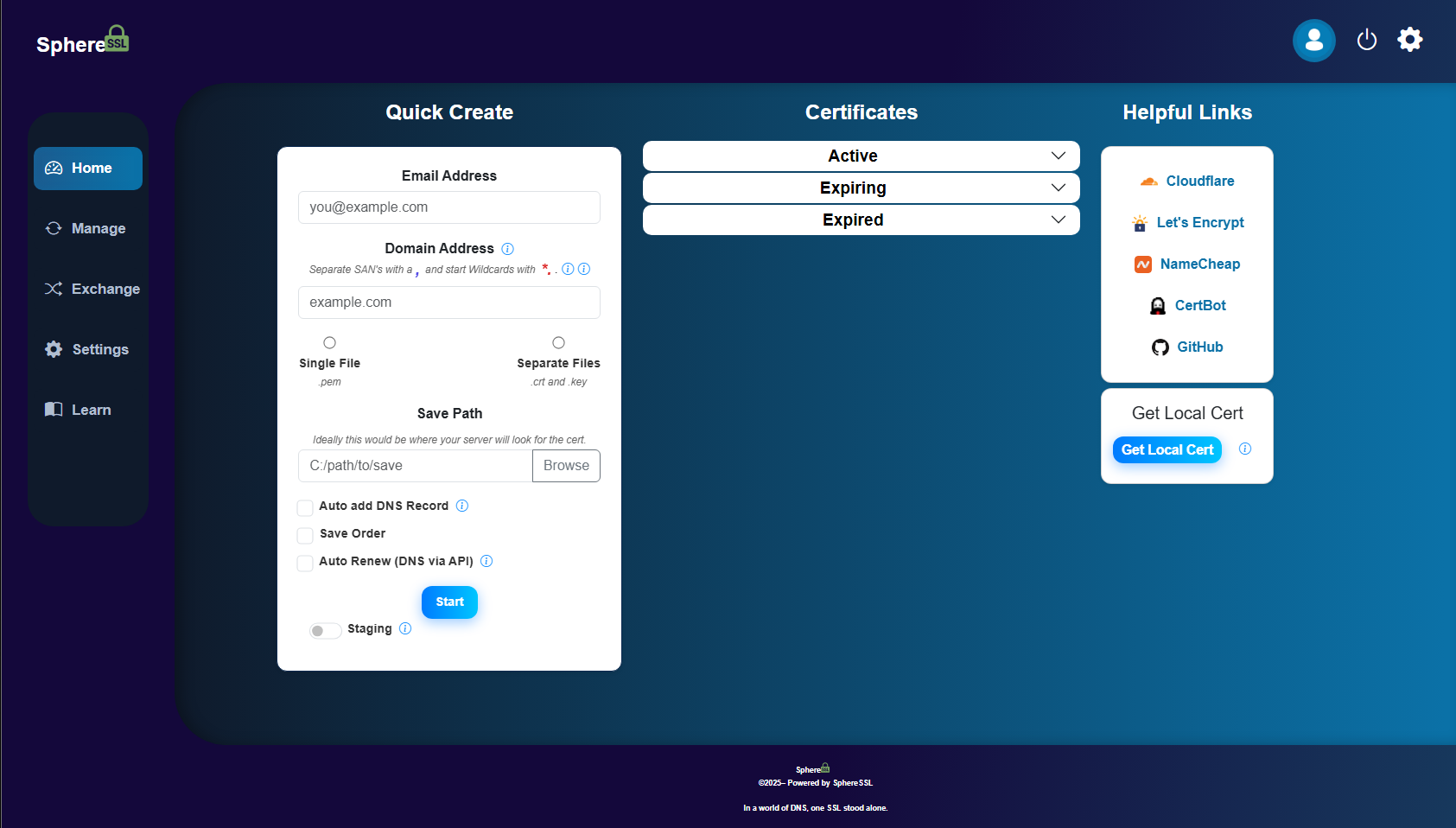
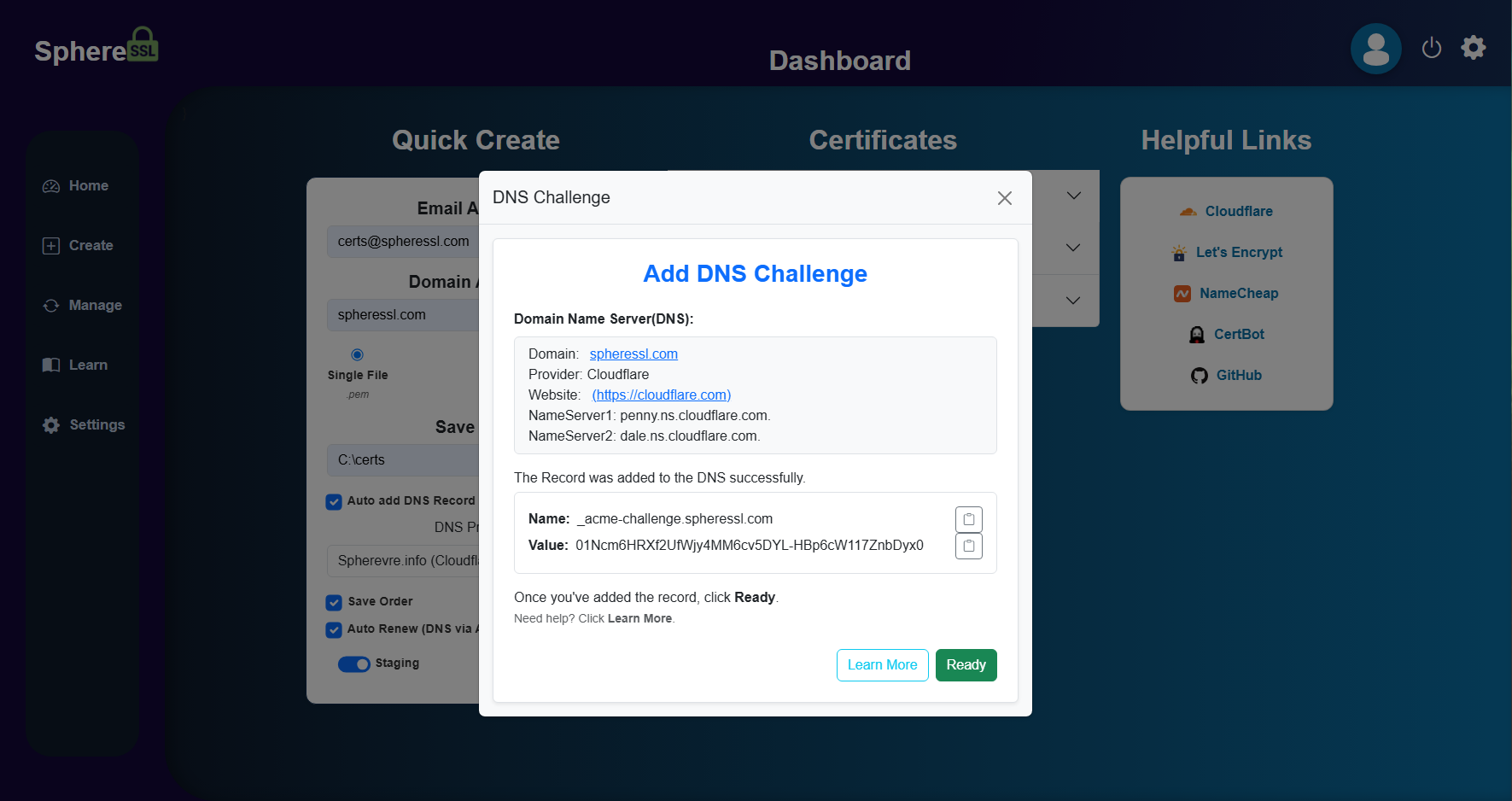
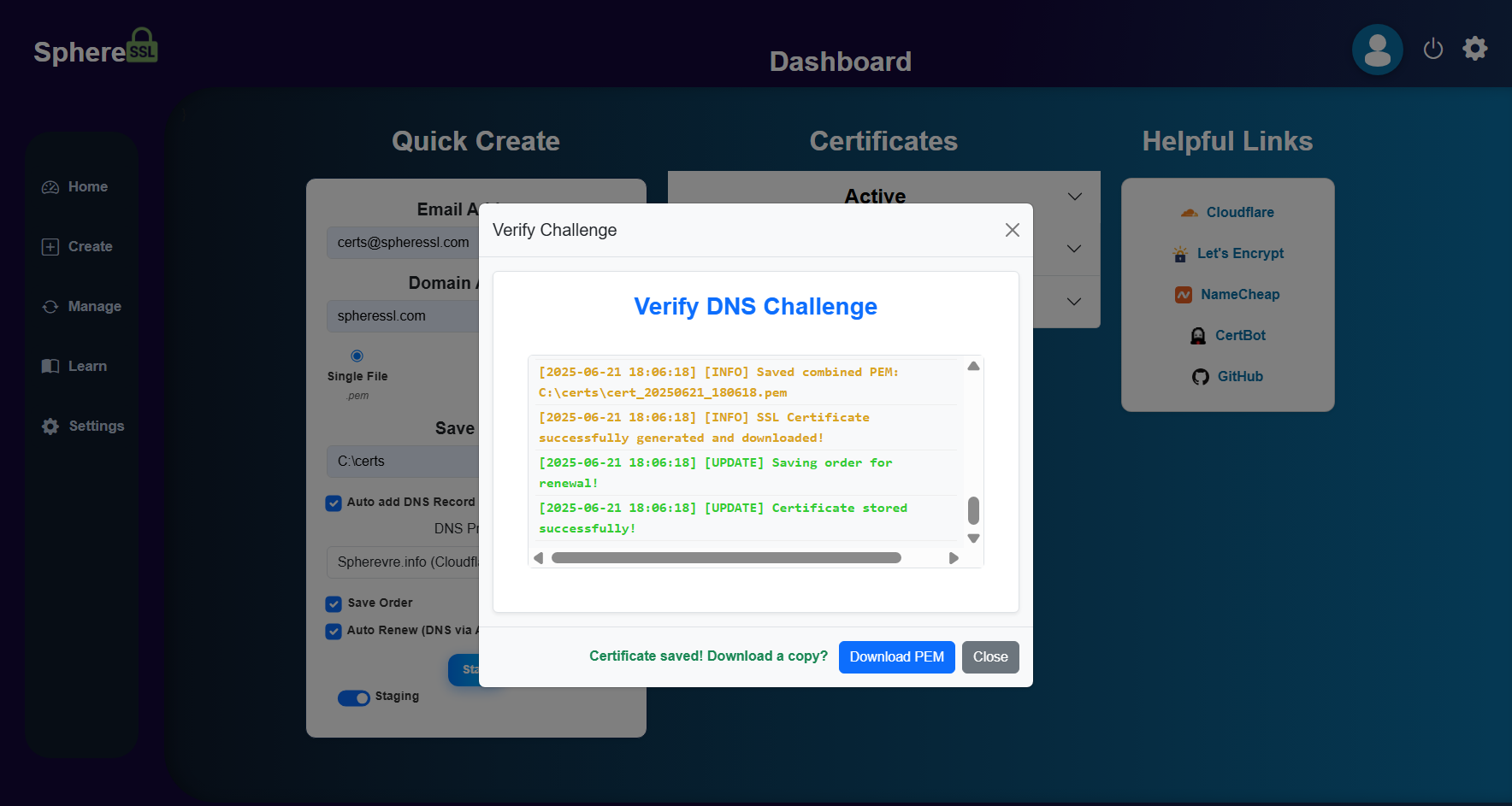
SphereSSL is a 100% free source‑available certificate automation tool with a sleek GUI—perfect for homelabs, devs, or small businesses tired of clunky CLI cert tools.
Think Let’s Encrypt automation meets beautiful, intuitive UI.
-
Fully-Featured ACME Integration:
Automates issuance & renewal via Let’s Encrypt or any ACME‑compatible CA. Supports DNS‑01, HTTP‑01, manual, and self‑signed methods.
“Automates SSL certificate creation and renewal with Let’s Encrypt and other ACME providers (supporting 14 DNS APIs out of the box).” -
Multi-Domain & SAN Certs:
Easily handle multi-domain (SAN) certificates, even using different DNS providers per domain. -
Cross-Platform Backend + Native Tray App:
ASP.NET Core backend runs anywhere, with a native Windows tray UI (Linux version coming soon). -
Docker Support:
Official Docker image available for fast, headless deployment on any server or homelab. Easily run SphereSSL in containers—simple, secure, and ready to go out of the box. -
Import, Export & Convert:
Drag & drop to convert between PEM, PFX, CRT, KEY—export what you need. -
Renewal Dashboard & Notifications:
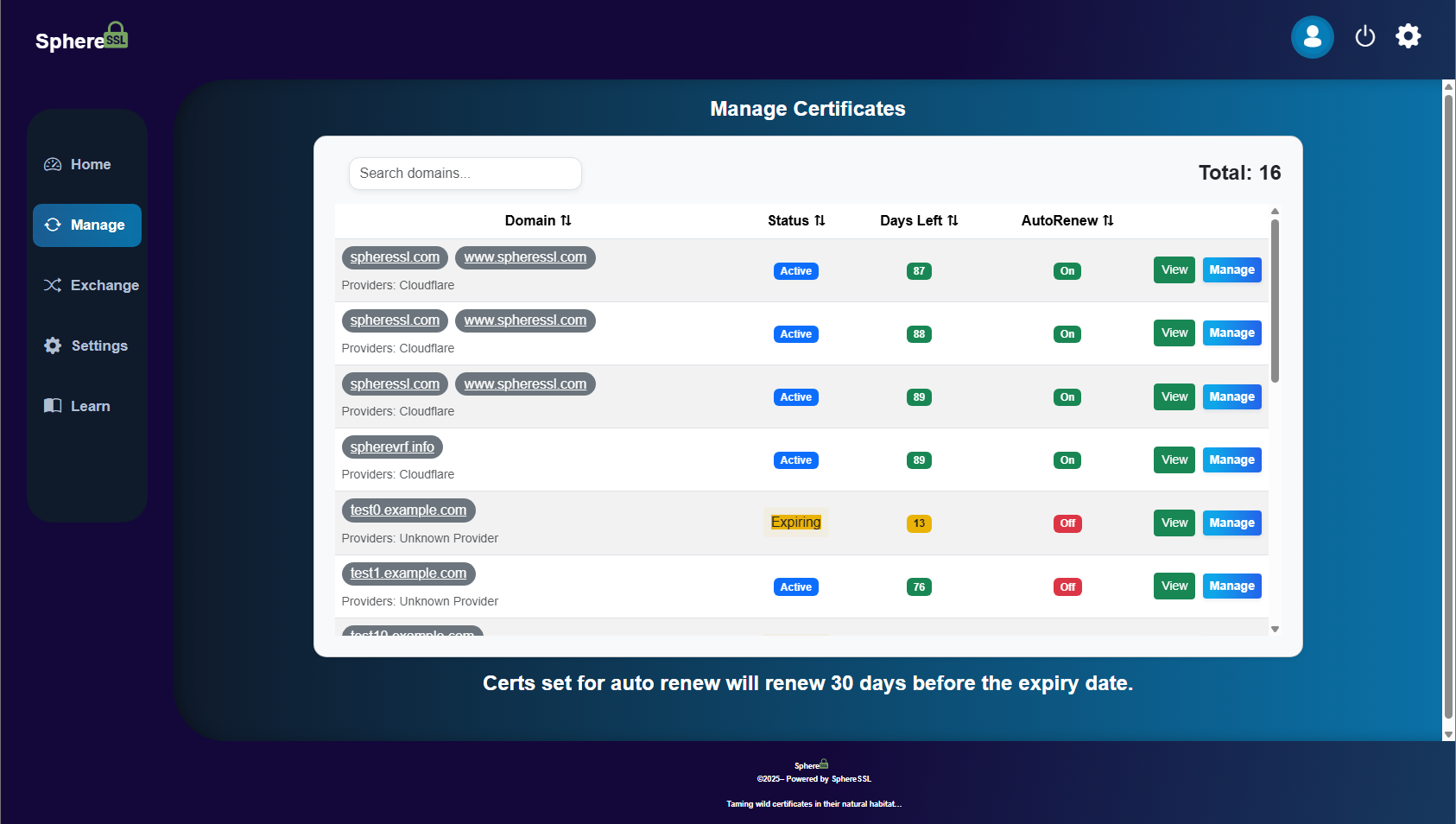
Toggle auto‑renew, see upcoming expiries, manual renew, or revoke at will. -
Business Source License:
Licensed under Business Source License (BSL 1.1) – Free for all use except commercial reproduction of the product itself or the certificates it generates. Source available to all.
Ideal for real people who just want certs now, certs tomorrow, auto certs in 60 days.
Screenshots
SphereAlert – Site-Wide Alert Banners via One DNS Record
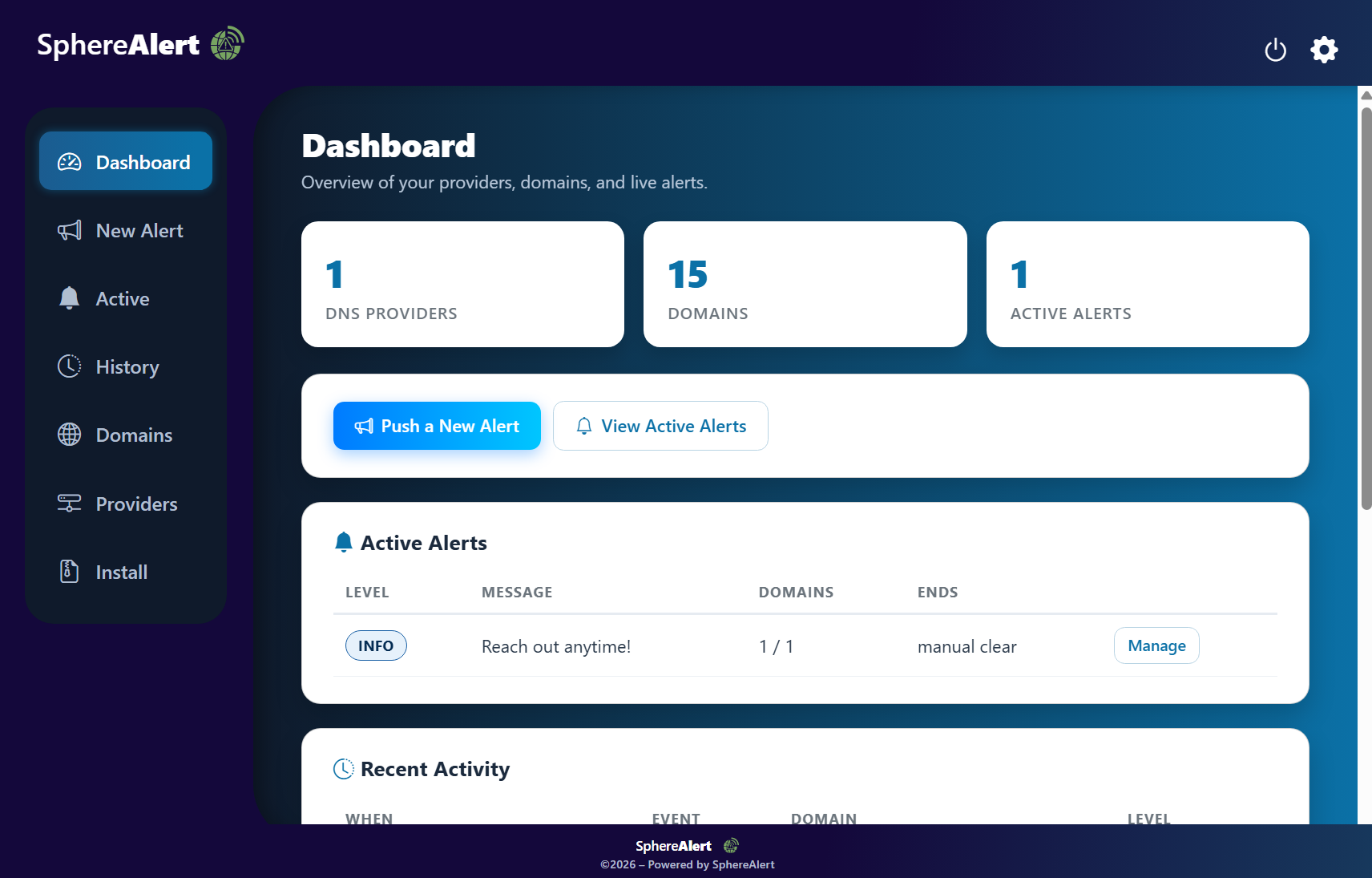
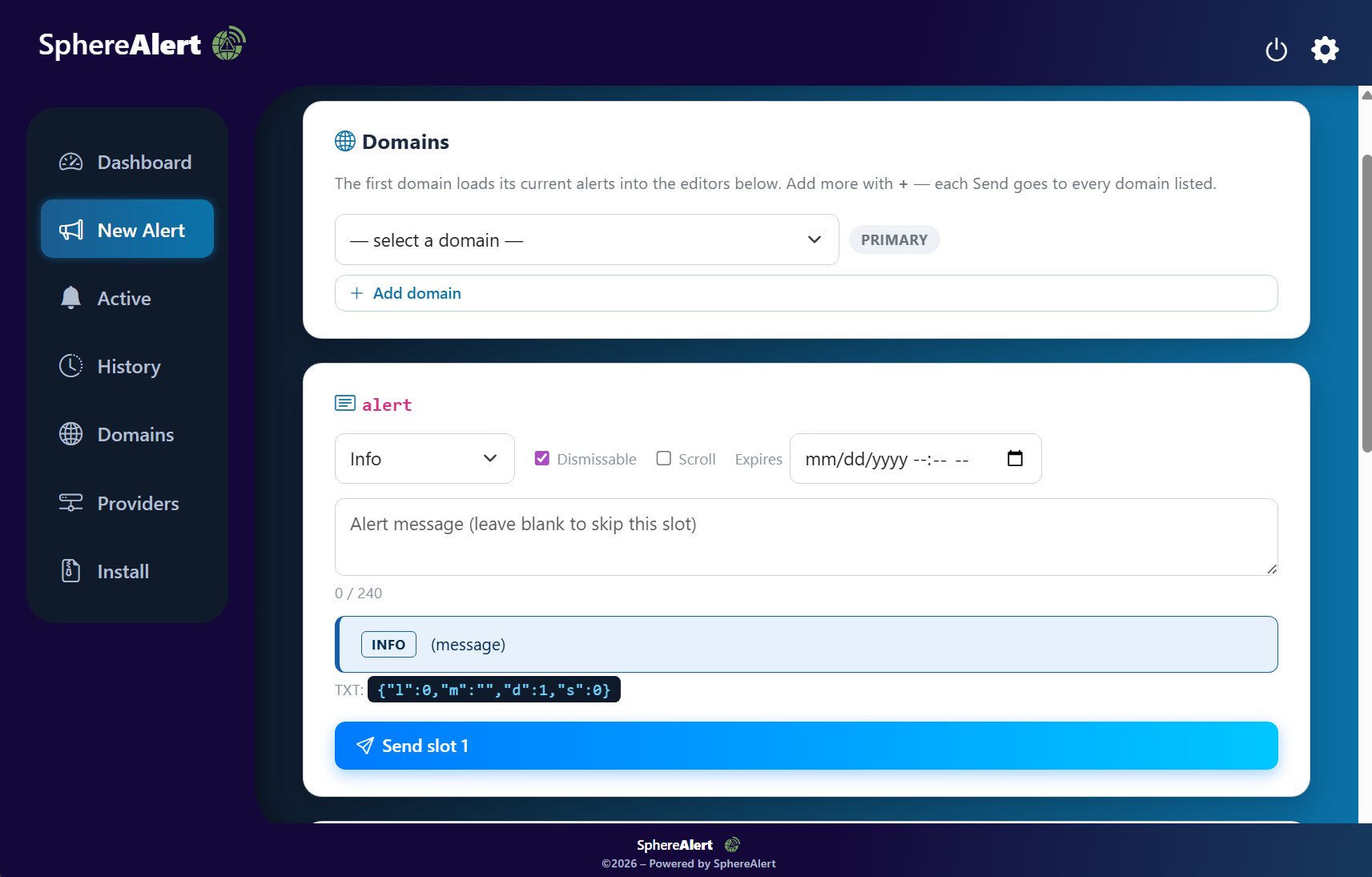
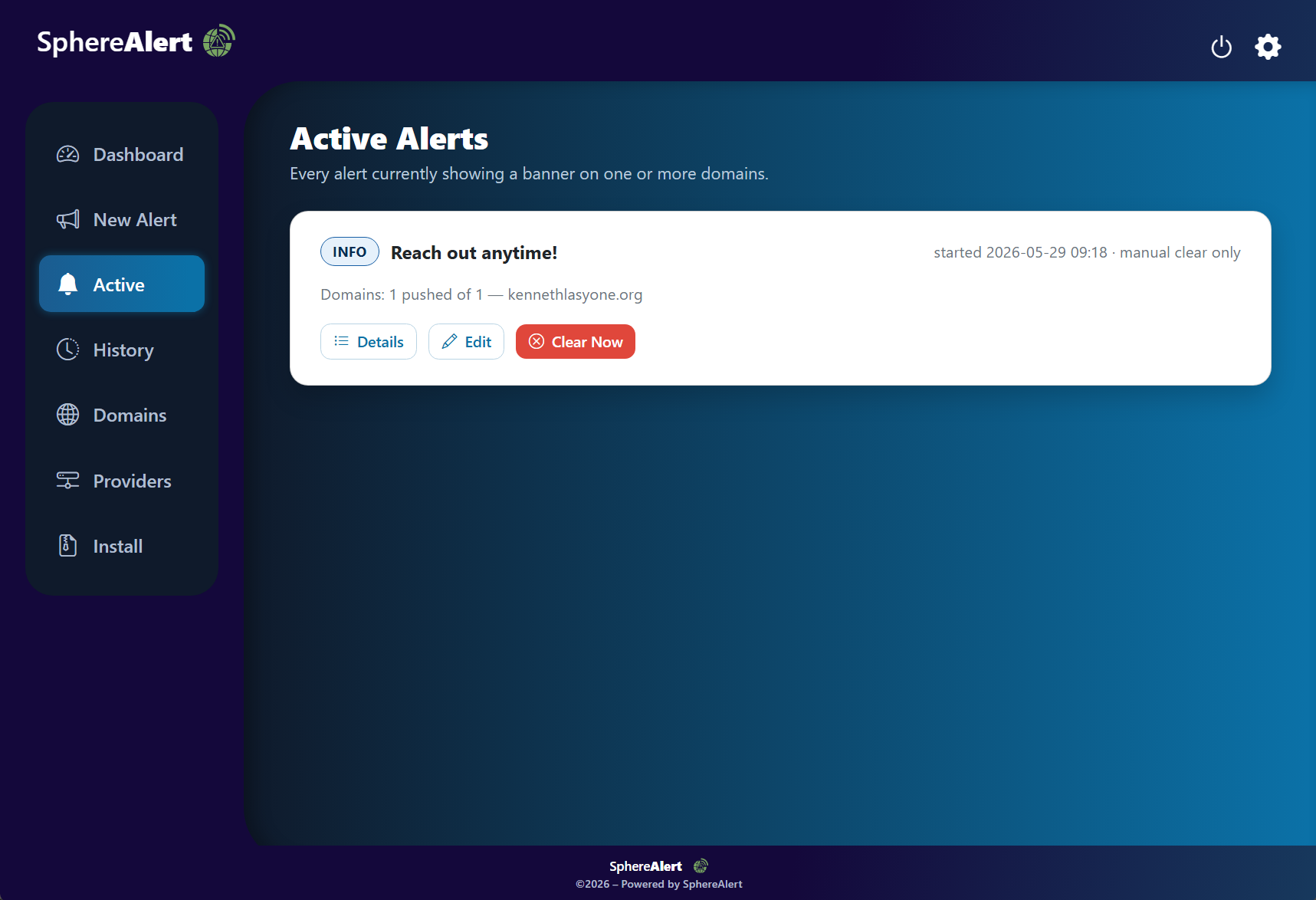
SphereAlert is a 100% free, self-hosted alert system that pushes maintenance, incident, and notice banners to any number of websites—by changing a single DNS record.
Manage every alert from one dashboard; your DNS keys never leave your box and it never phones home.
-
Push Banners via DNS:
Pick the domains, a level, and a slot, type a message, hit Send. SphereAlert writes a TXT record atalert.<domain>to every selected provider in parallel—a tiny client script reads it over DNS-over-HTTPS and renders the banner. No redeploys. -
14 DNS Providers Out of the Box:
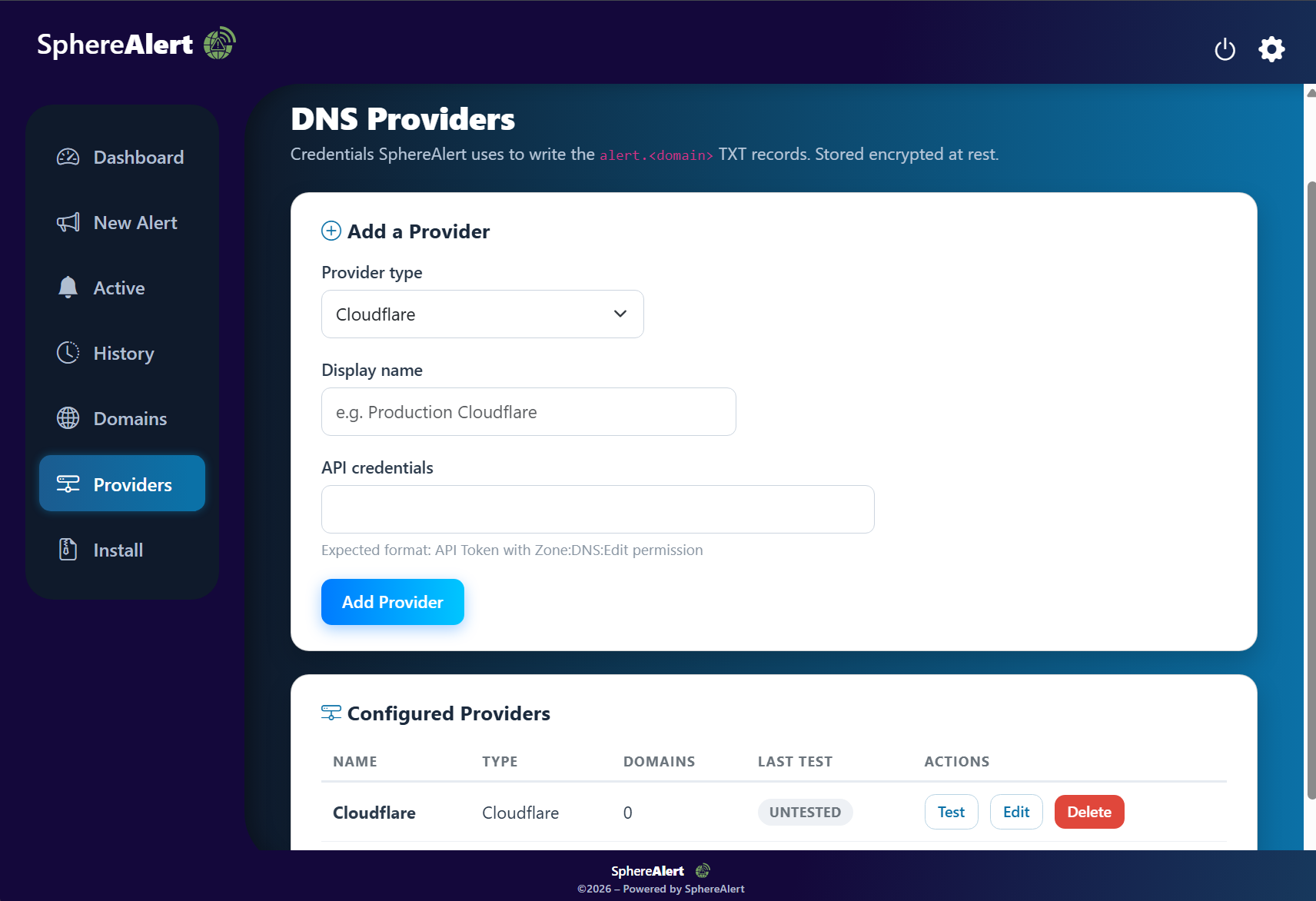
Cloudflare, AWS Route 53, DigitalOcean, Hetzner, Namecheap, GoDaddy, DNS Made Easy, Porkbun, Gandi, ClouDNS, DreamHost, Vultr, Linode, and DuckDNS—credentials tested before you rely on them. -
Levels, Slots & Auto-Expiry:
Five severity levels and three stackable slots per domain. Set an end time and a background scheduler clears the alert automatically every 60 seconds. -
Encrypted Credentials, Local-First:
Provider API keys are encrypted at rest with AES-256-GCM before they touch the database. Passwords hashed with PBKDF2-SHA256. Nothing leaves your machine. -
Drop-In Client Script:
Add one CDN<script>tag to your site's<head>, or use zip-injection to insert it into every HTML file in your build automatically. -
Full Audit Trail:
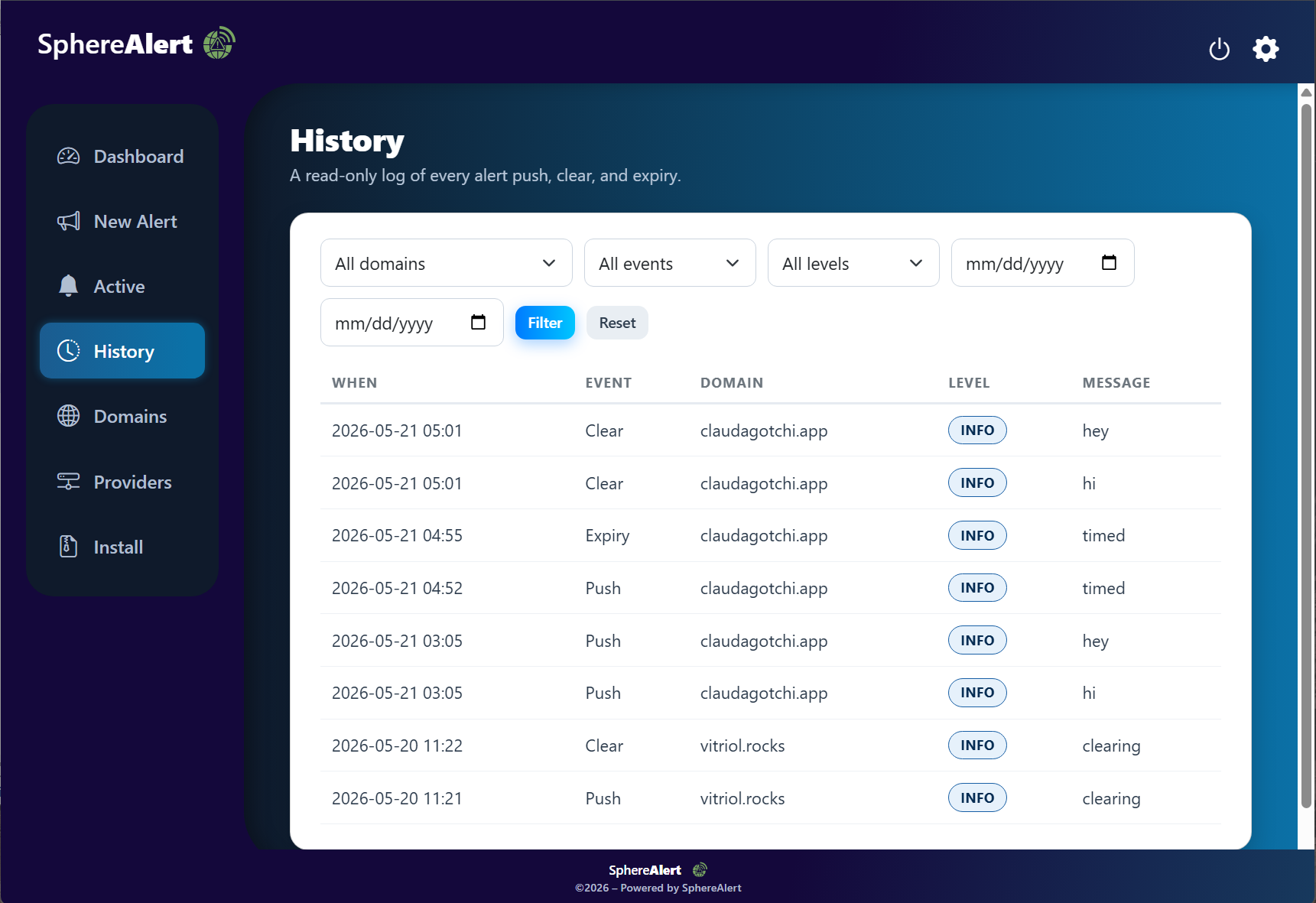
Every push, clear, and expiry is recorded in History—and even cleared records leave a timestamped note behind in the TXT record itself. -
Docker Support:
ASP.NET Core 8 backend with embedded SQLite. Onedocker compose upand you're live on port 7227—simple, secure, ready to go out of the box. -
MIT Licensed:
Released under the MIT License—fork it, study it, self-host it, and use it however you like. Source available to all.
For operators who just want a banner on their sites now, without touching a single deploy.
Screenshots
Vitriol – Self-Hosted File Converter with Steganographic Stone Mode

"Visit the interior of the earth; by rectification you will find the hidden stone."
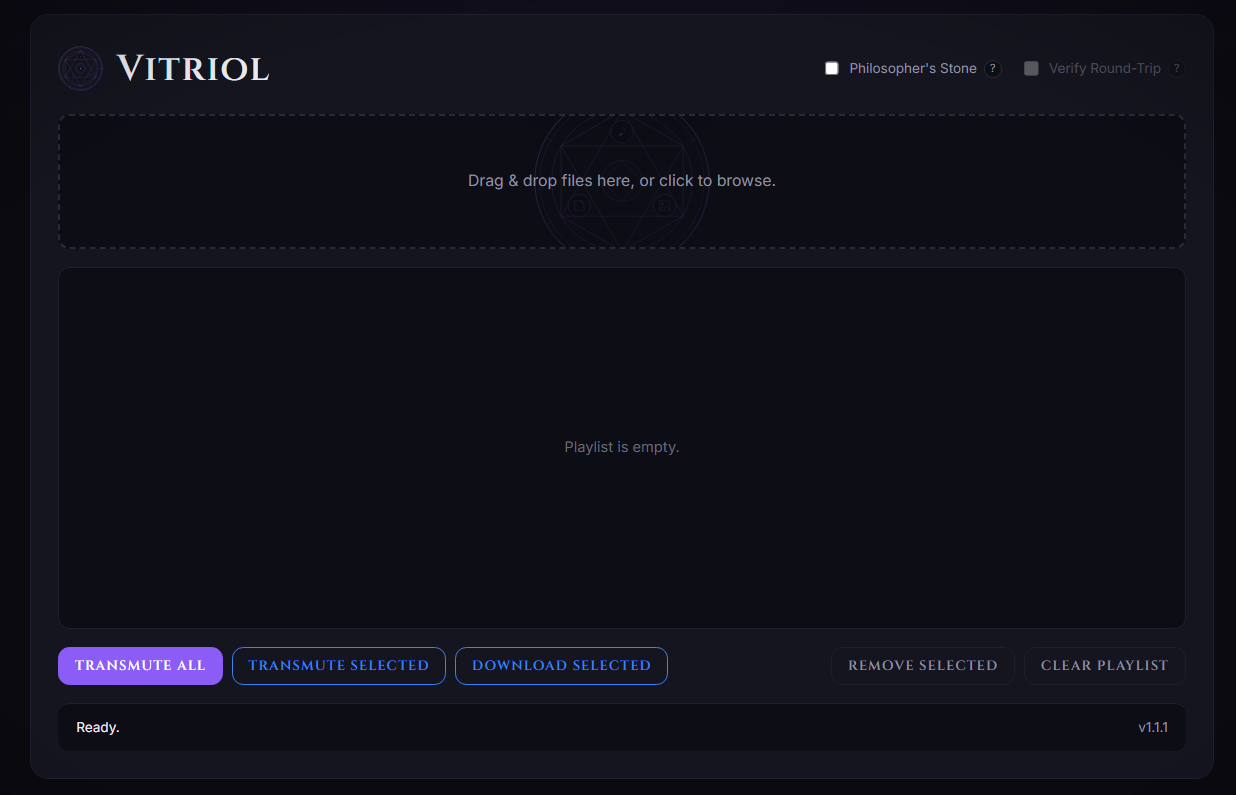
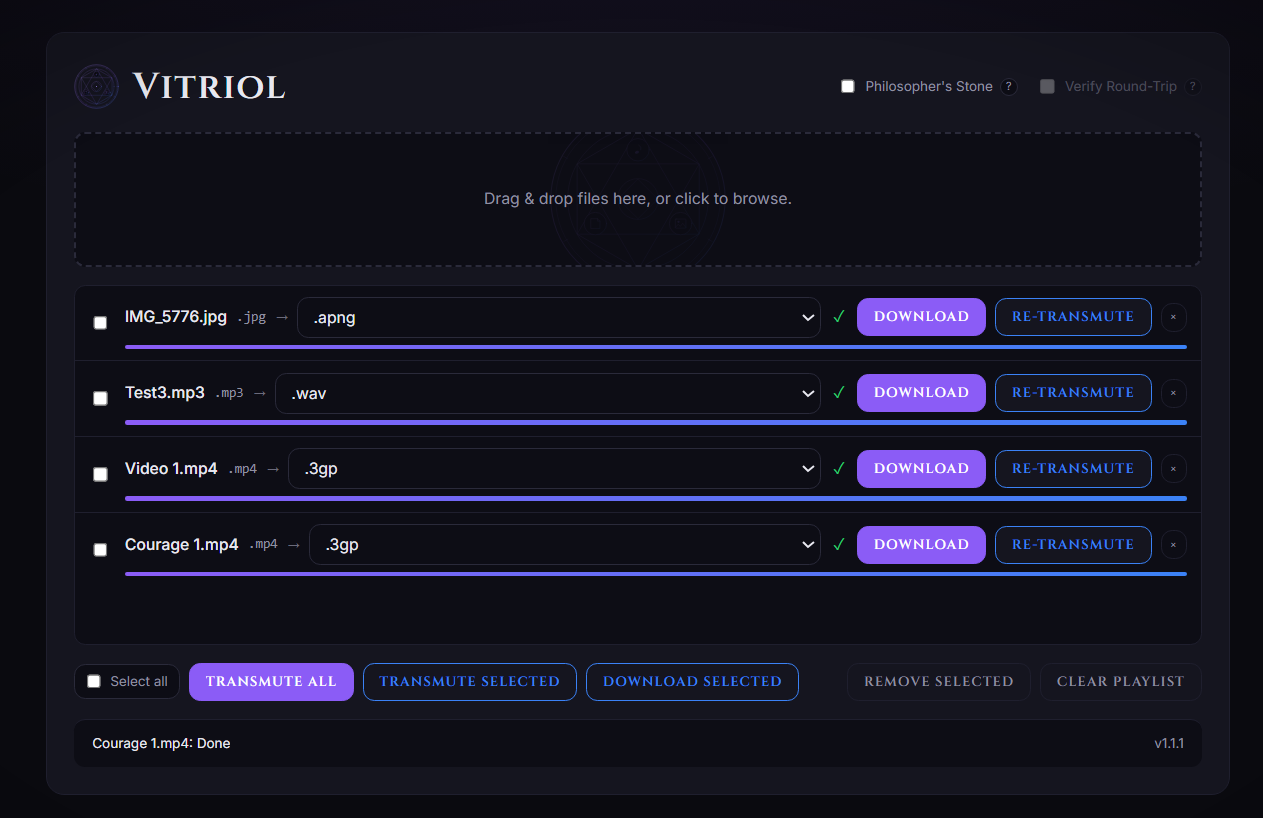
Vitriol is a self-hostable file converter wrapping a ~60-format conversion engine in a polished web UI and a single Docker image—text, images, audio, video, and 3D models, plus a steganographic Philosopher's Stone mode.
-
~60 Input Formats:
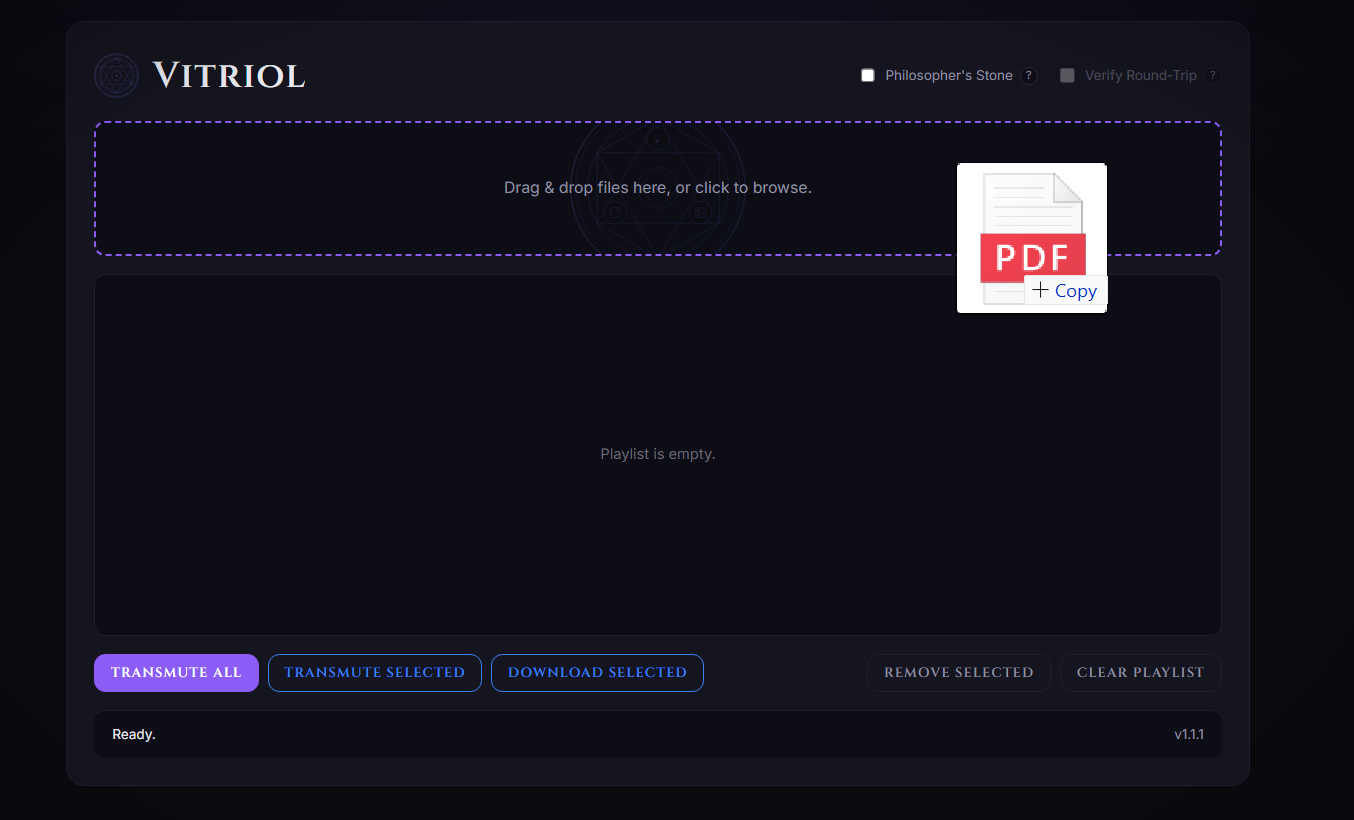
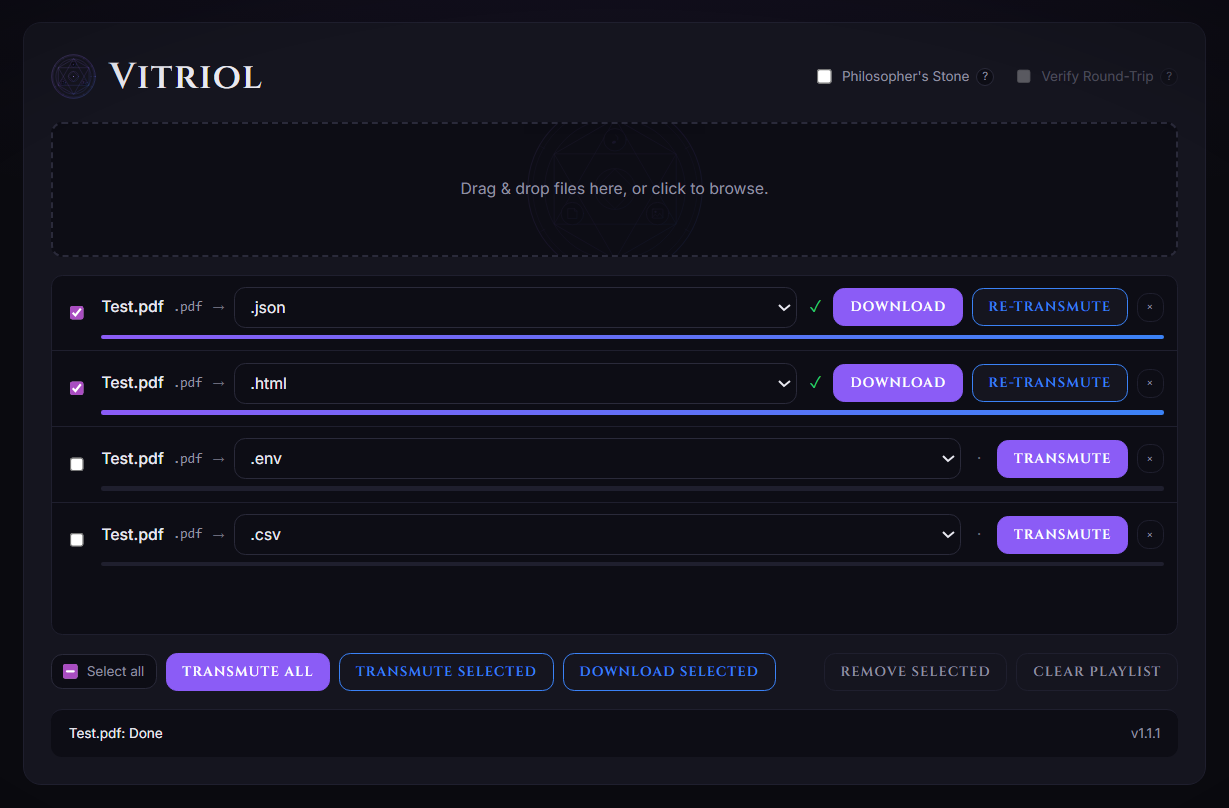
One engine converts across text, images, audio, video, and 3D models—drag, drop, and queue conversions in a playlist-style UI. -
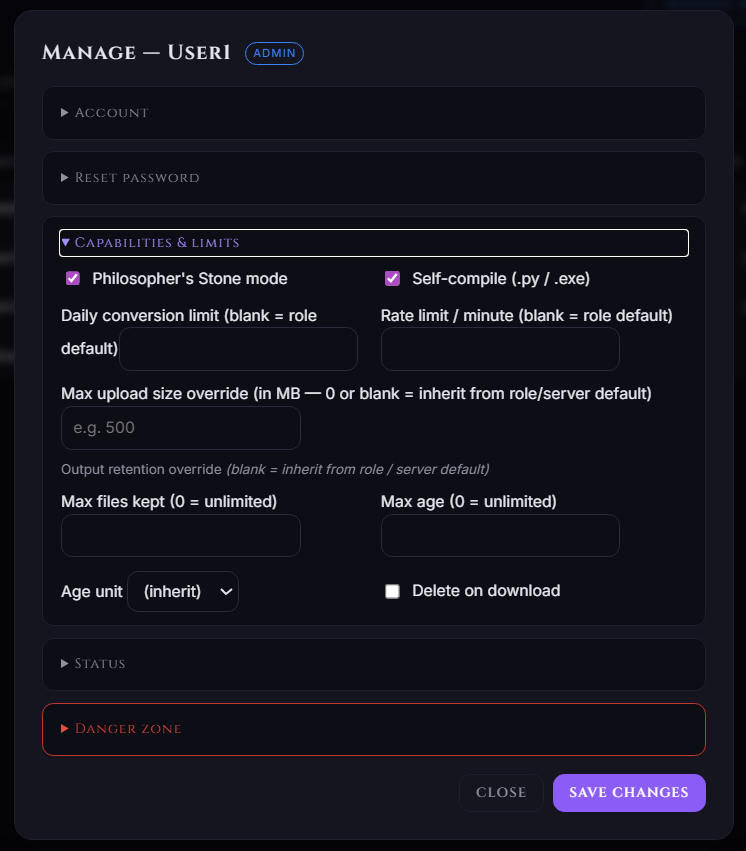
Philosopher's Stone Mode:
Cross-format, byte-preserving conversions with AES-256 password protection and self-extracting.py/.exeoutputs. -
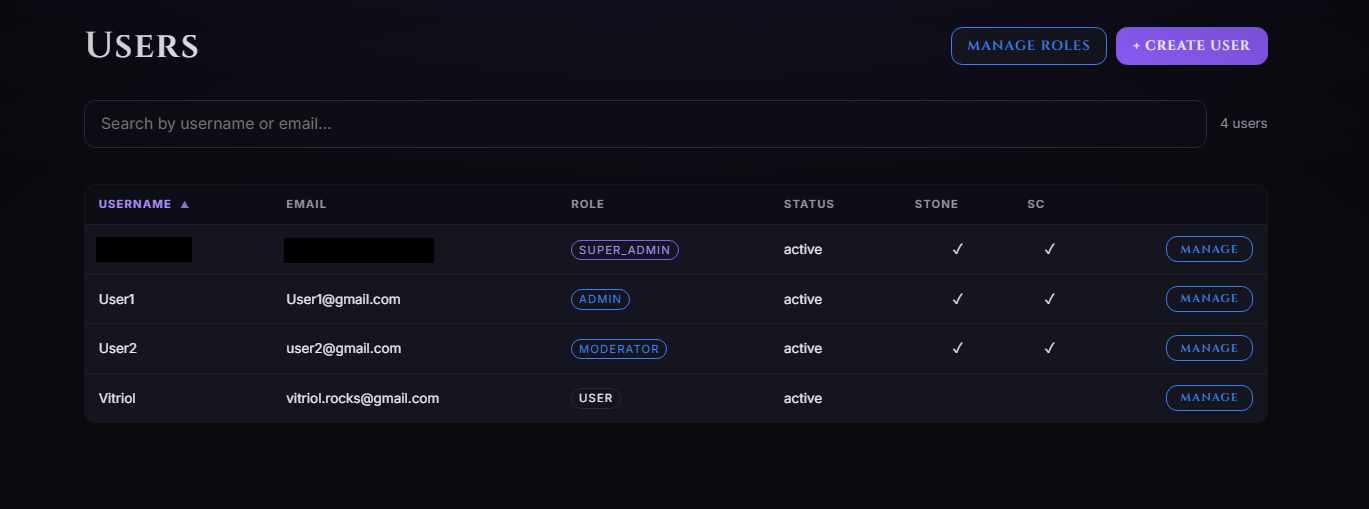
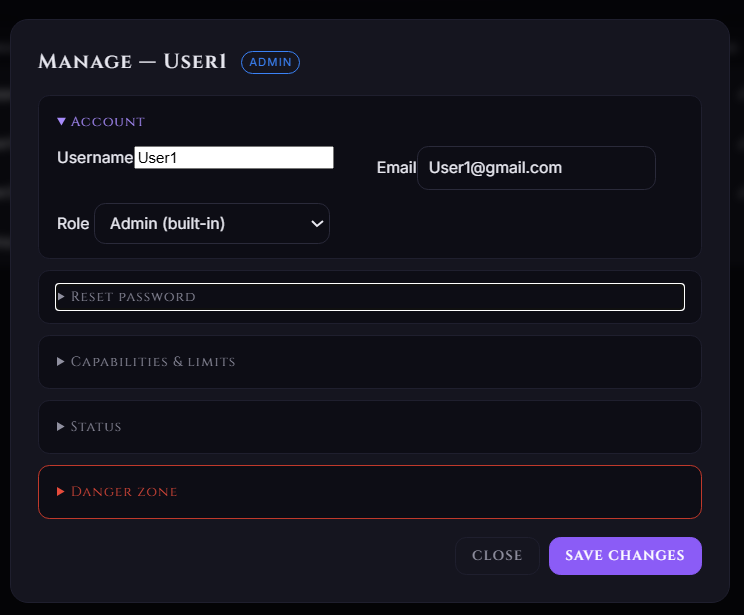
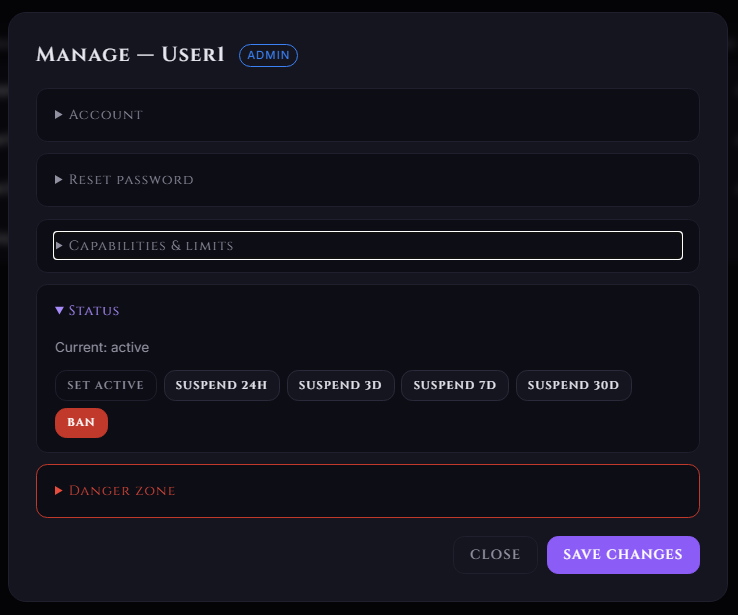
Accounts & RBAC:
Five roles—Super Admin, Admin, User, Pending, Viewer—with per-user and per-role rate limits and daily conversion quotas. -
SSO & API:
Google, GitHub, and generic OpenID Connect (Authentik, Keycloak, Auth0, Okta, Zitadel), plus an HTTP API with API keys for CLI and scripting. -
Notification Fan-Out:
Push events to Discord, Slack, ntfy, Gotify, Telegram, Bluesky, a generic webhook, or a bash script. -
One Docker Image:
SQLite volume by default; swap to Postgres / MySQL / MariaDB / MSSQL via the DB Providers UI or one env var. Six built-in themes and branded HTML emails.
Screenshots
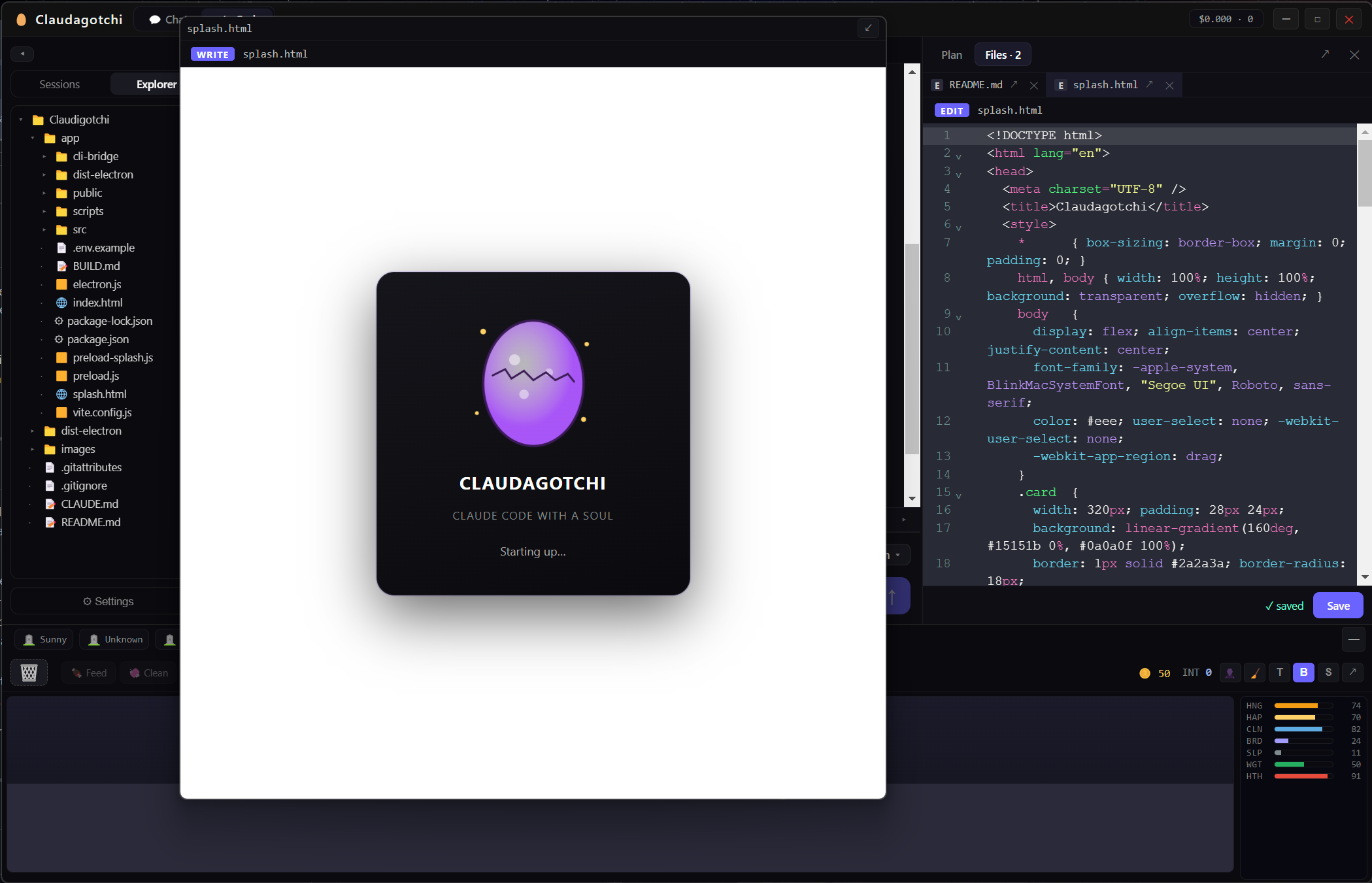
Claudagotchi – A Living Tamagotchi Built Into a Claude Code Desktop App
Claudagotchi is a standalone desktop app that wraps a full Claude Code experience—chat, streaming responses, code blocks, tool-use display, and session management—around a living, procedurally-generated virtual pet that reacts to your coding.
-
Full Claude Code UI:
Streaming chat, syntax-highlighted code blocks, collapsible tool-use blocks, session sidebar, and settings—all driven through the bundled Claude Code CLI. No terminal required, ever. -
Procedural Pets:
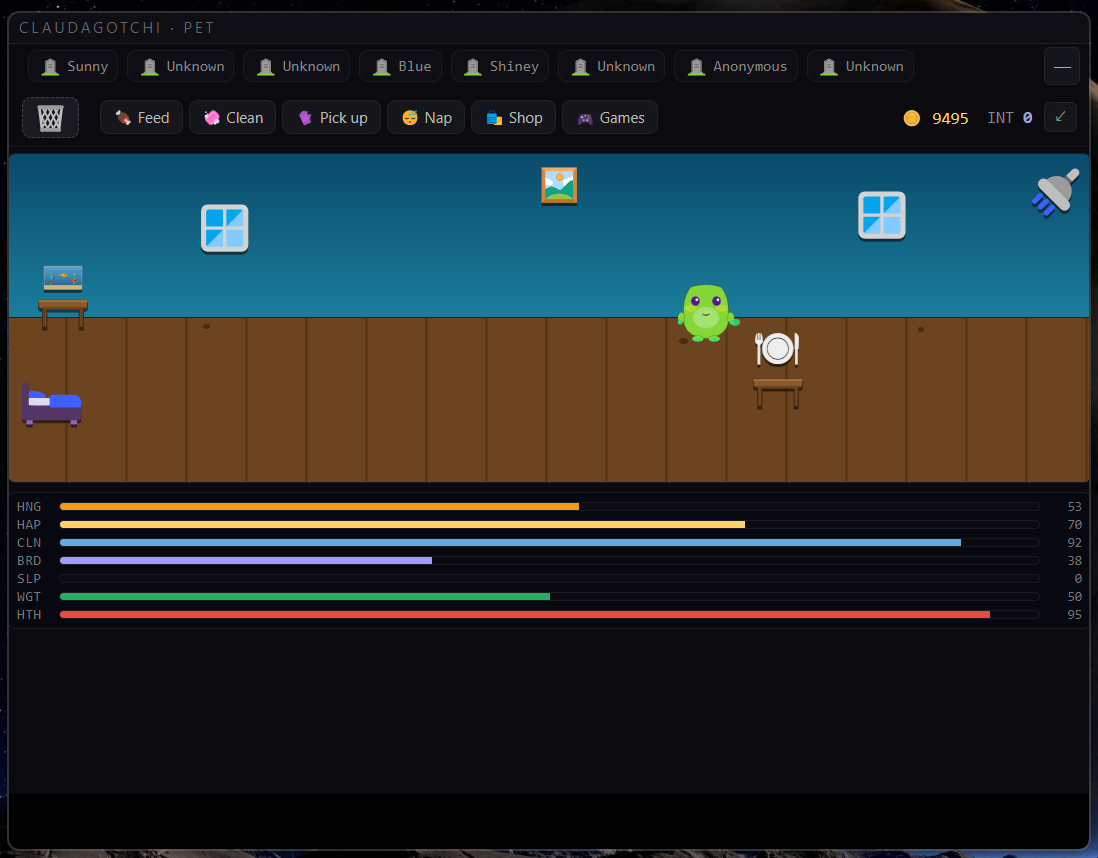
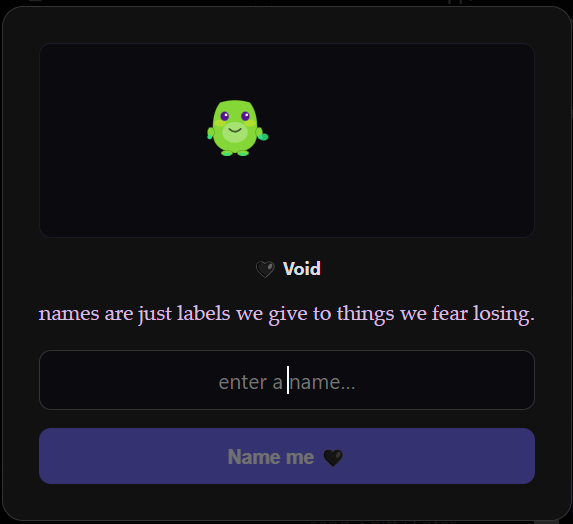
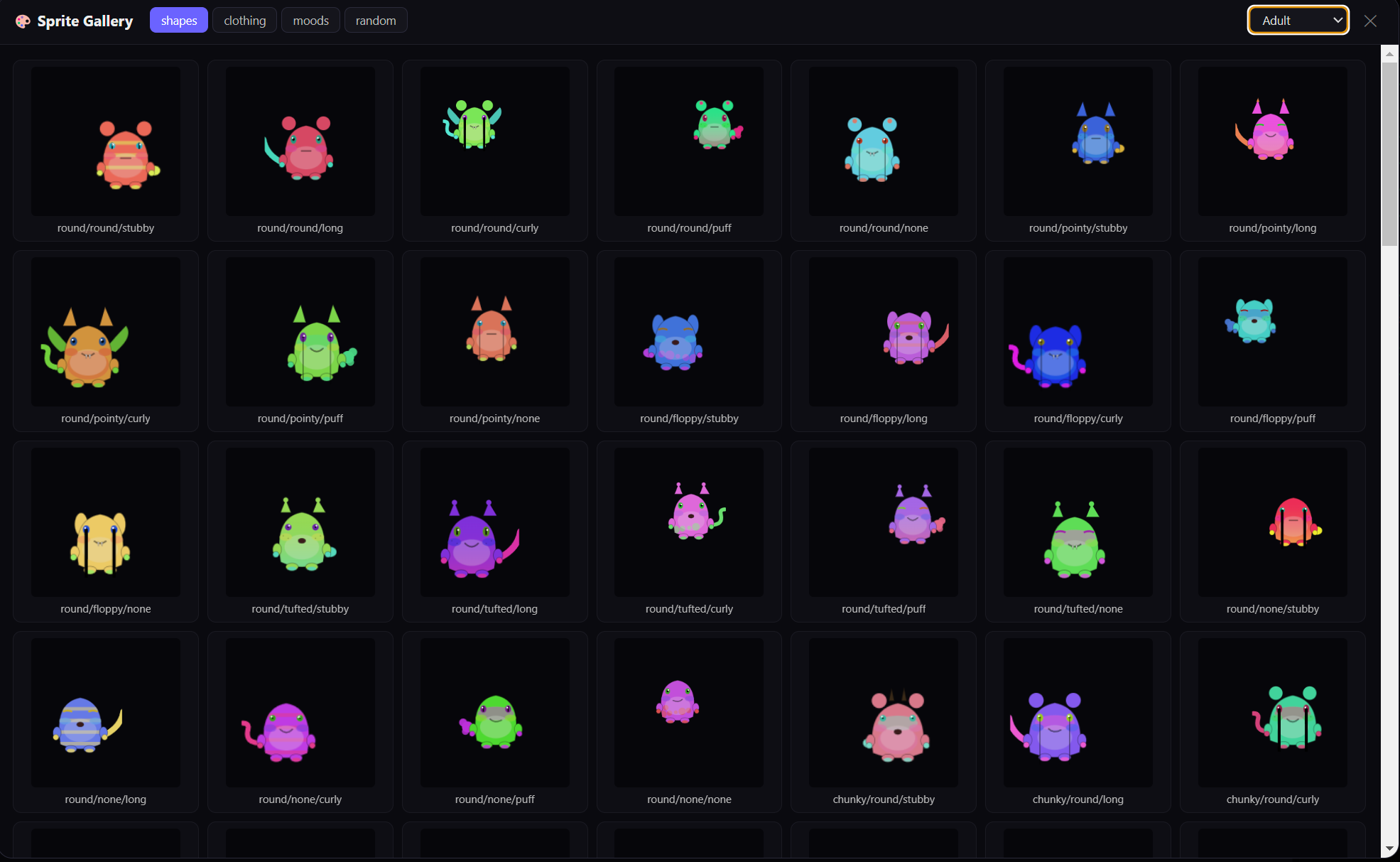
Every pet is generated from a seed as inline SVG—body, ears, tail, eyes, colors, and one of 8 personalities—then evolves through egg → hatchling → adolescent → adult. -
It Reacts to Your Work:
The pet animates as Claude thinks, works, and finishes tasks. Errors spawn "code bugs" in its environment; completed turns earn tokens. -
Intelligence That Grows Forever:
An uncapped INT stat that climbs with token usage, message complexity, and how deeply you work in a project—the only stat that never drops. -
Persistent Pet Memory:
Each pet keeps a markdown memory of the projects, languages, and habits it observes—injected back as context for its speech bubbles and games. -
Shop, Games & Care:
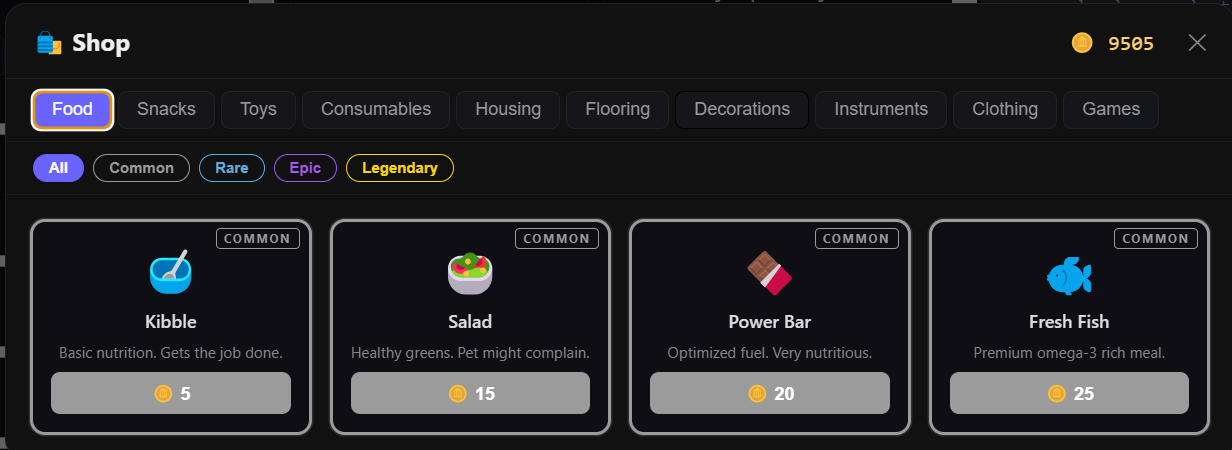
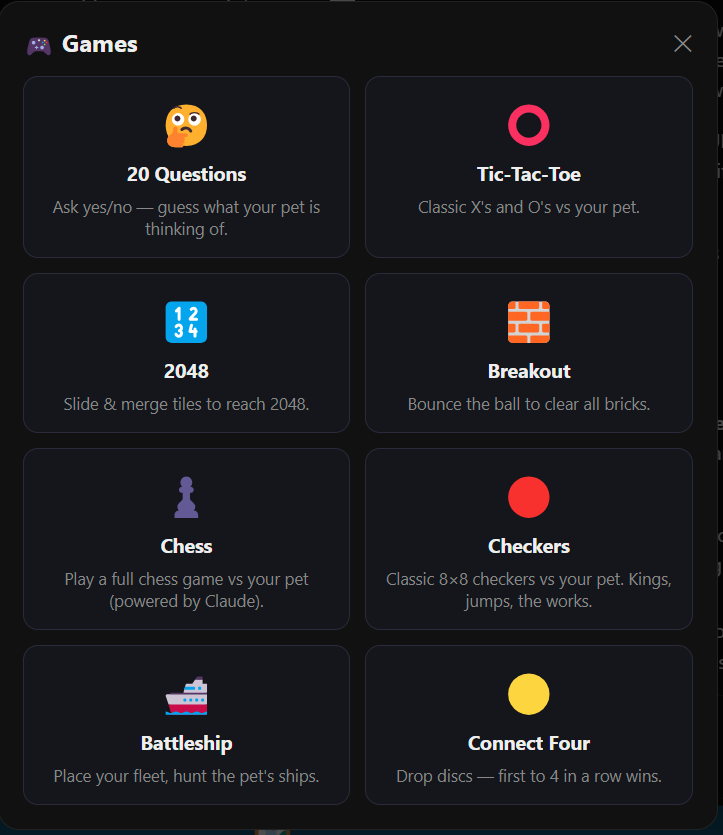
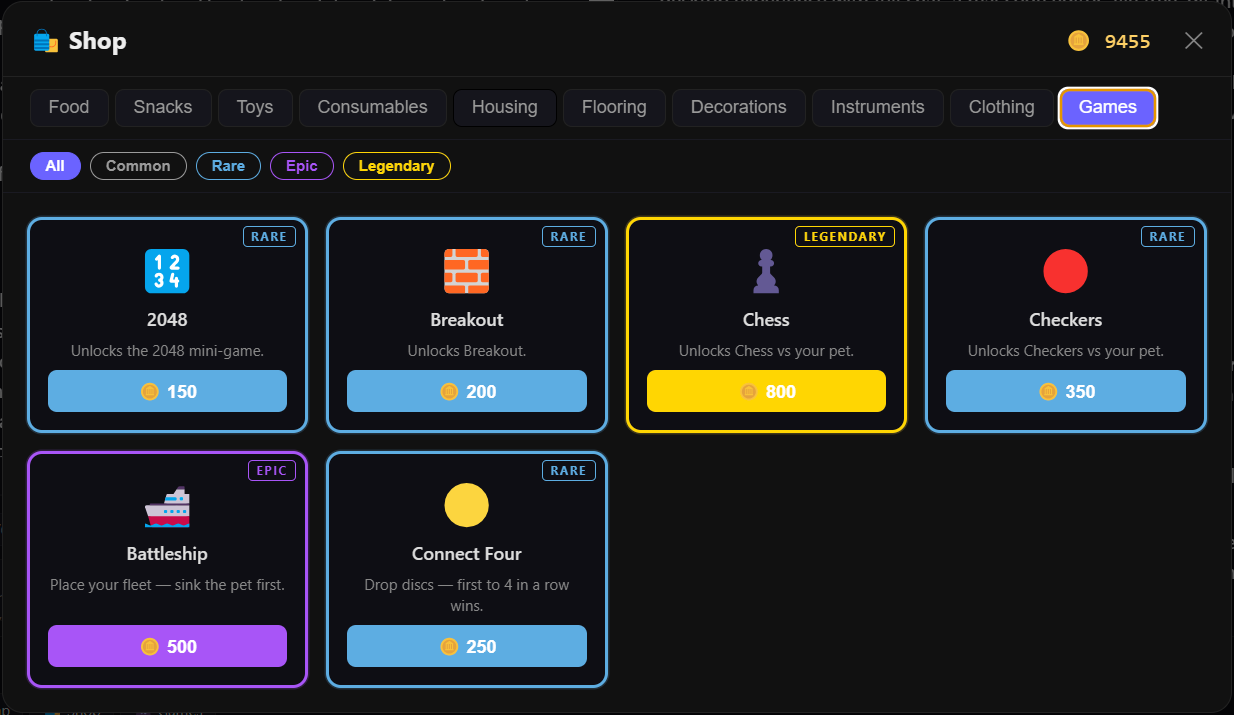
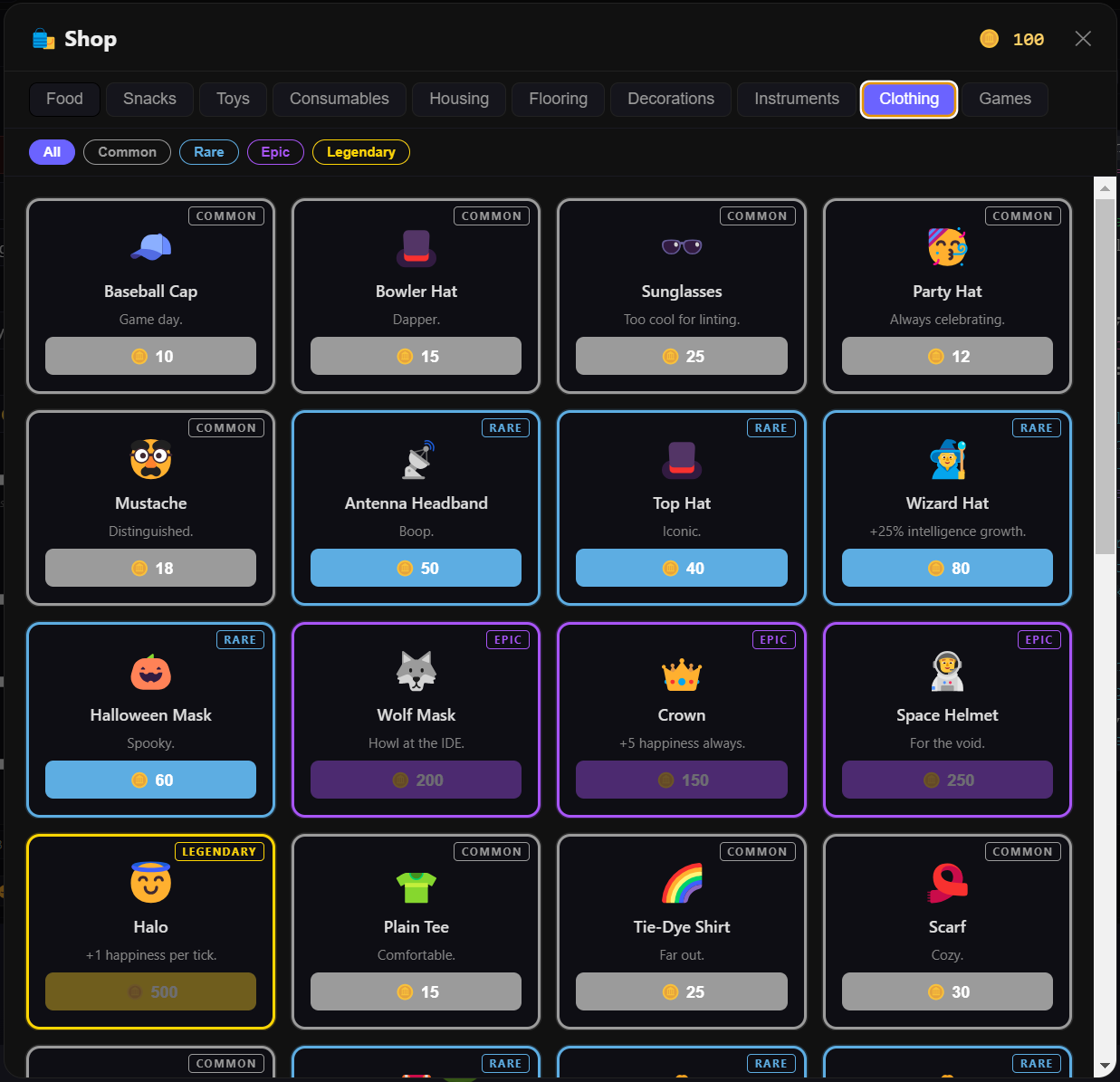
Feed, clean, and play; spend earned tokens on food, toys, housing, and clothing; play Throw the Ball or in-character 20 Questions. Dock the pet, or pop it out into its own floating window.
Screenshots
KoKoFish – Offline-First Audiobook Studio

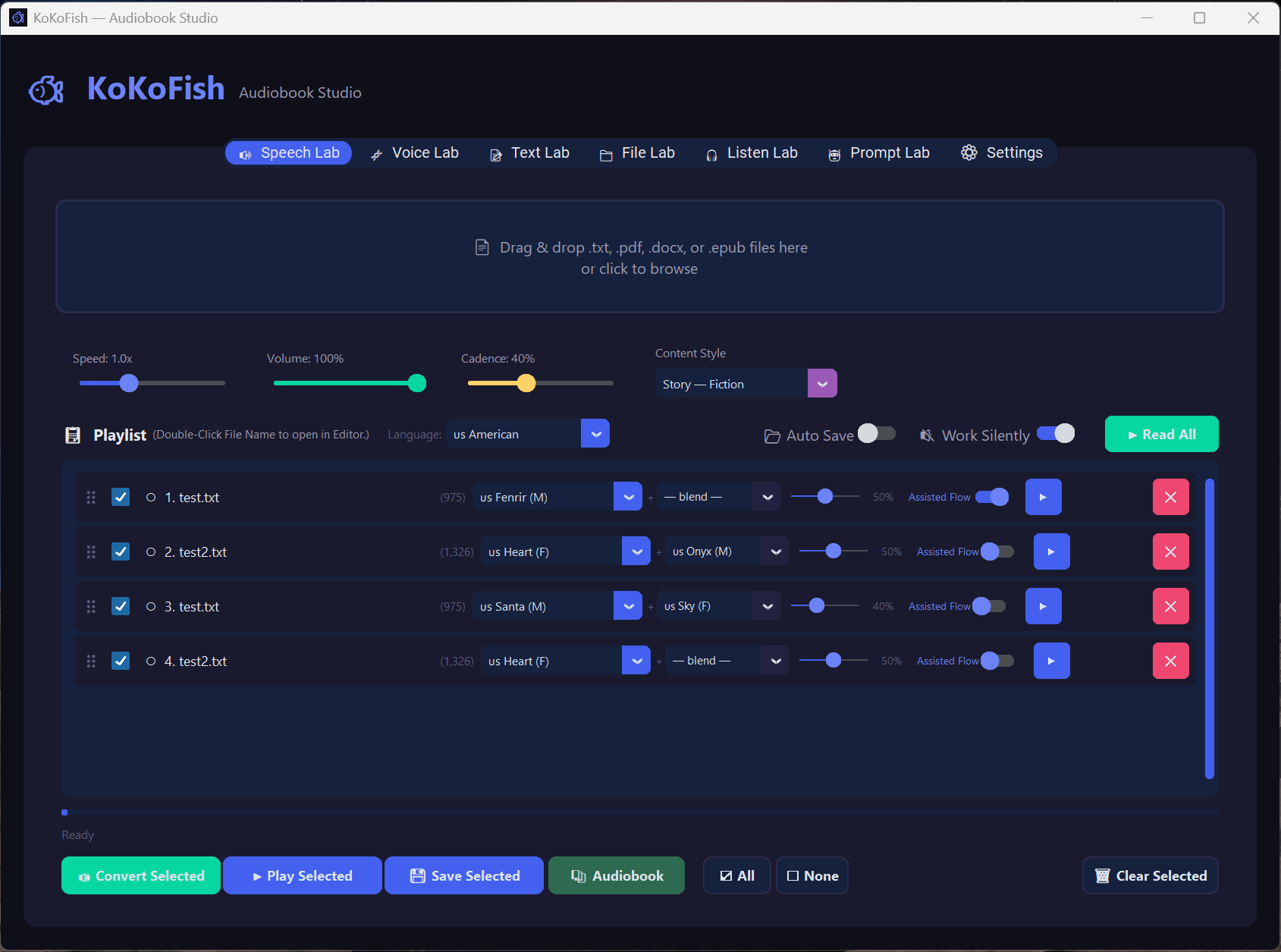
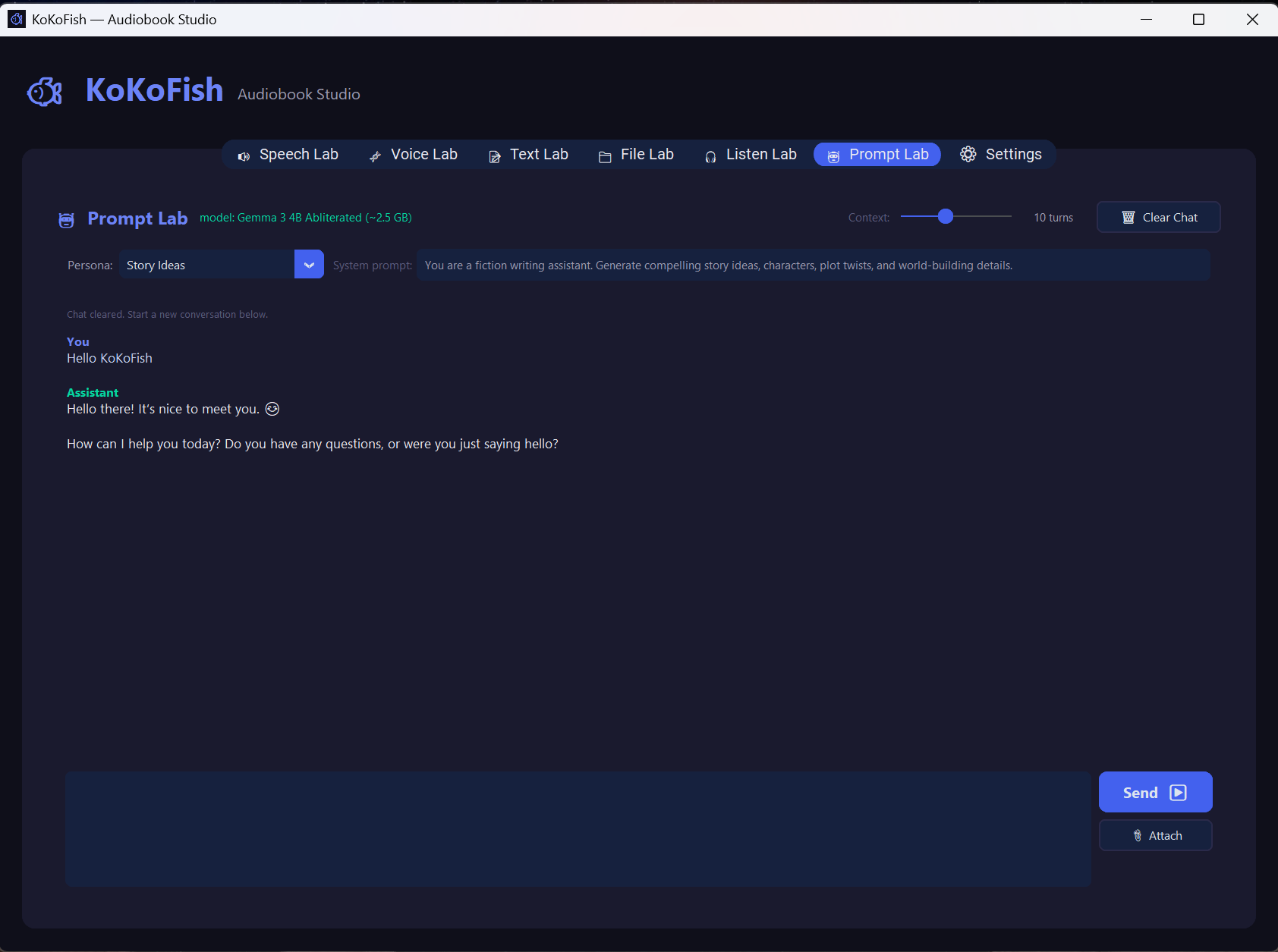
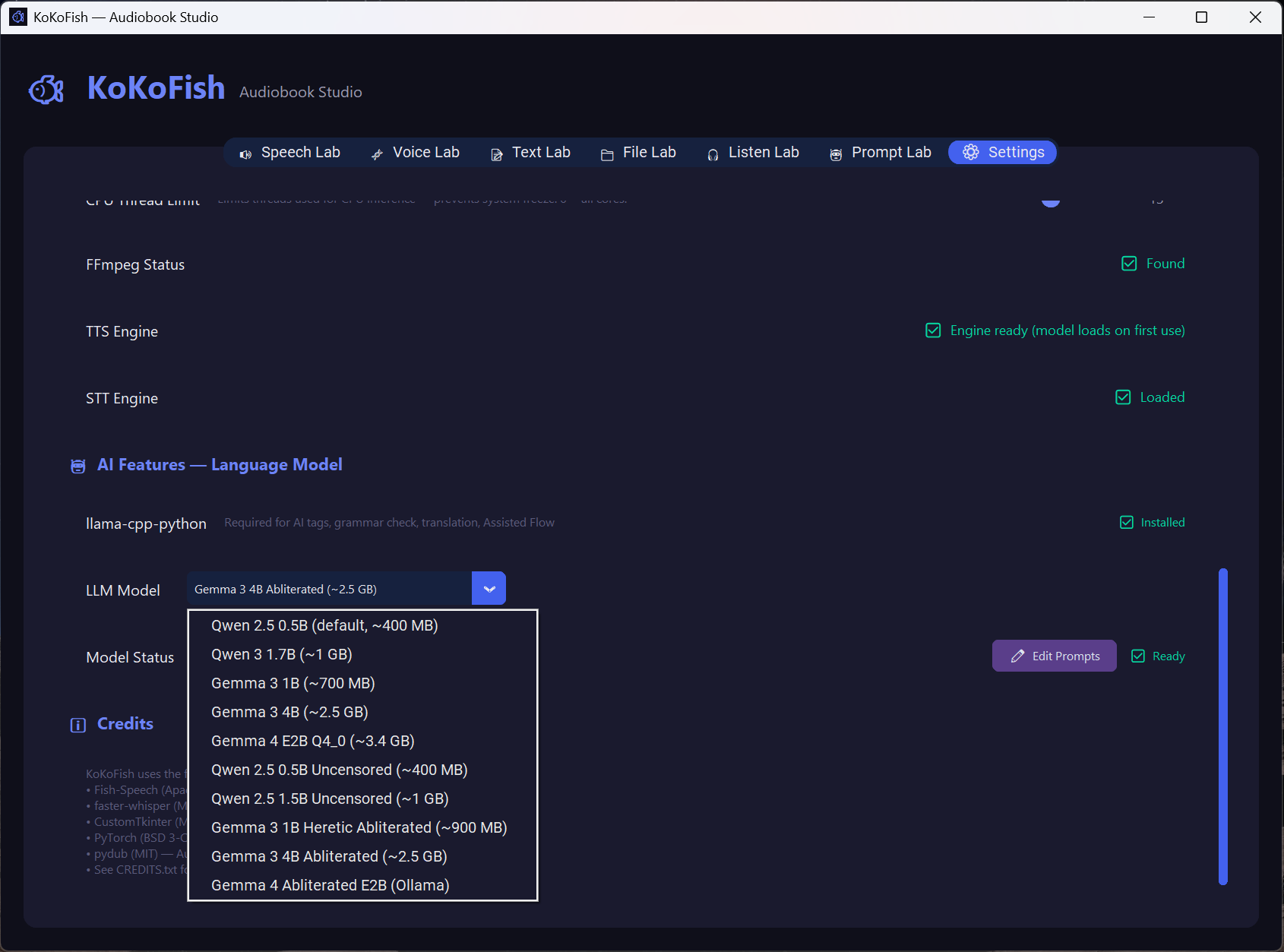
KoKoFish is a free, offline-first Audiobook Studio for Windows. Turn any document into a full audiobook with a single drag and drop—choose from 54 built-in voices across 10 languages, clone your own voice, or let a local AI rewrite and enhance your text first.
No subscriptions. No API keys. No internet required after first setup.
-
Read Aloud (TTS):
Drag and drop .txt, .pdf, .docx, and .epub into a playlist with real-time, sentence-by-sentence playback. Save output as MP3 or WAV. -
Multiple AI Engines:
Kokoro (82M ONNX, fast CPU), VoxCPM 0.5B & 2B (voice cloning, up to 30 languages), and OmniVoice (k2-fsa, 600+ languages). -
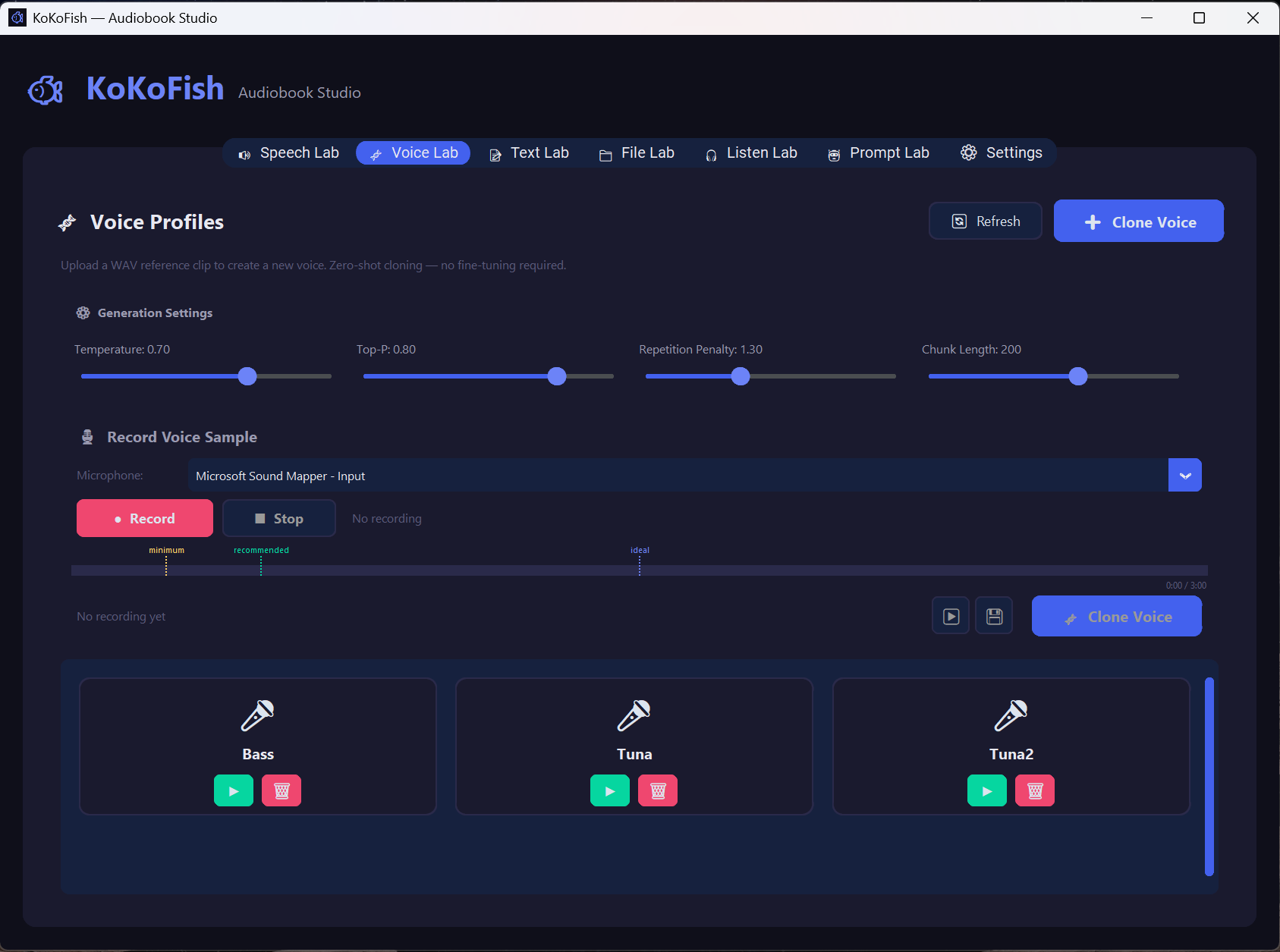
Voice Cloning & Voice Lab:
Record or upload a 15–180s reference clip, or design a voice in plain English ("Gentle & Melancholic Girl") with Age / Gender / Tone / Pace chips. -
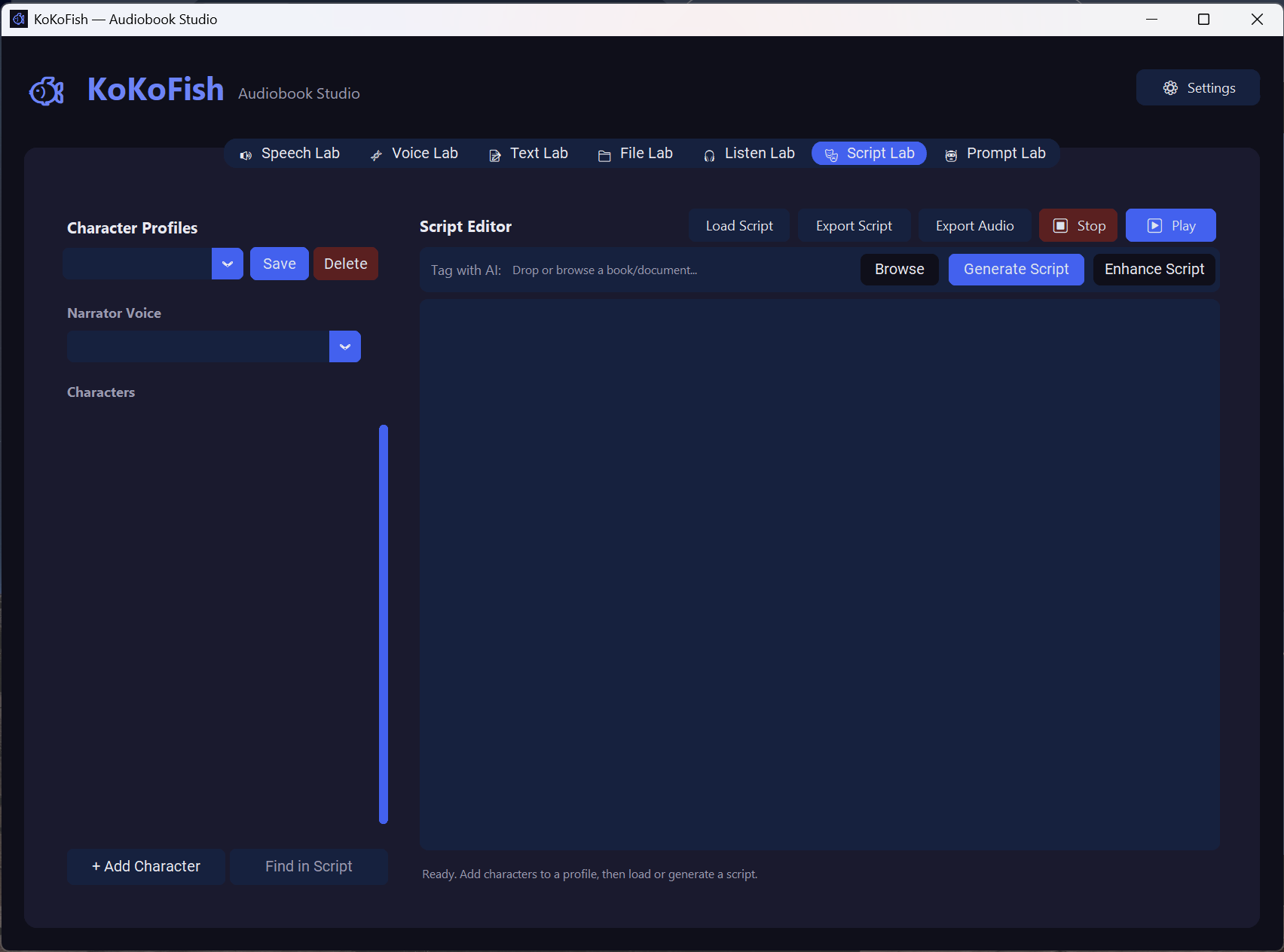
Script Lab – Multi-Voice Production:
Write or AI-generate a[Character] dialoguescript, assign a voice per character, and play it back switching voices automatically. -
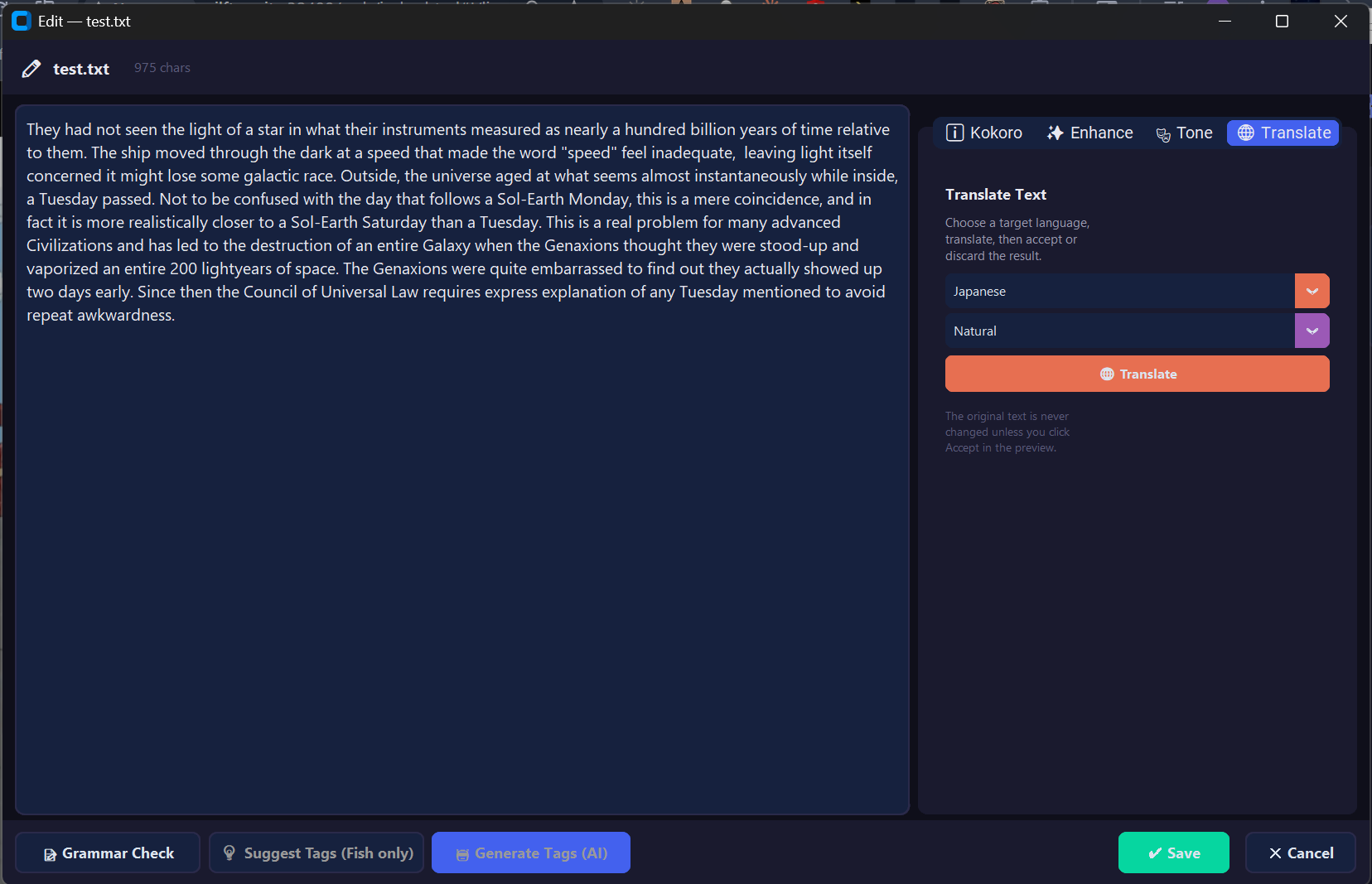
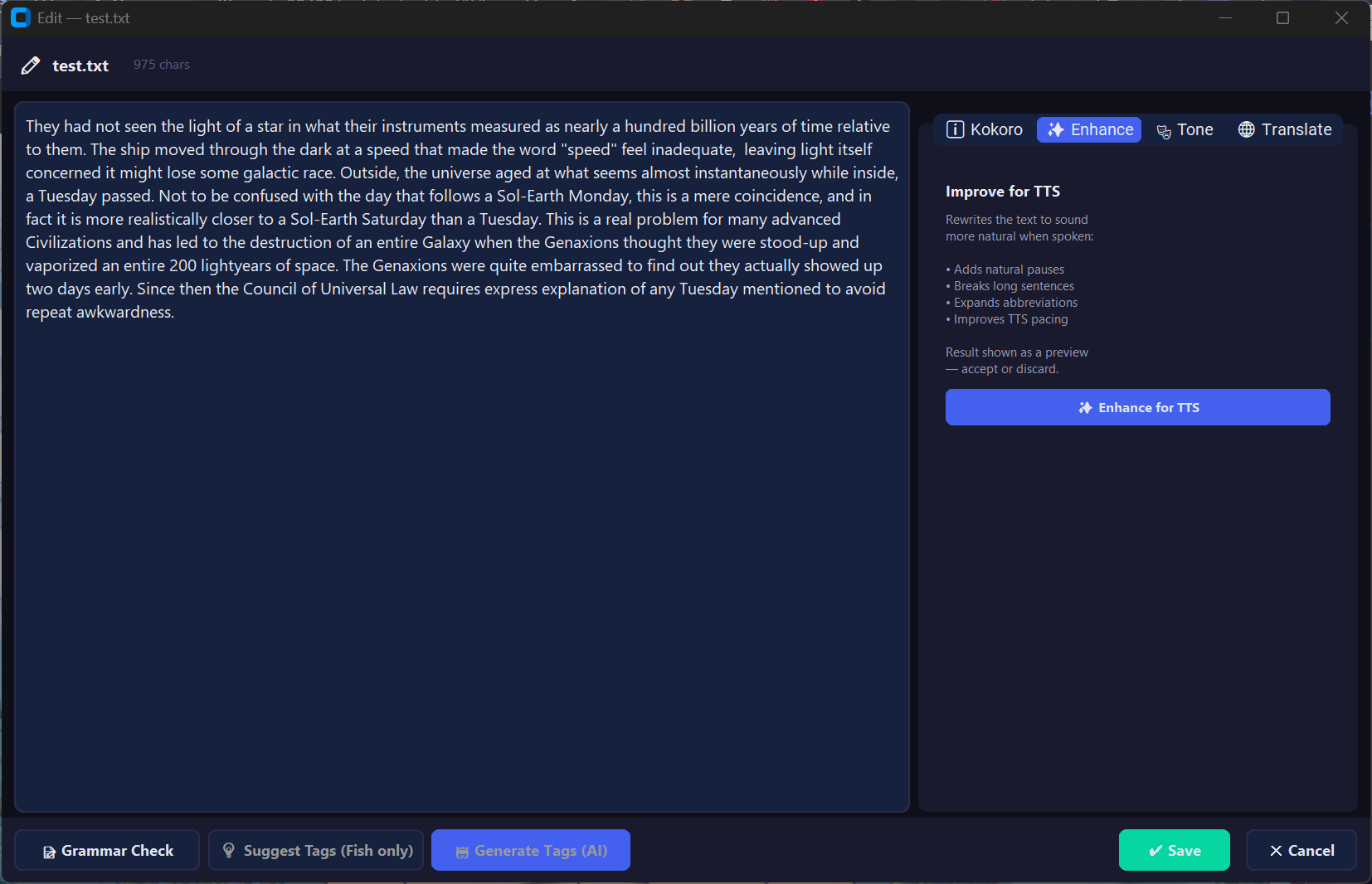
Local AI Writing Tools:
Grammar check, tone rewriting, translation, TTS enhancement, and tag suggestion—all running on a small on-device LLM (Qwen / Gemma), no cloud. -
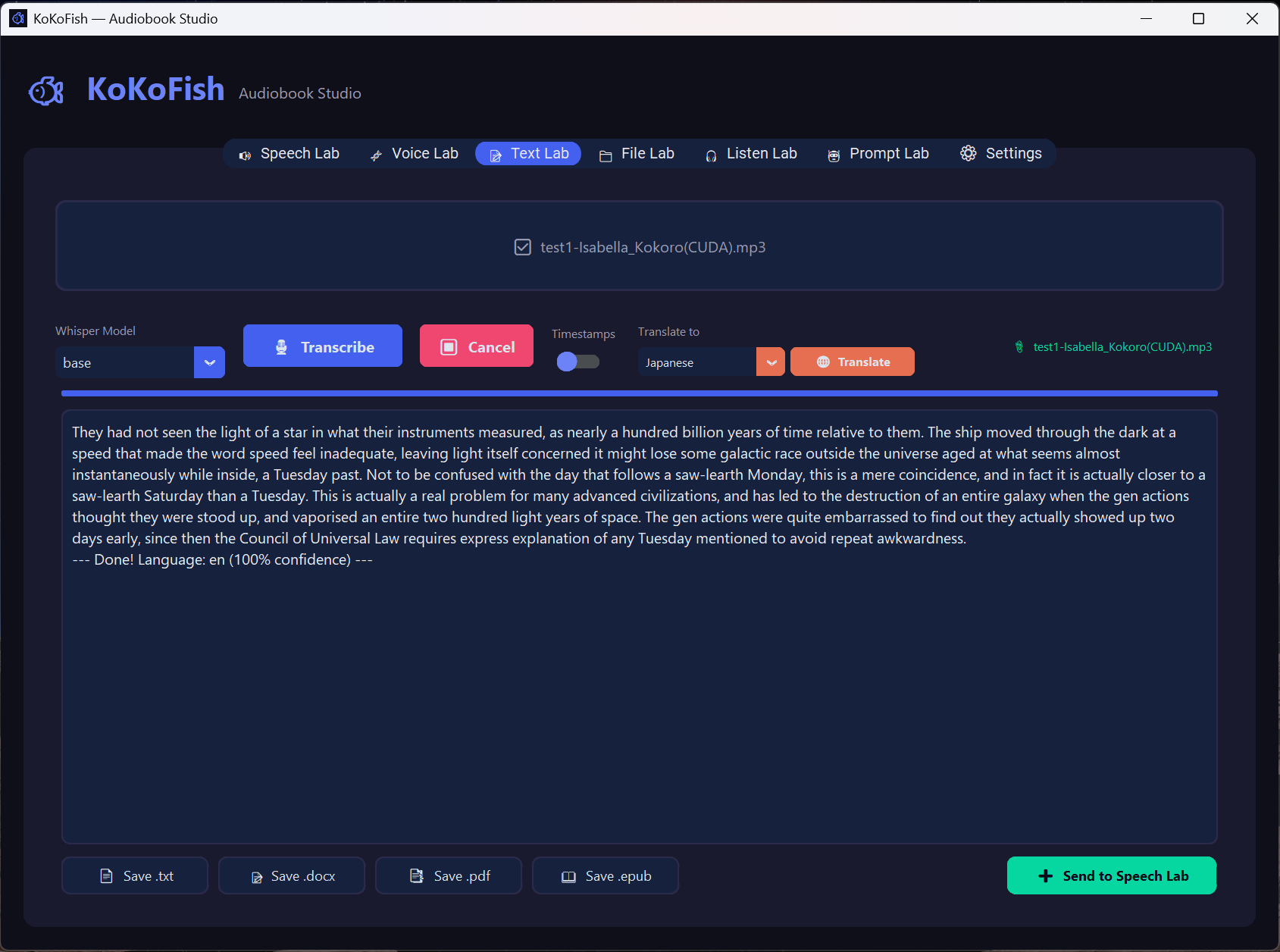
Speech to Text:
Transcribe .wav, .mp3, .m4a, .flac, and .ogg with Whisper and export as .txt, .docx, or .pdf.
Screenshots
RaiderTrader – A Dedicated Trading Board for Arc Raiders
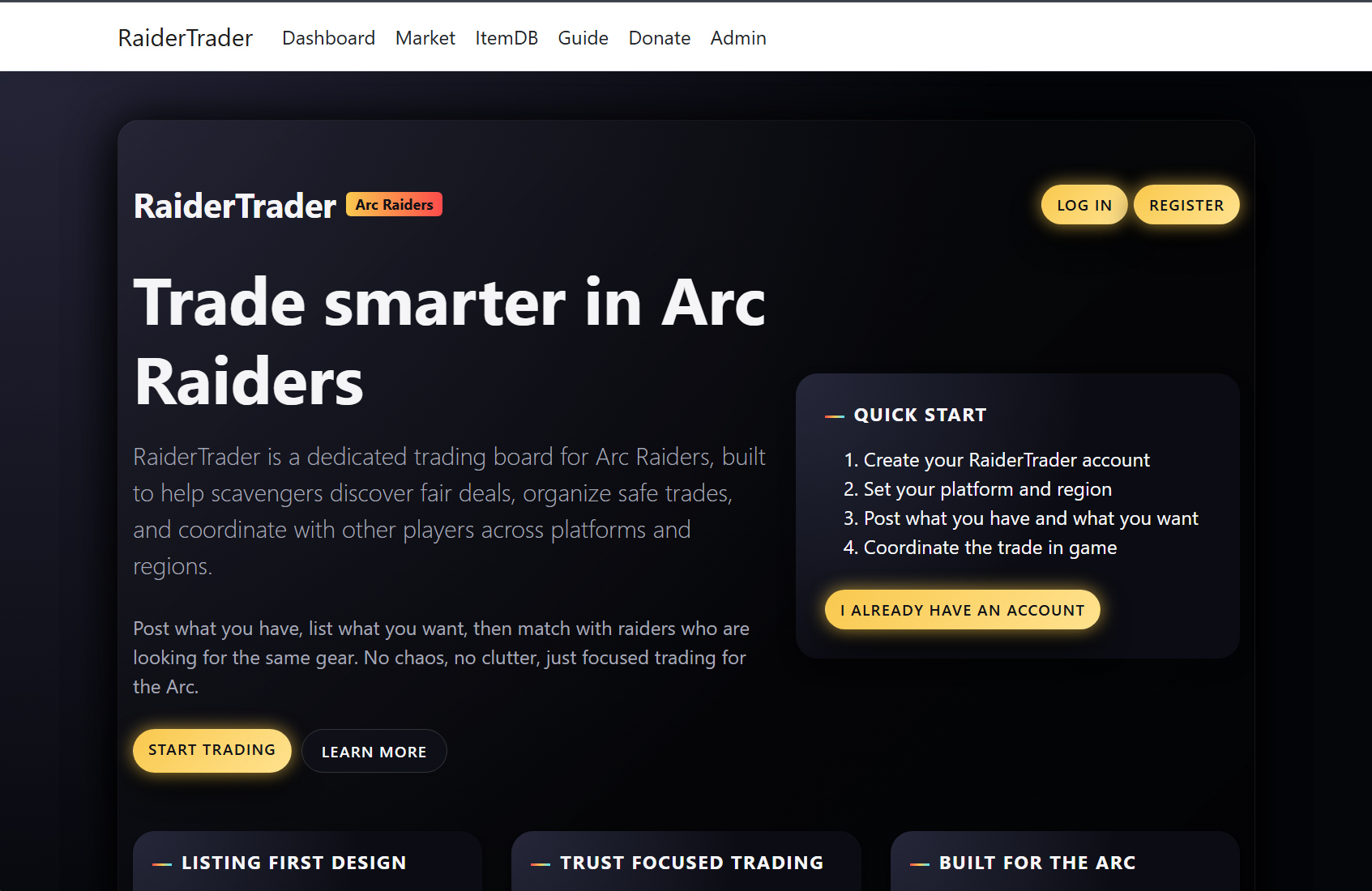
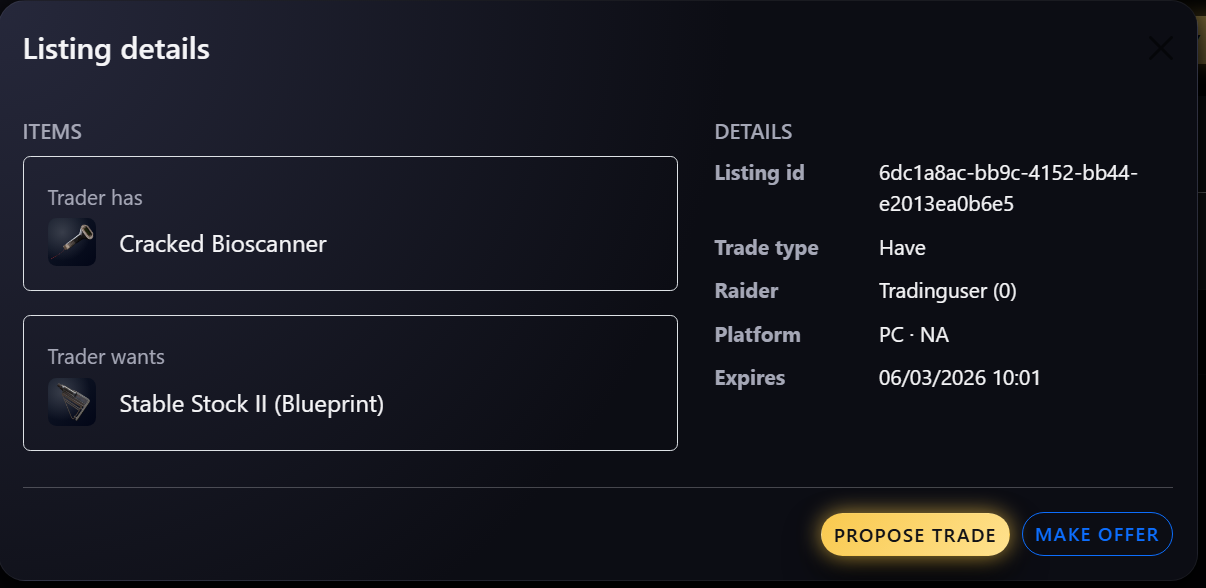
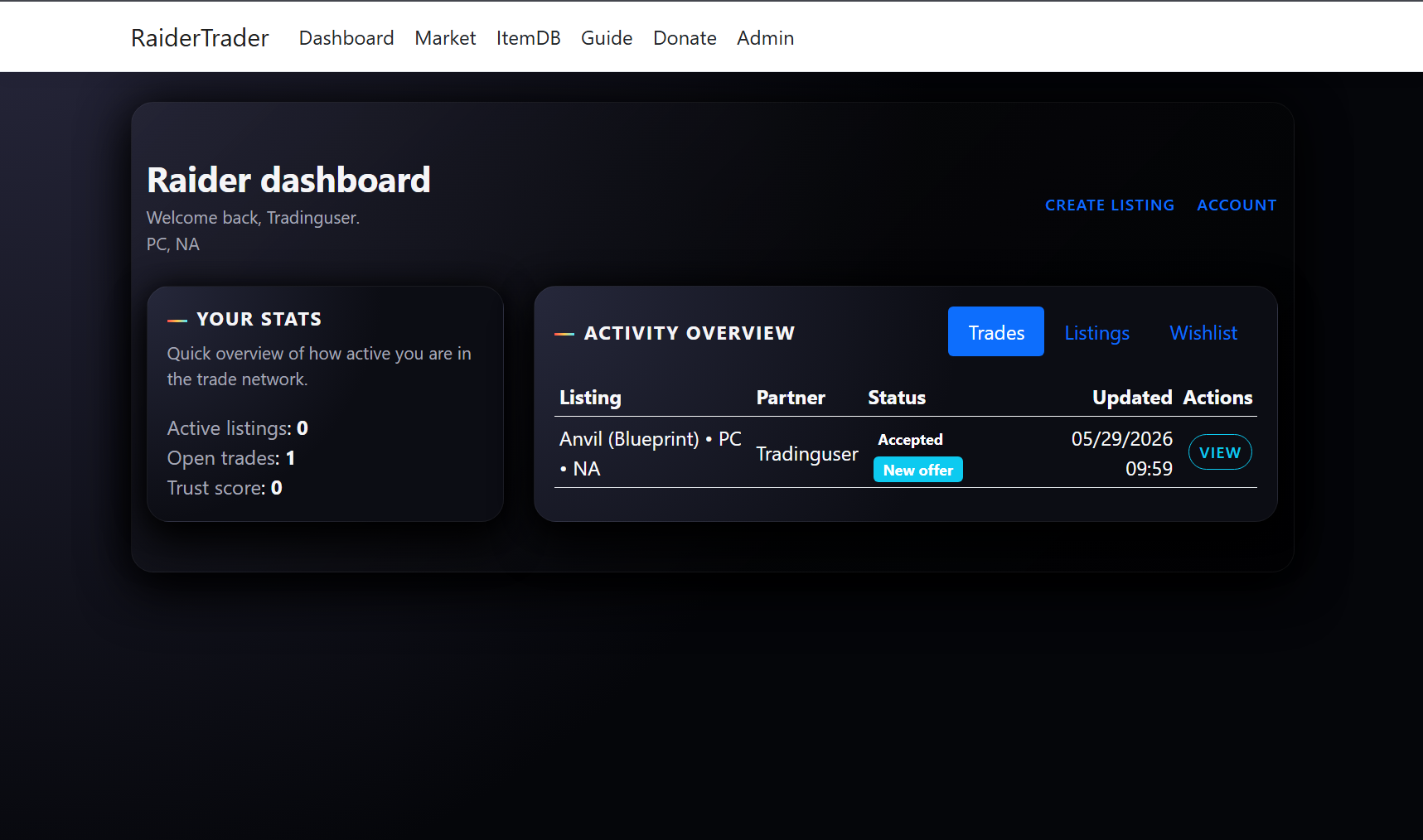
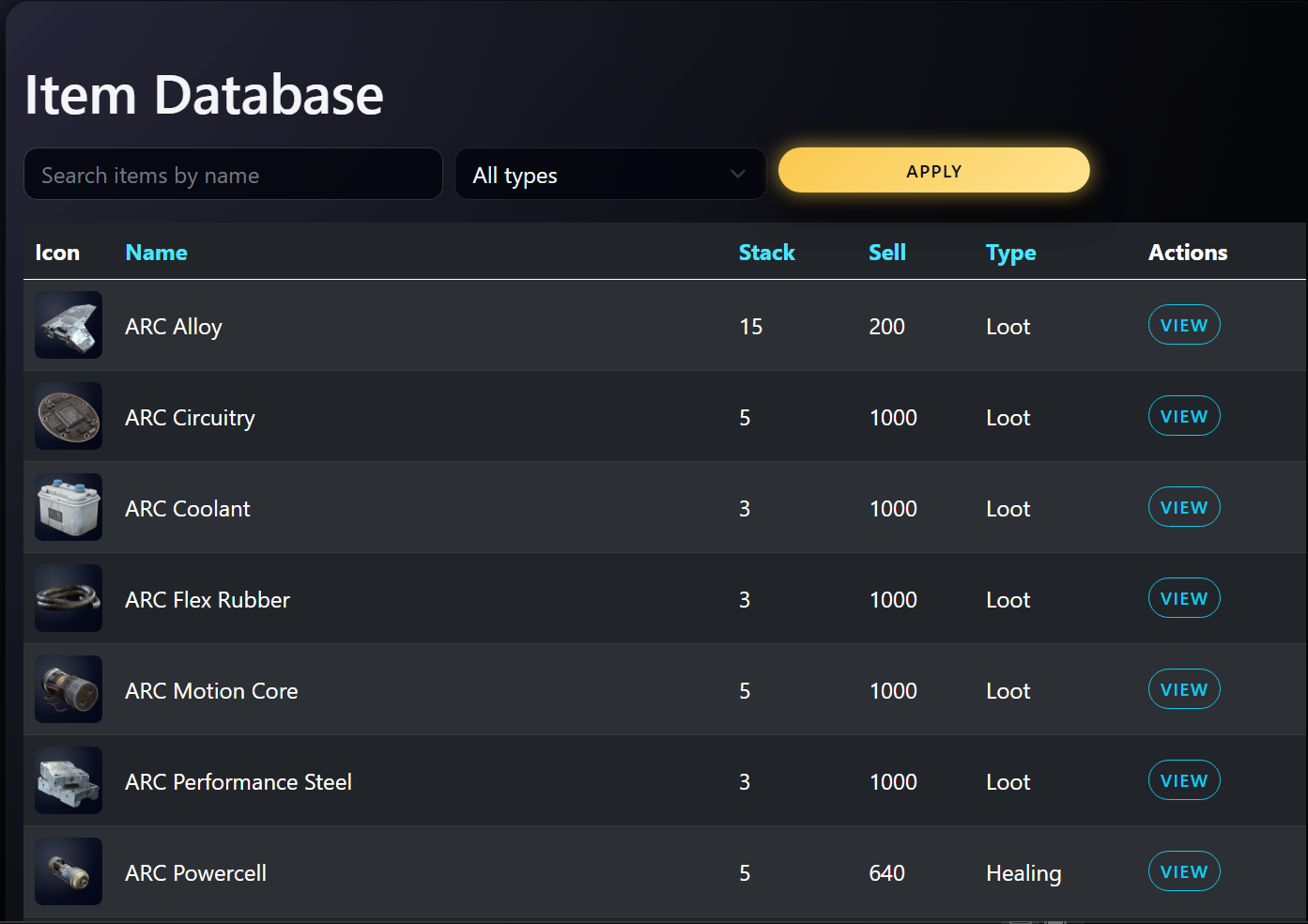
RaiderTrader is a focused trading board for Arc Raiders—built to help scavengers discover fair deals, organize safe trades, and coordinate with other players across platforms and regions.
Post what you have, list what you want, then match with raiders looking for the same gear. No chaos, no clutter—just focused trading for the Arc.
-
Listing-First Design:
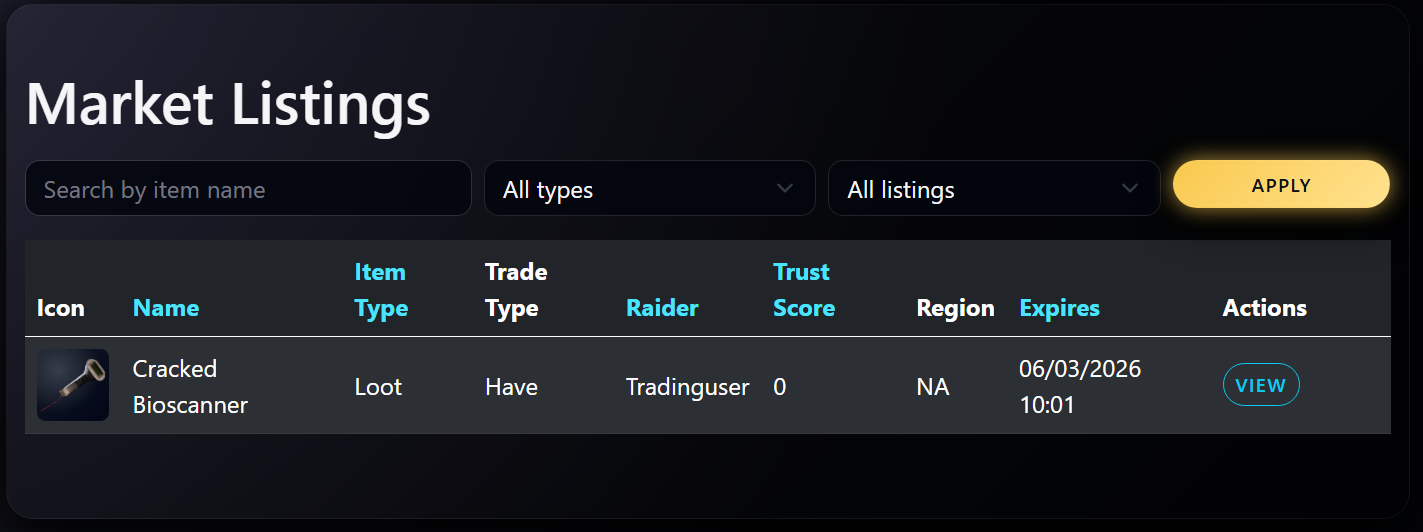
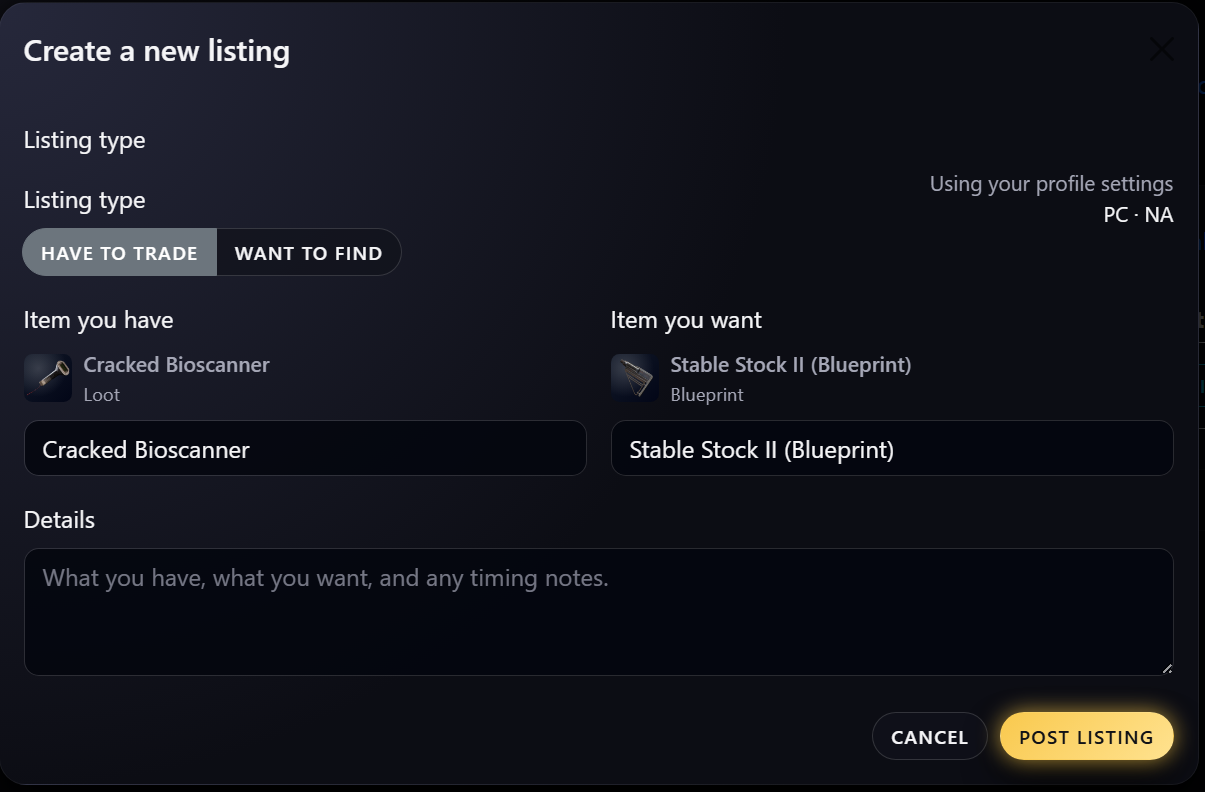
Create clear listings showing what you offer and what you want, grouped by platform and region so you only see trades that actually matter to you. -
Have / Want Matching:
Each listing carries its trade side and item set, so the market surfaces the raiders who have exactly what you're hunting—and want what you're holding. -
Trust-Focused Trading:
Reputation tracking, completed-trade history, user reports, and bans for bad actors keep community trading reliable instead of risky. -
Accounts & Security:
Full user accounts with email confirmation, two-factor authentication, and external login support, built on ASP.NET Core Identity. -
Built for the Arc:
Designed specifically around Arc Raiders trading patterns—listings, filters, and tools stay focused on the needs of raiders, not a generic marketplace.
Screenshots
Lullaby.rest – Ambient Visuals & Sounds to Help You Drift Off
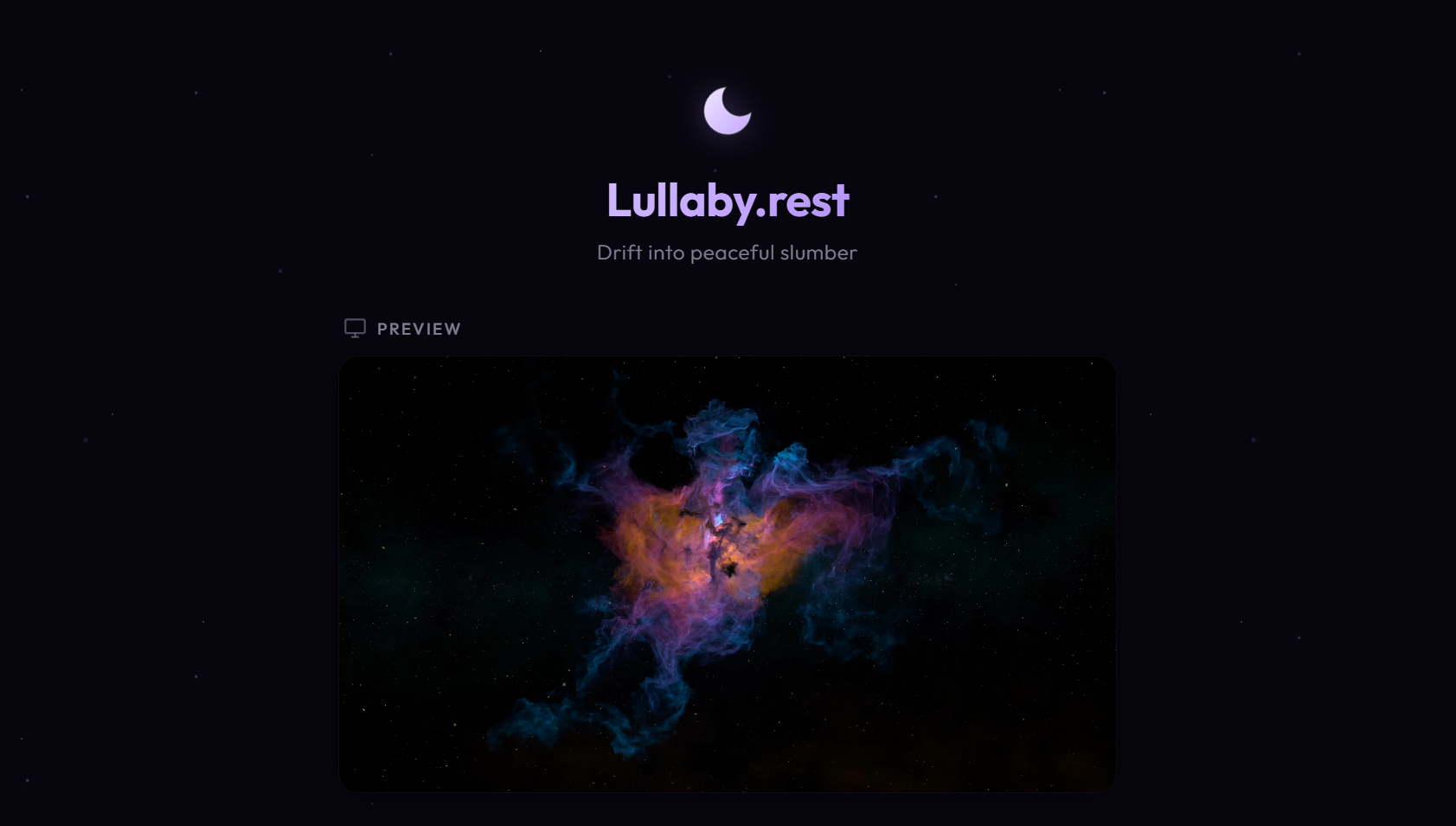
Lullaby.rest is a free, browser-based sleep aid—pick a calming ambient backdrop, layer in soothing sounds, set a timer, and drift into peaceful slumber.
No app, no account, no install. Just open it and hit "Nite Nite, Sleep Well."
-
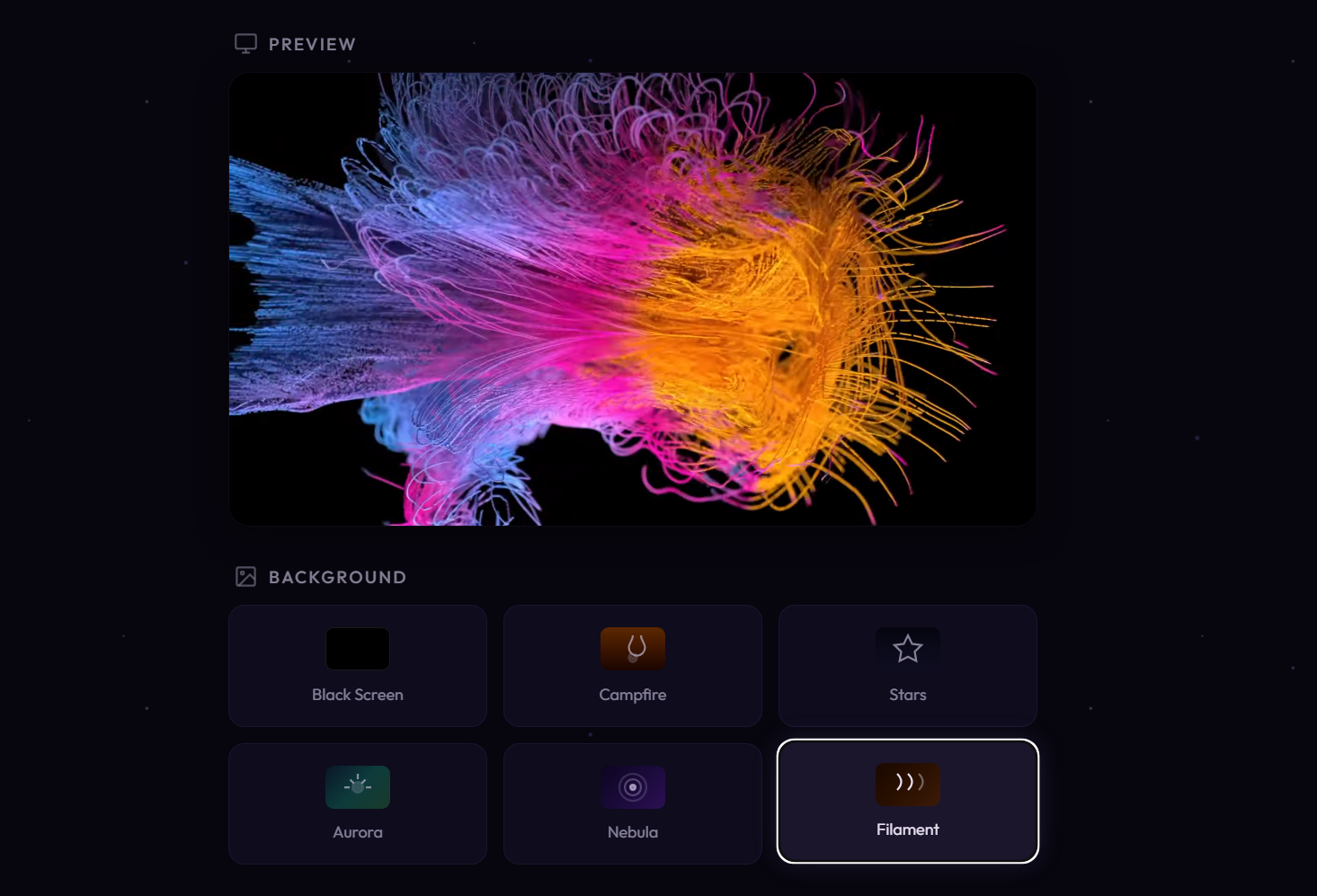
Ambient Backdrops:
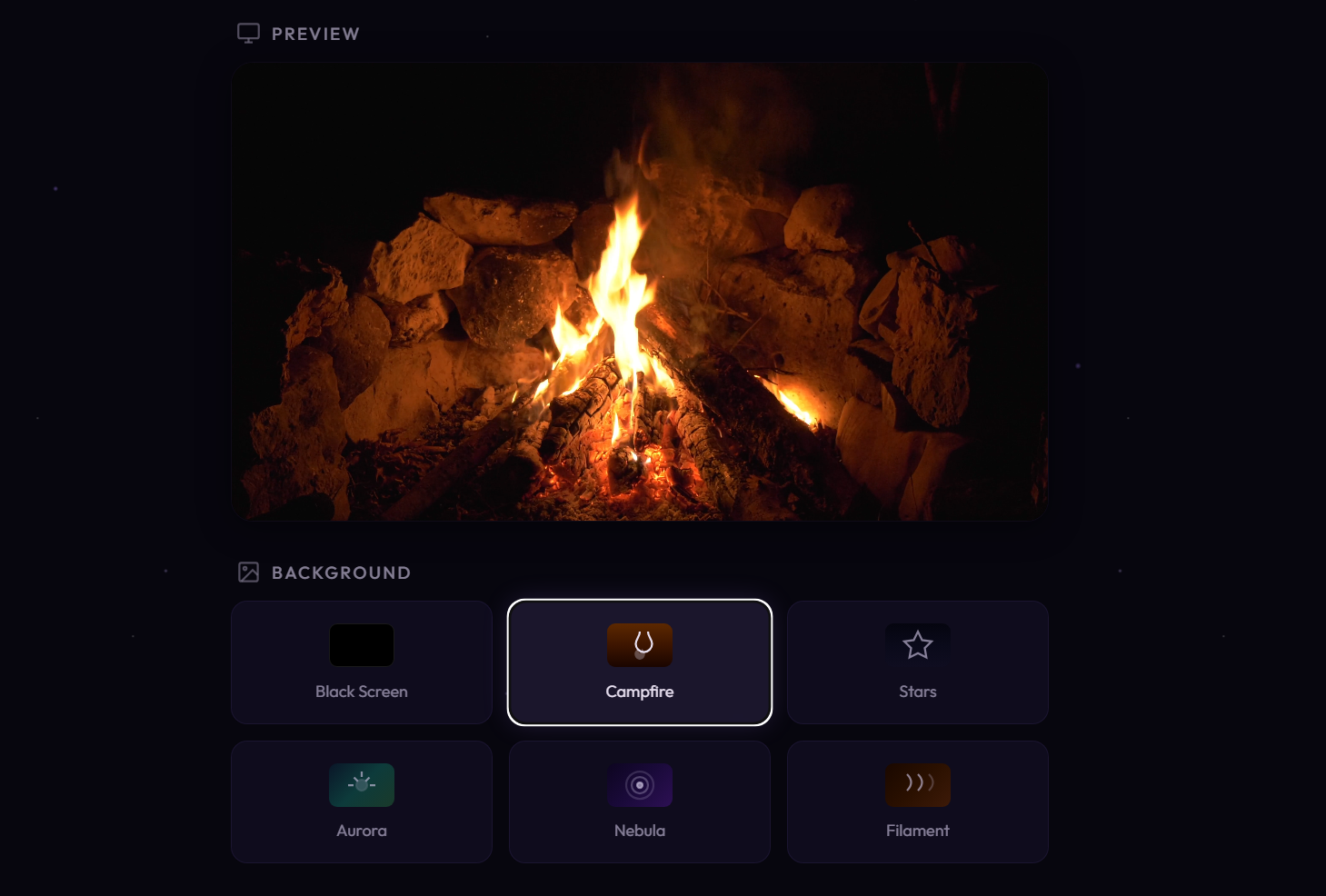
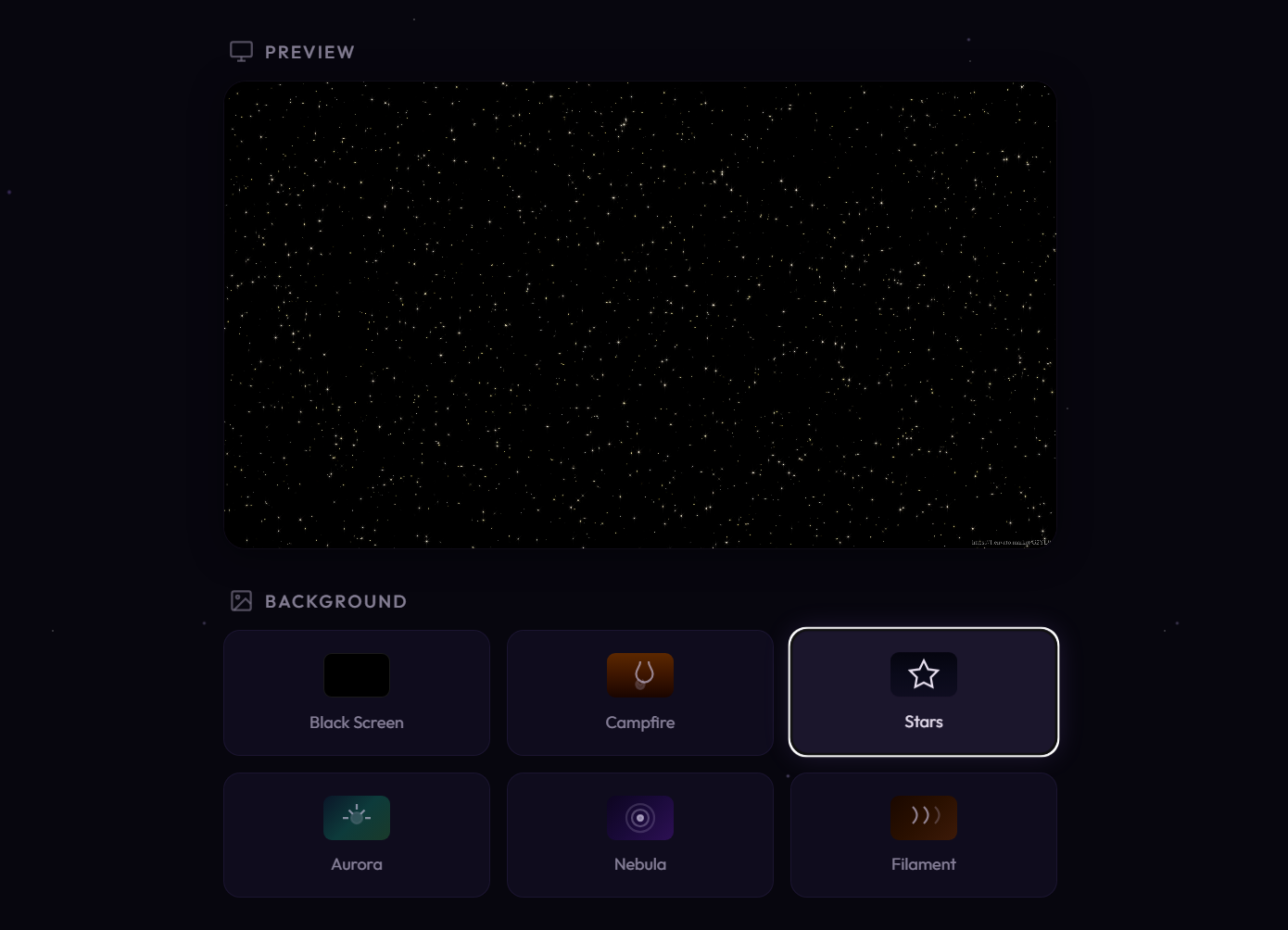
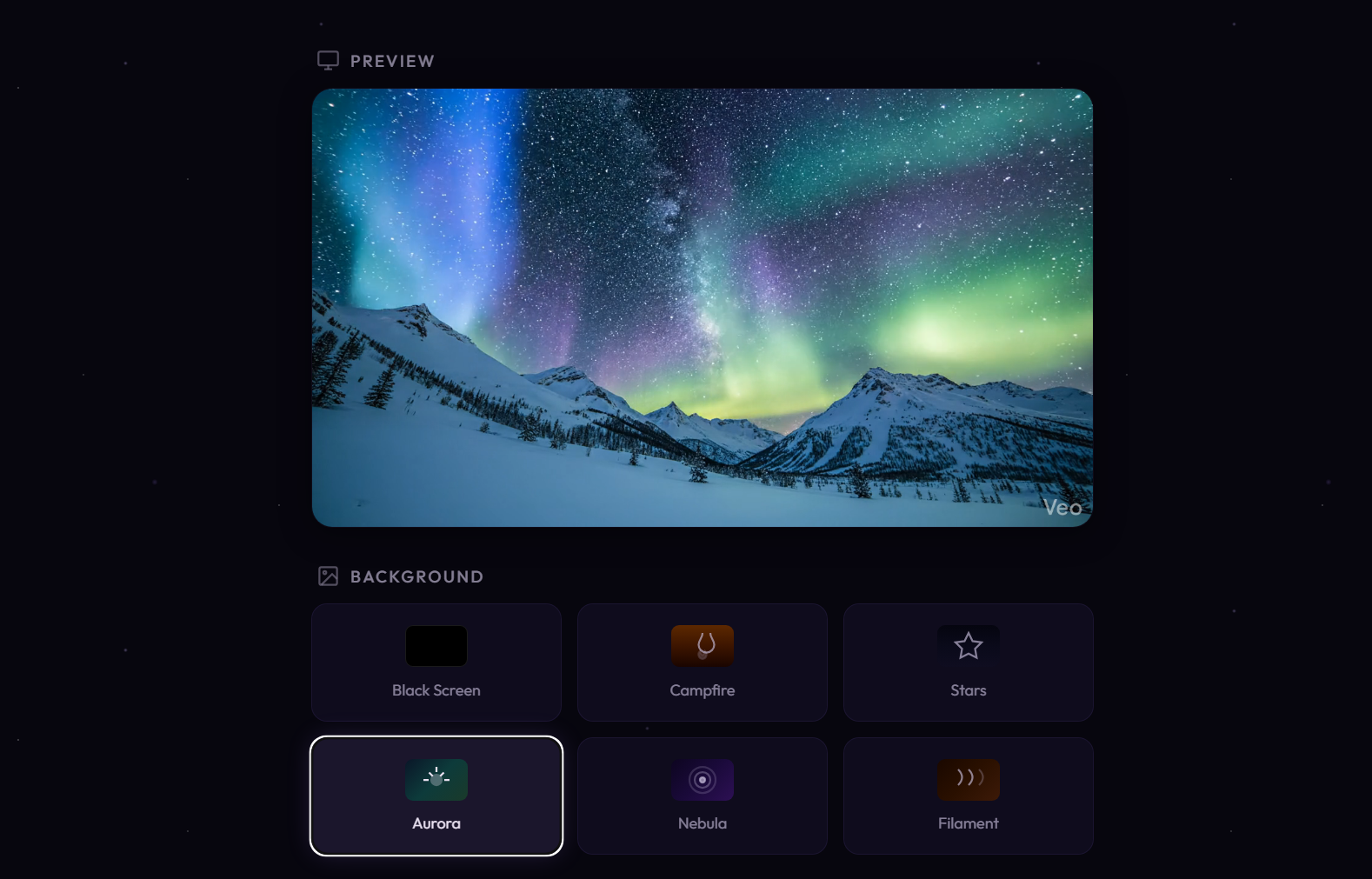
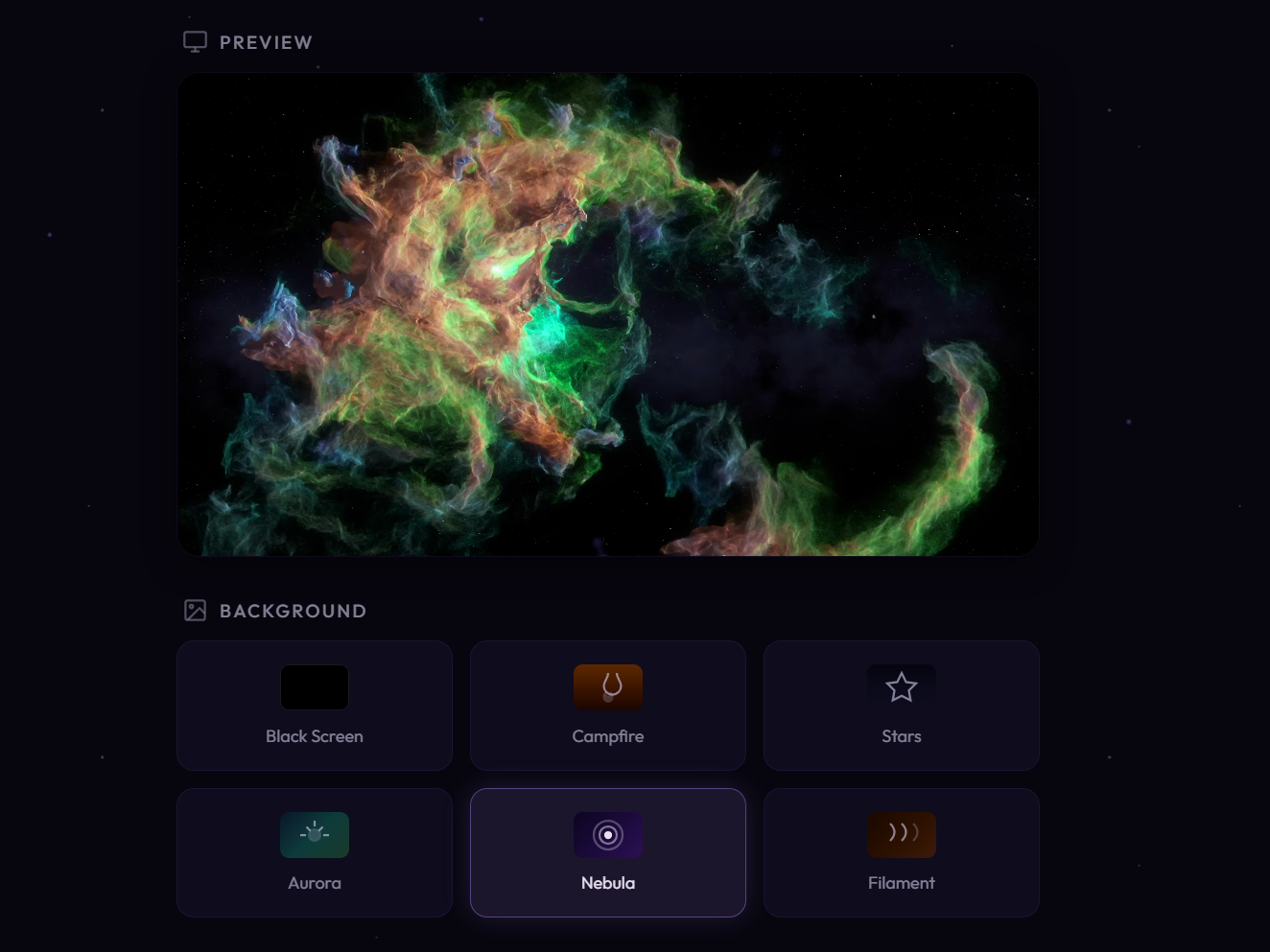
Choose from a pure black screen, Campfire, Stars, Aurora, Nebula, or Filament—rendered fullscreen with adjustable brightness. -
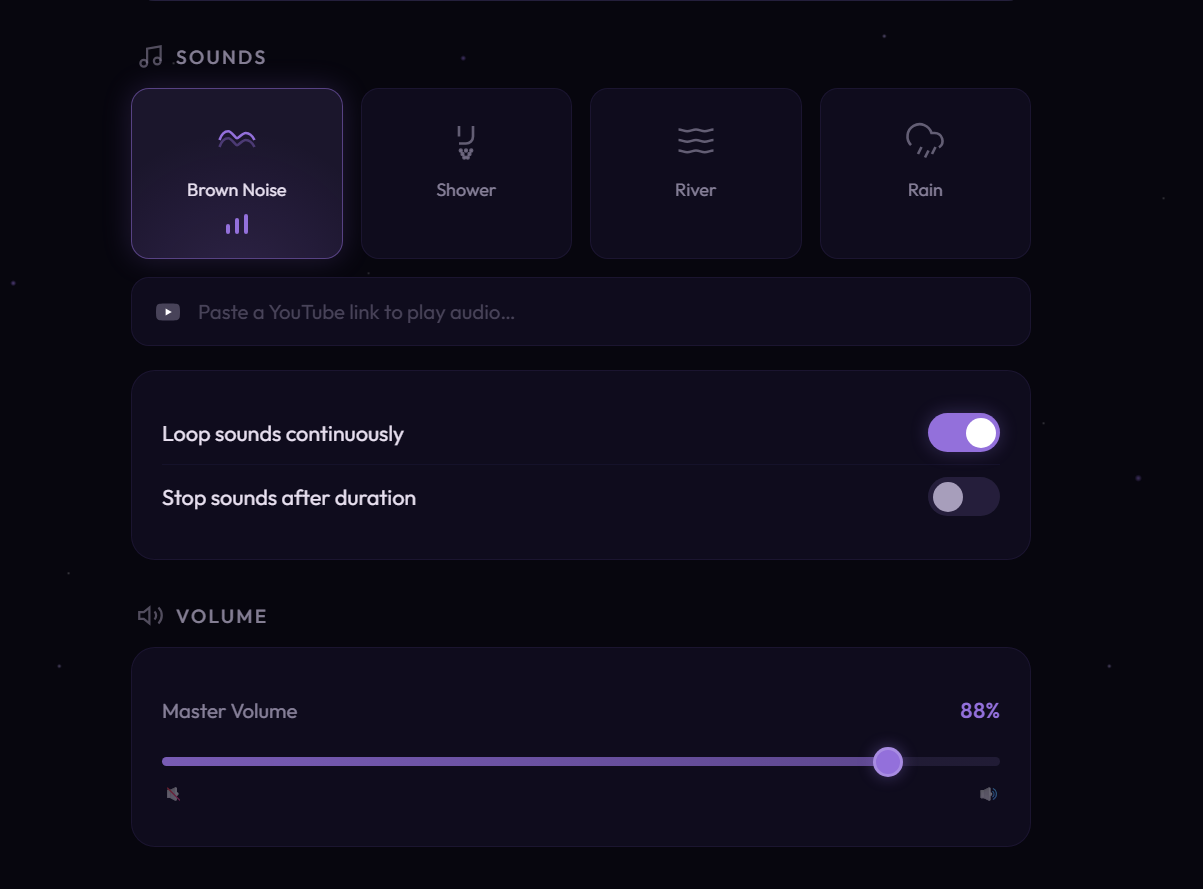
Soothing Sounds:
Mix Brown Noise, Shower, River, and Rain—or paste any YouTube link to play your own audio. -
Screen Timer & Fade to Black:
Set a 1–60 minute timer and optionally fade the screen to black once it ends, so nothing keeps you awake. -
Sound Duration & Looping:
Loop sounds continuously or stop them after 1–10 hours—independent of the screen timer. -
Fullscreen, Distraction-Free:
Controls auto-hide when your mouse goes idle, leaving only the calm visuals and a soft volume/brightness slider.
Screenshots
Imagez – Local AI Image Generation, One-Click
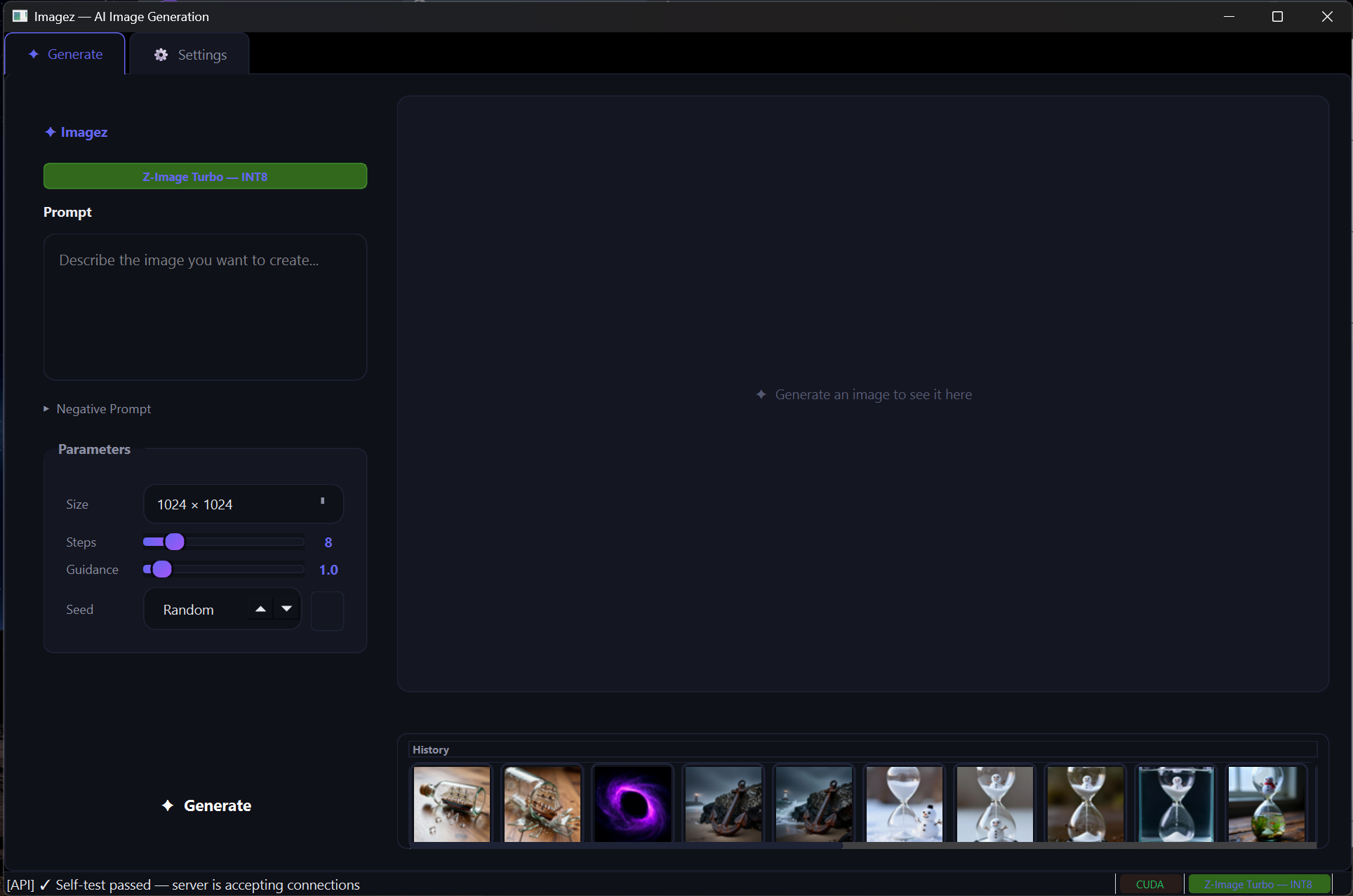
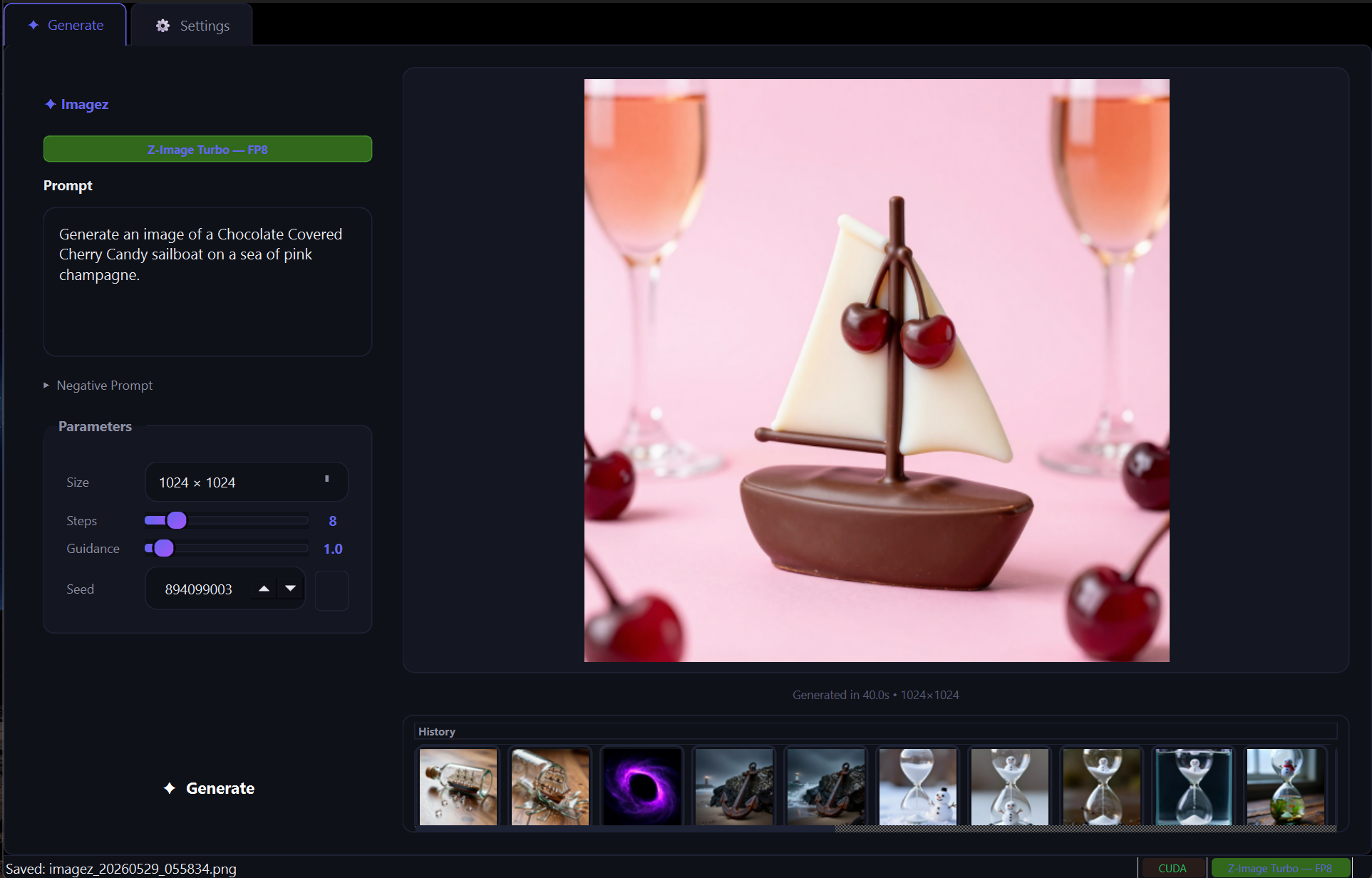
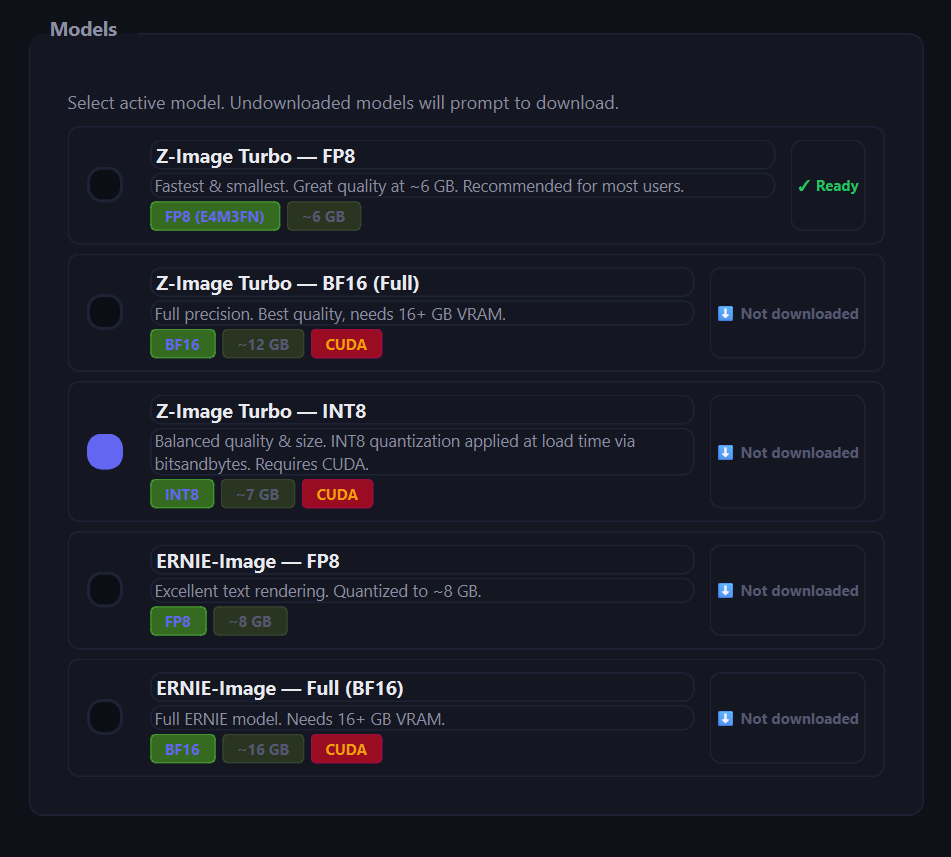
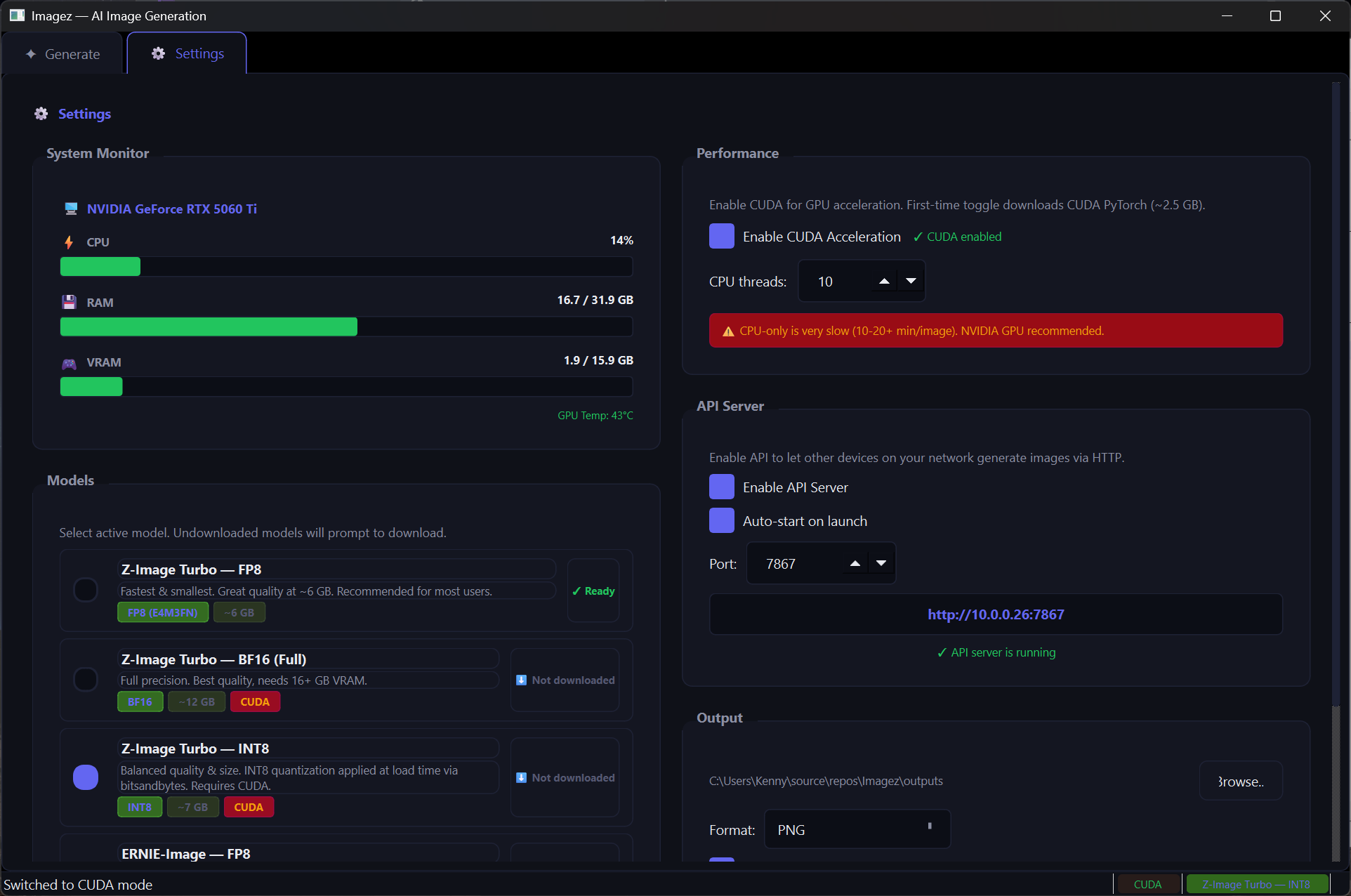
Imagez is a premium desktop app for local AI image generation, powered by Z-Image-Turbo, ERNIE-Image, and FLUX models.
Everything runs on your own machine—no cloud, no subscriptions. Just launch the EXE and start generating.
-
Multiple Models:
Switch between Z-Image-Turbo (FP8 / BF16 / INT8), ERNIE-Image, and FLUX.2-dev—from a fast ~6.5 GB default up to full 24 GB quality. -
One-Click EXE, Auto-Setup:
No Python knowledge required. On first launch it installs dependencies and downloads models, with a splash screen showing real-time progress. -
CUDA Toggle:
Auto-detects your NVIDIA GPU and installs CUDA PyTorch on demand for accelerated generation. -
Image History:
Browse and re-view everything you've generated, all kept locally. -
Beautiful Dark UI:
A polished, glassmorphism-inspired interface built with PySide6.
Screenshots
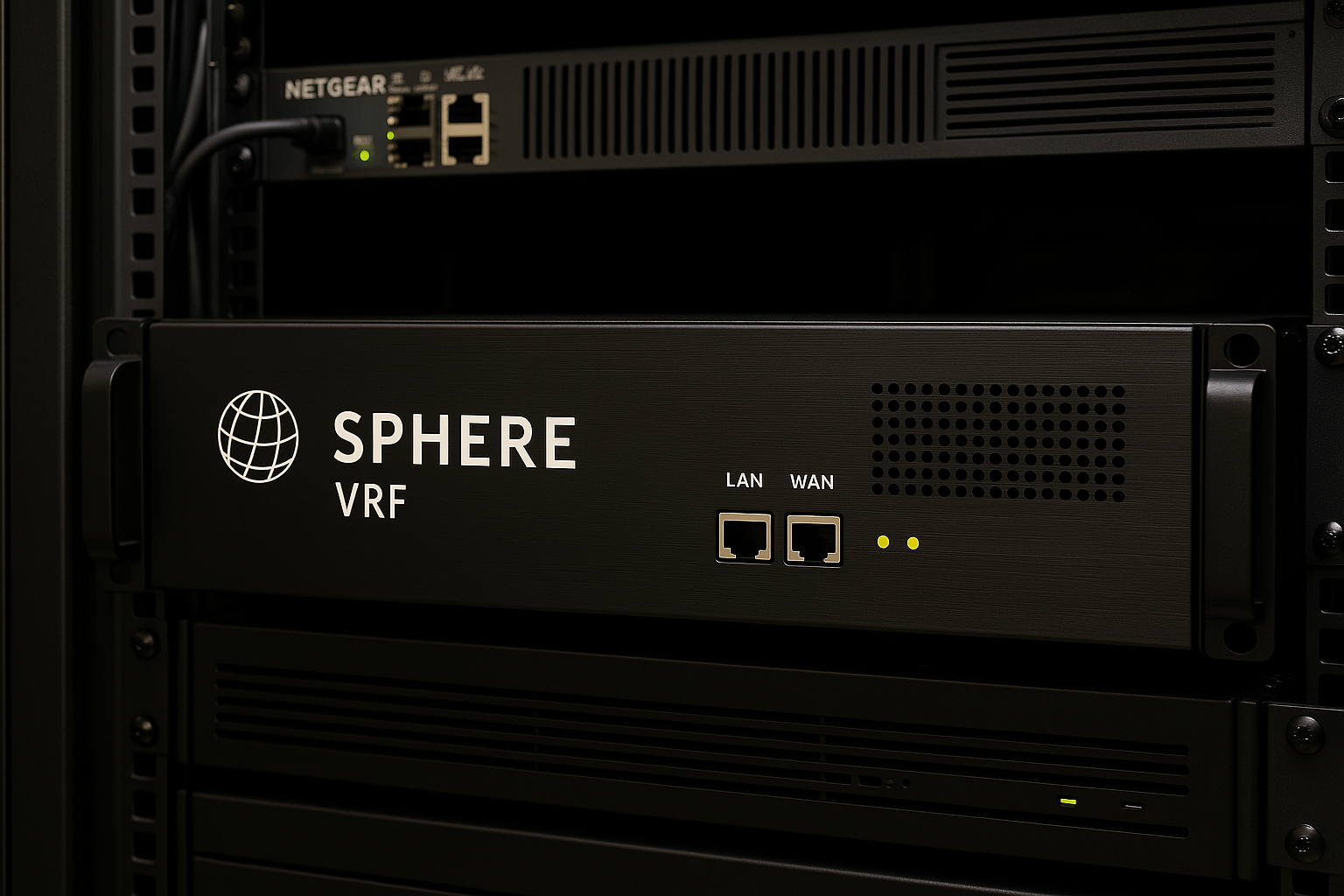
SphereVRF – Decentralized Verifiable Randomness
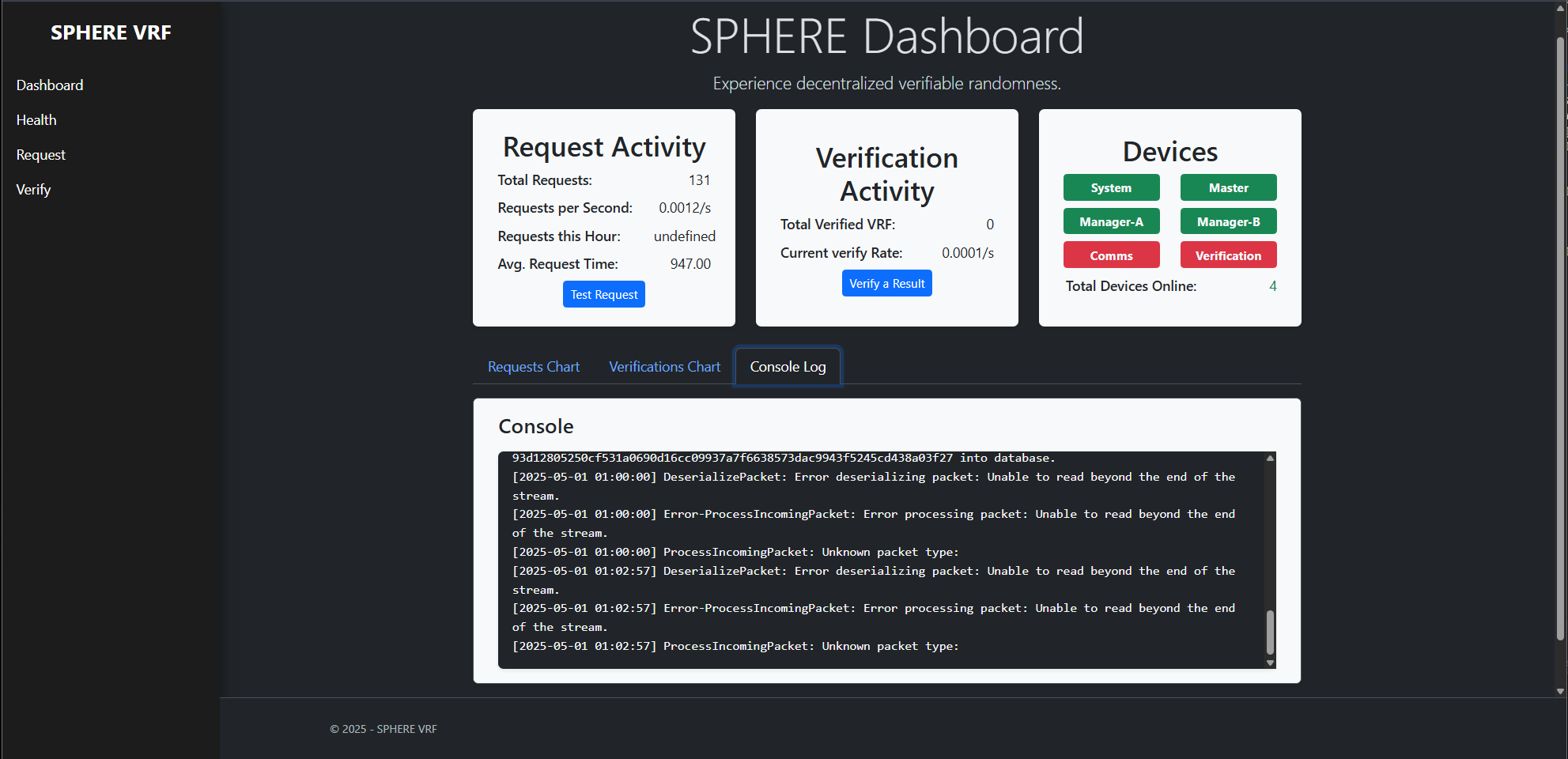
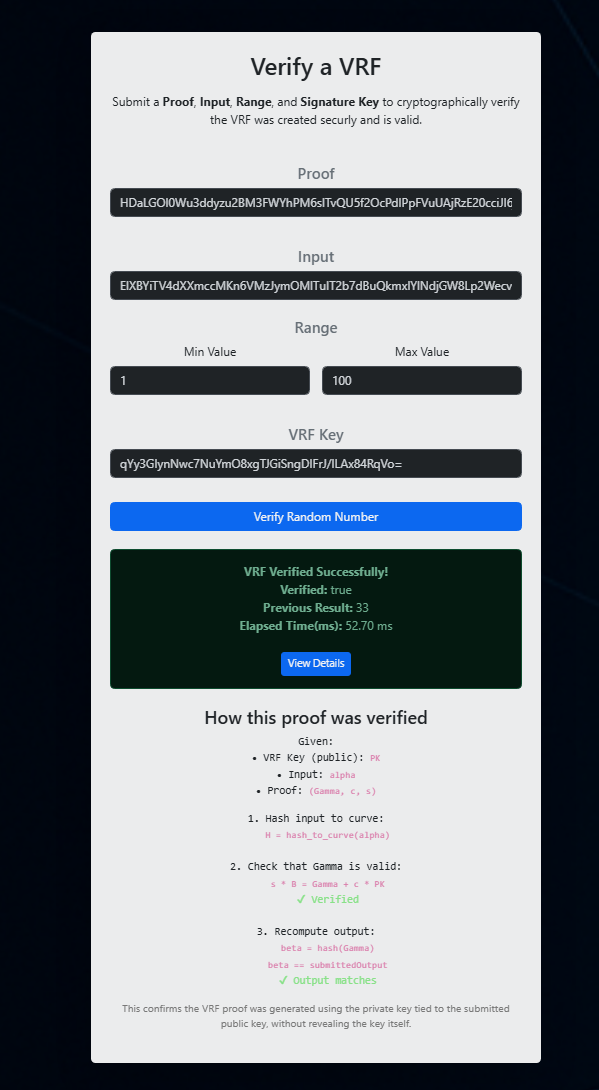
SphereVRF delivers **true, cryptographically verified randomness**, using a fully decentralized node network—no gatekeepers, no trust required. It’s fast, fair, and mathematically tamper-proof. Perfect for gaming, scheduling, auditing, and anywhere randomness matters.
-
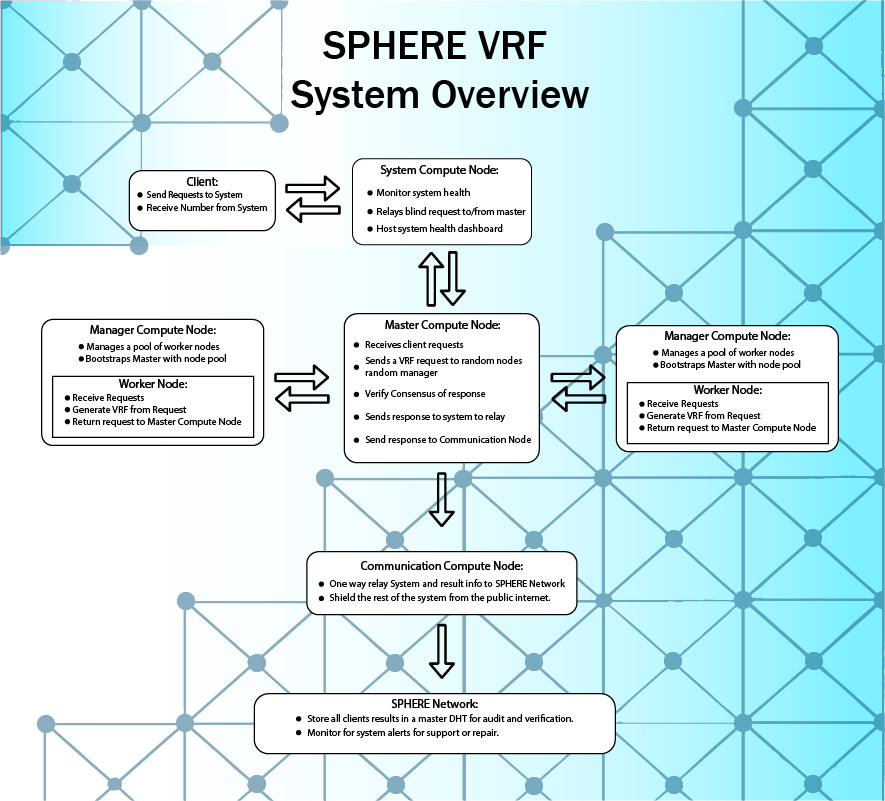
Fully Decentralized Pipeline:
Client → System Node → Master → Managers → Workers generate VRF proofs → Verifier checks → Final result is delivered. Every step is transparent and independently verifiable. -
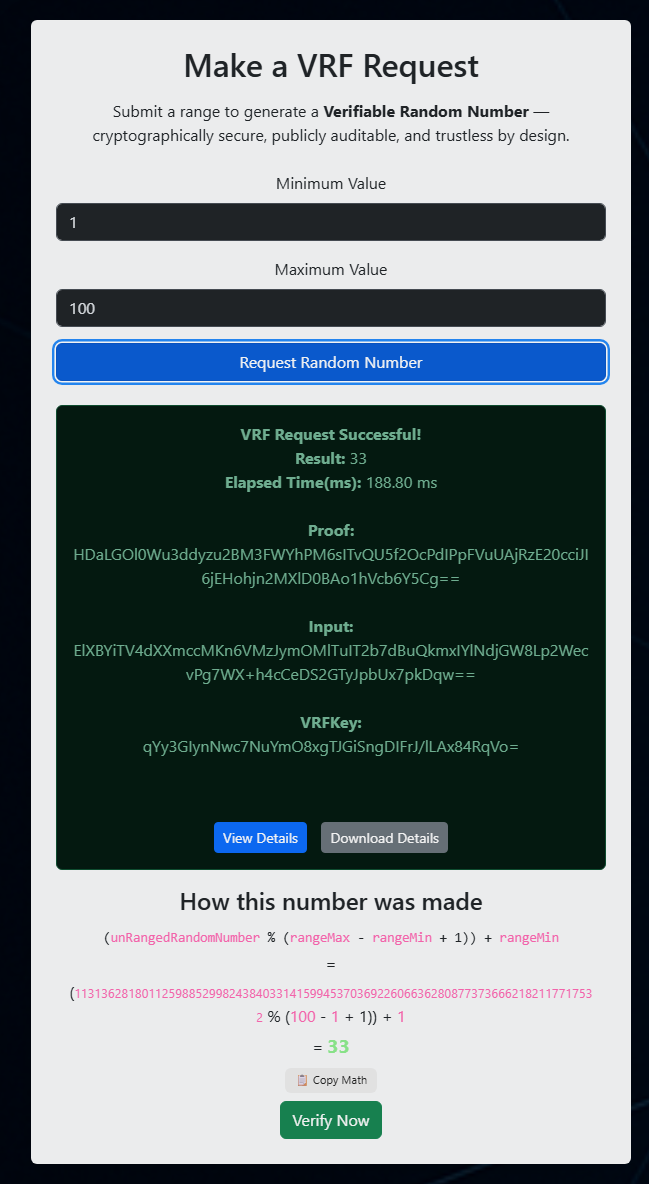
Real-Time Proof Verification:
Clients or verifier nodes can instantly confirm the randomness proof—no centralized authority required. -
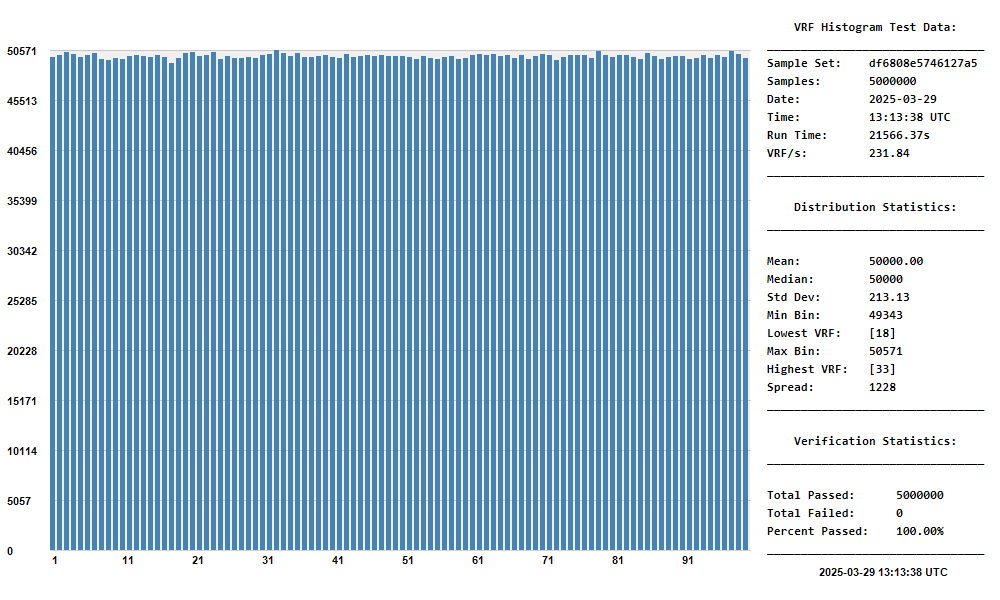
Proven Statistical Fairness:
Over **5 million samples tested**, showing perfect distribution symmetry, low deviation, and 100% verification success at ~232 VRF/sec. -
No Blockchain Bloat:
Lightweight, efficient, and built for real-world deployment—without the overhead of blockchain or mining. -
Use Cases:
Perfect for fair gaming, random scheduling, zero-trust environments, random draws, and anywhere you need mathematically fair outcomes.
Screenshots
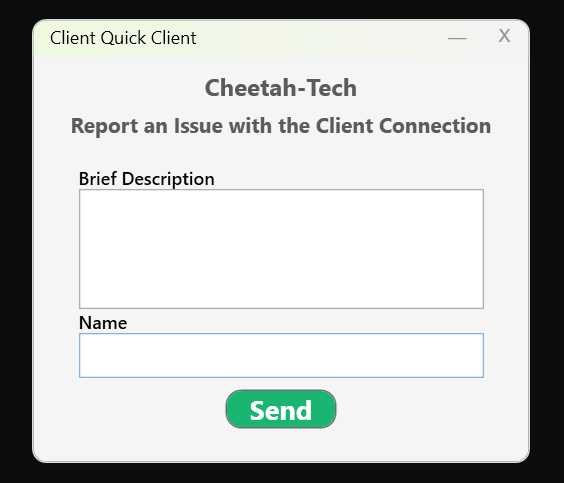
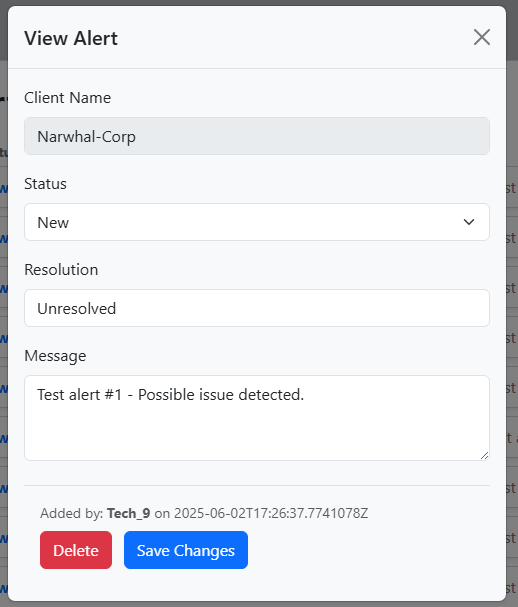
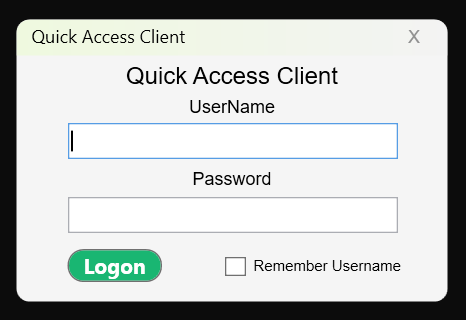
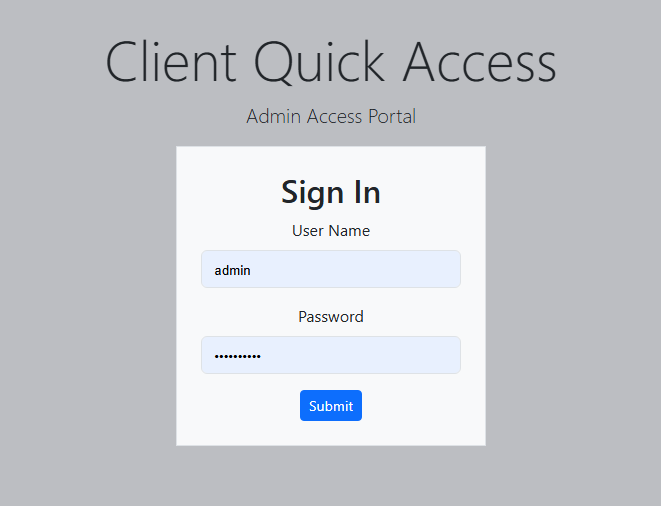
QuickConnect – Fast RDP & Knowledgebase Launcher
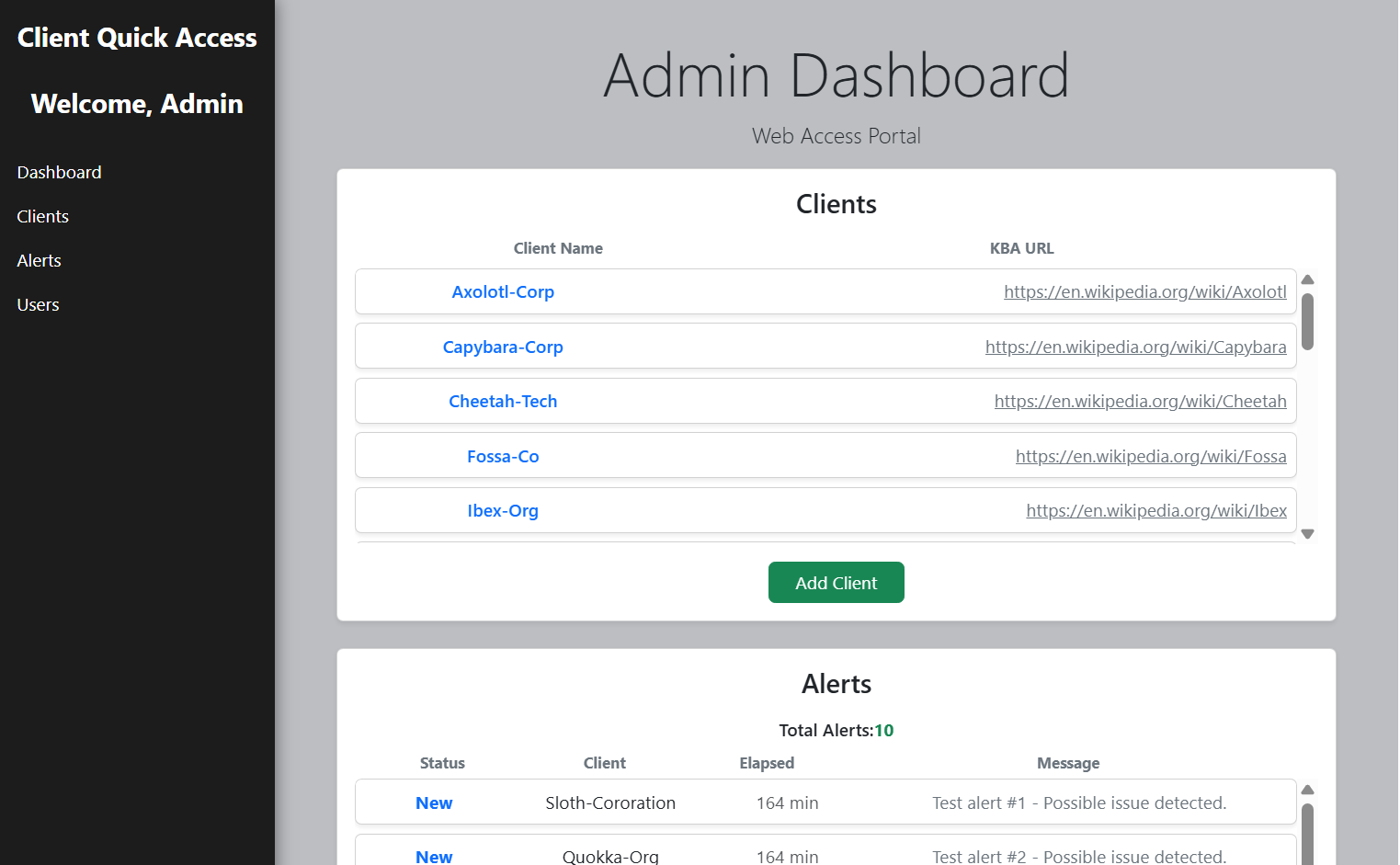
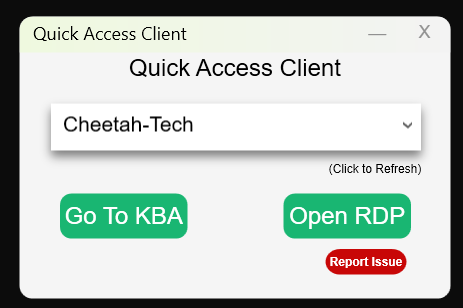
QuickConnect is your one-stop launchpad for IT pros.
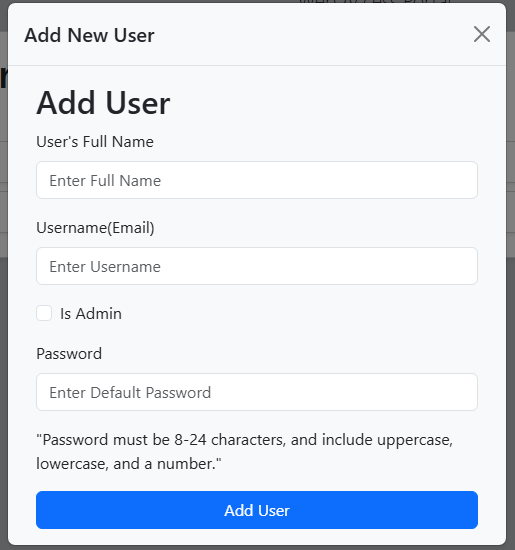
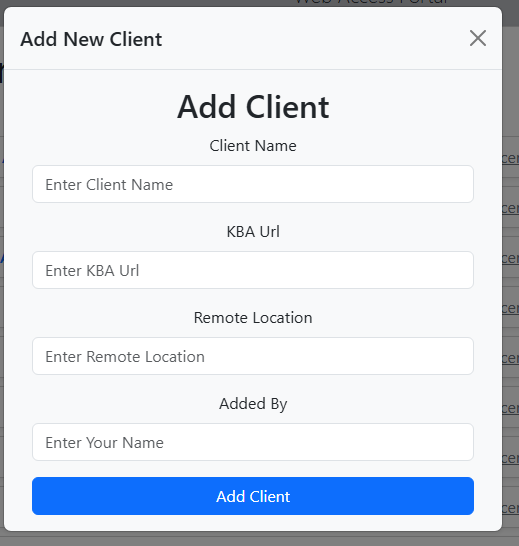
Store, organize, and instantly launch Remote Desktop sessions, access Knowledgebase Articles (KBAs), and manage user credentials—all from a clean, unified interface.
Cut your support time, not your standards.
- Instant RDP Launch: Save connections and credentials, then launch any remote desktop with a single click—no hunting for IPs or passwords.
- Quick Knowledgebase Access: Store and instantly pull up KBA links, docs, or reference files for fast troubleshooting.
- User & Credential Manager: Securely save user logins and account details, organized by client or site.
- Centralized Dashboard: Everything at your fingertips—organized, searchable, and blazing fast.
- Secure By Design: Data is stored locally and encrypted for maximum privacy.
QuickConnect is the shortcut you wish your remote tools always had.
Screenshots
QuickNotes – Instant Copy & Paste for Techs and Support
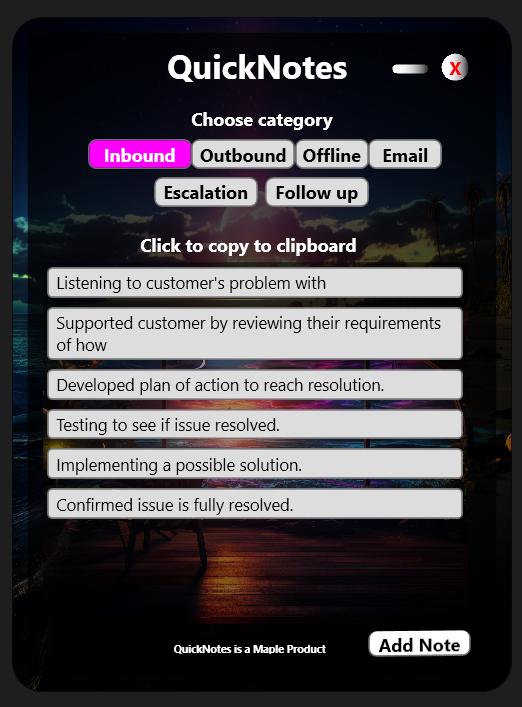
QuickNotes is a blazing-fast clipboard and response manager for anyone who lives in support tickets, case notes, or reports.
Instantly store and organize your most-used phrases, responses, or procedural blurbs—then copy and paste them with a single click.
No more retyping. No more slowdowns. Just pure speed.
- Category Buttons: Organize your “quick notes” by type: Inbound, Outbound, Offline, Follow Up, Escalation, and Email.
- Lightning Fast Copy: Just click a note to send it to your clipboard—ready for any ticket, chat, or document.
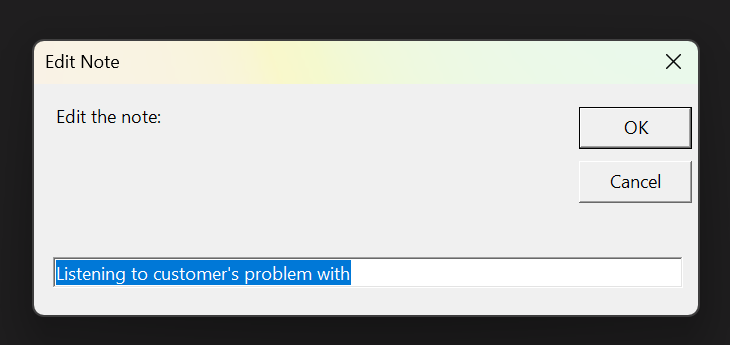
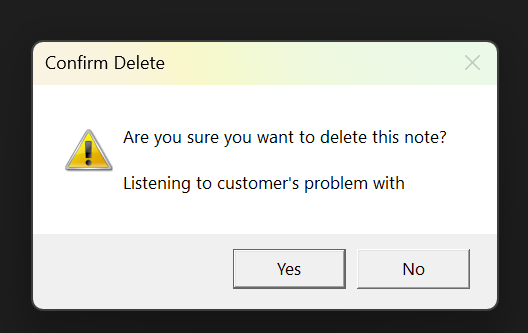
- Instant Edit & Delete: Right-click to edit or delete any note, so your library stays up to date.
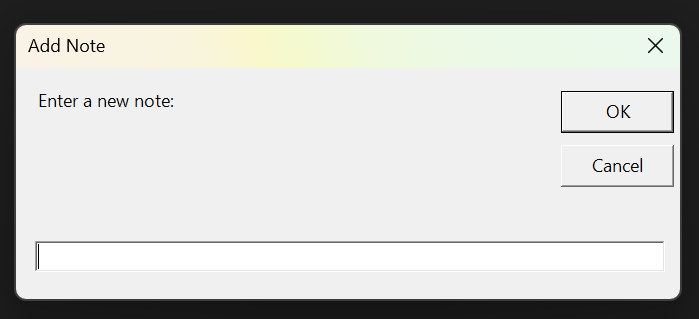
- Add New Templates Instantly: Hit Add to drop a new snippet into the current category.
- Minimal Neon UI: All killer, no filler—focused on what you need: speed and clarity.


Created by Kenneth Lasyone. Free, open source, and optimized for real-world workflow speed.
Screenshots
IT Time Tracker – Simple, Time Logging for IT Pros
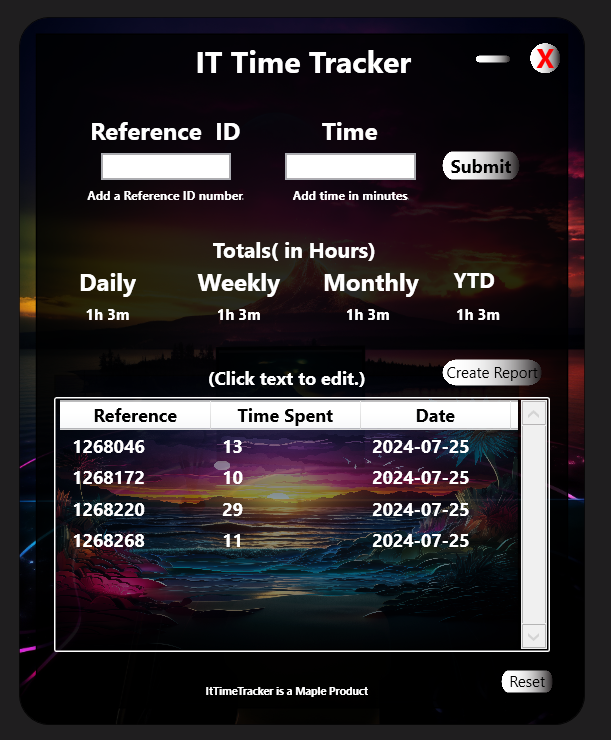
IT Time Tracker is a modern, neon-themed time tracking app for IT professionals and teams. Log, monitor, and edit work hours 100% offlineno integrations, no fuss. Designed for those who just want a clean, personal time tracker that works out of the box.
- Simple Time Entry: Log tasks with reference IDs and minutes spent, in seconds.
- Real-Time Totals: Instantly see daily, weekly, monthly, and year-to-date totals—always up to date.
- Editable Entries: Click any entry to modify and save, or right-click to delete.
- Persistent Storage: Your logs are saved automatically and reloaded each session.
- Sleek Neon Design: Modern UI with transparent window and custom controls for a unique, pro look.
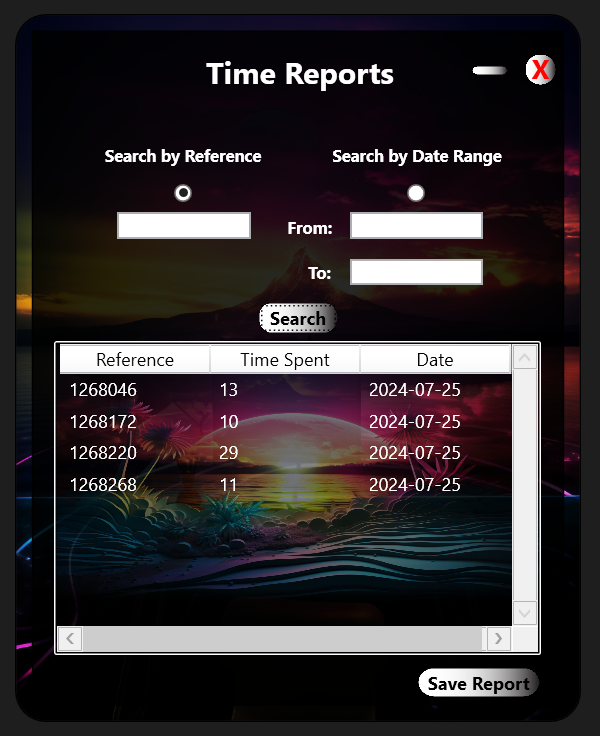
- Quick Reporting: Generate and export reports by date range or reference number, and save as .txt.
- Fully Offline: No internet connection required, no third-party data sync, fully standalone.

Free to use, no license required.
Perfect for sysadmins, tech teams, and anyone who wants a no-bs way to track time.
Screenshots
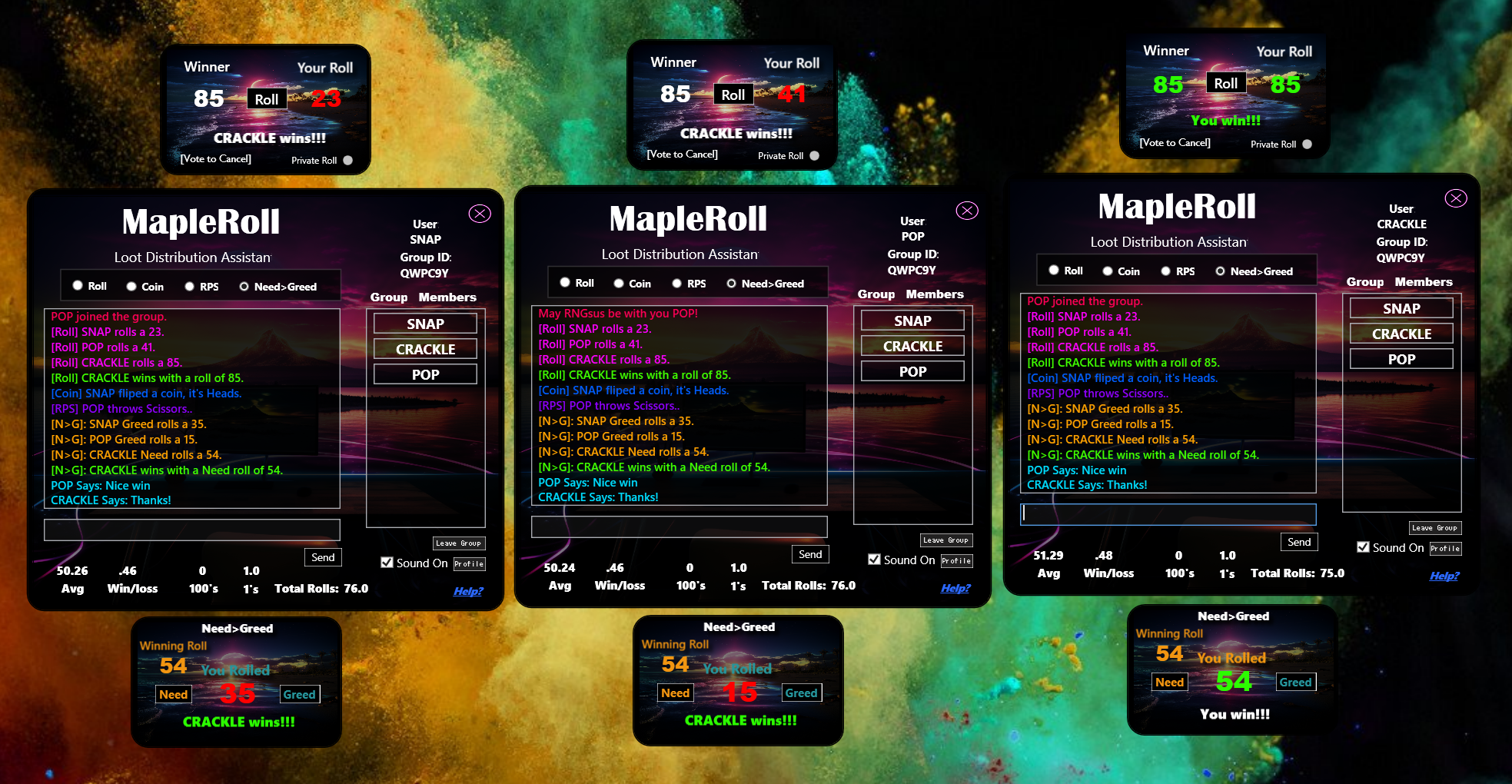
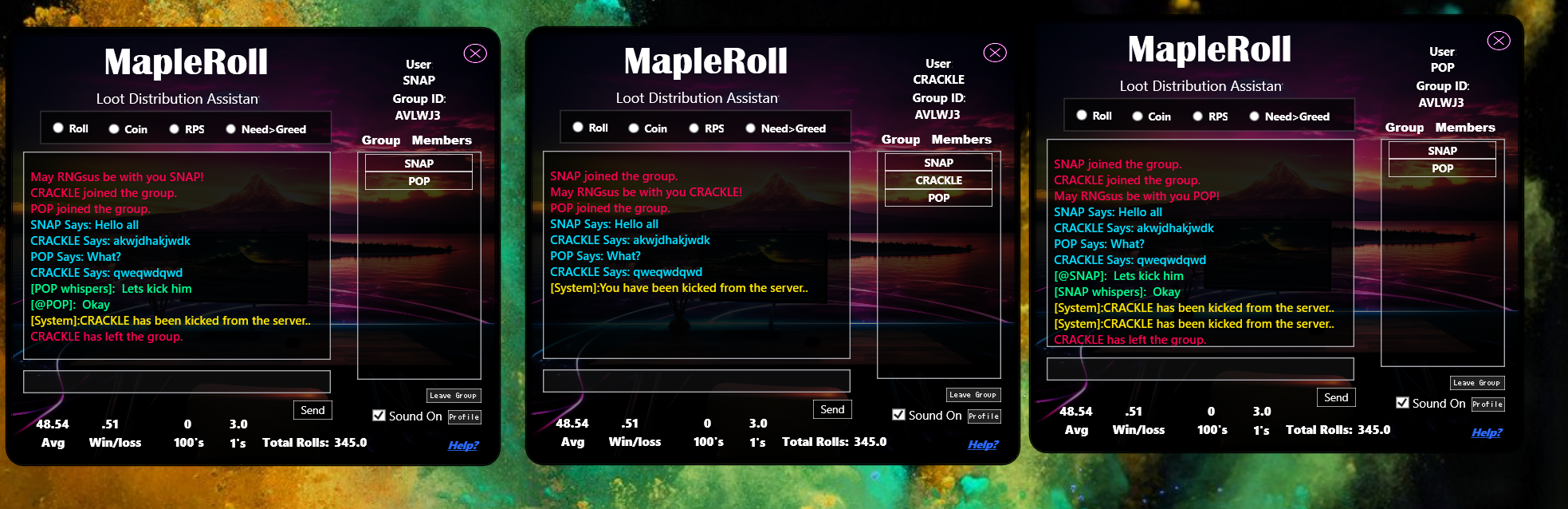
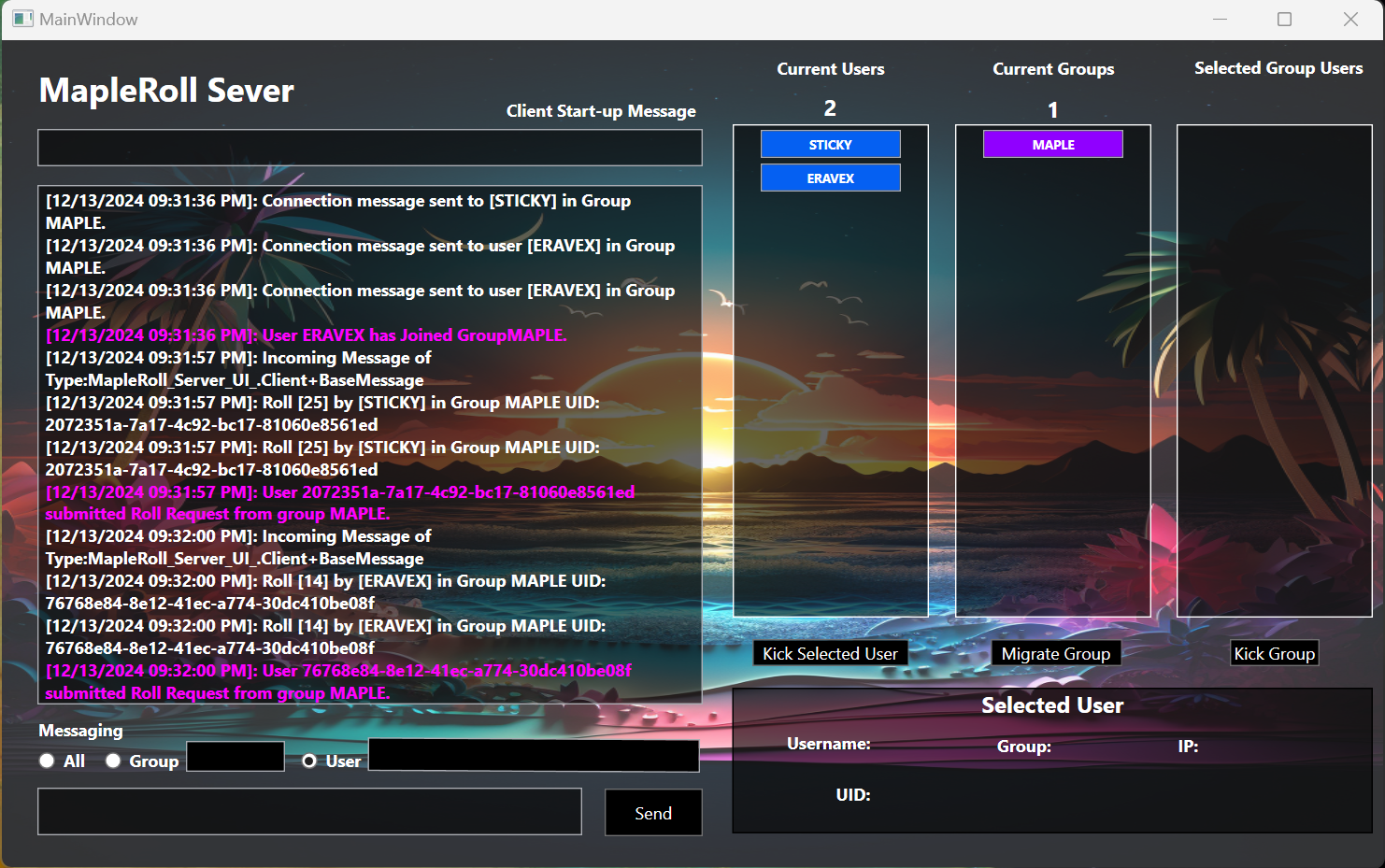
MapleRoll – Group-Based Loot Rolling & Chat Client
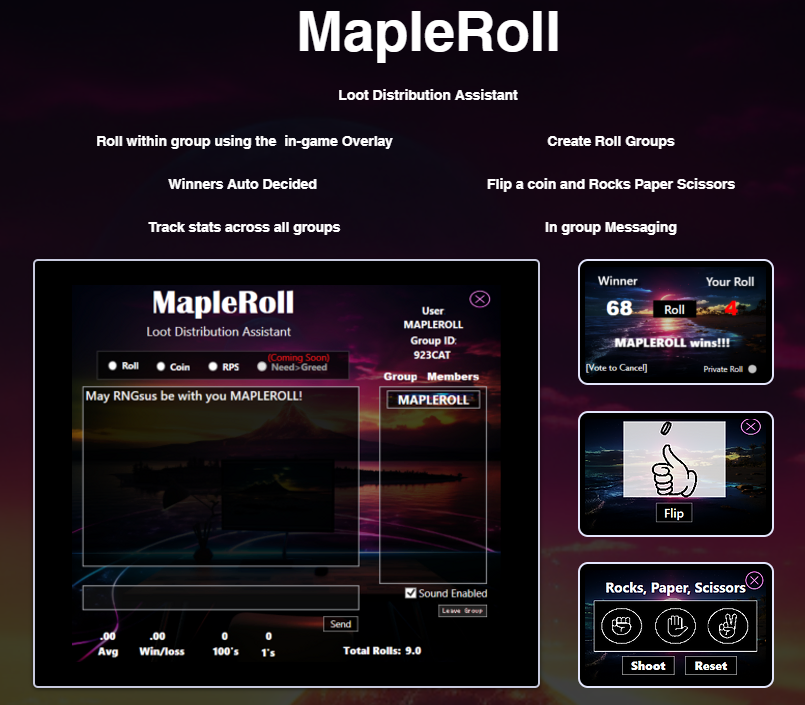
MapleRoll is a cross-platform group chat and loot rolling app, built for gamers who play titles
without a built-in /roll feature. Run fair loot rolls, track stats, and chat with your group—all in one easy client.
-
Group-Based Sessions:
Start a group, share your unique code, and let friends join instantly. -
Online Server-Backed (Anti-Cheat):
All rolls are handled server-side to ensure nobody can fudge their numbers. -
Multiple Rolling Modes:
Classic 1–100 roll, Need vs Greed, Coin Flip, and Rock/Paper/Scissors. -
Roll & Win Tracking:
Instantly see your average roll, win/loss rate, and personal stats. -
Customizable Sound Profiles:
Choose from 6 unique sound sets for notifications and rolls. -
Group Chat & Private Messaging:
Send messages to the whole group or DM individual players right in the app.
Just start a group, share the code, and roll on!
Screenshots